Chapter 2 Overview
6
: STOP: stop current test and return to the parent directory.
: START: start current group test.
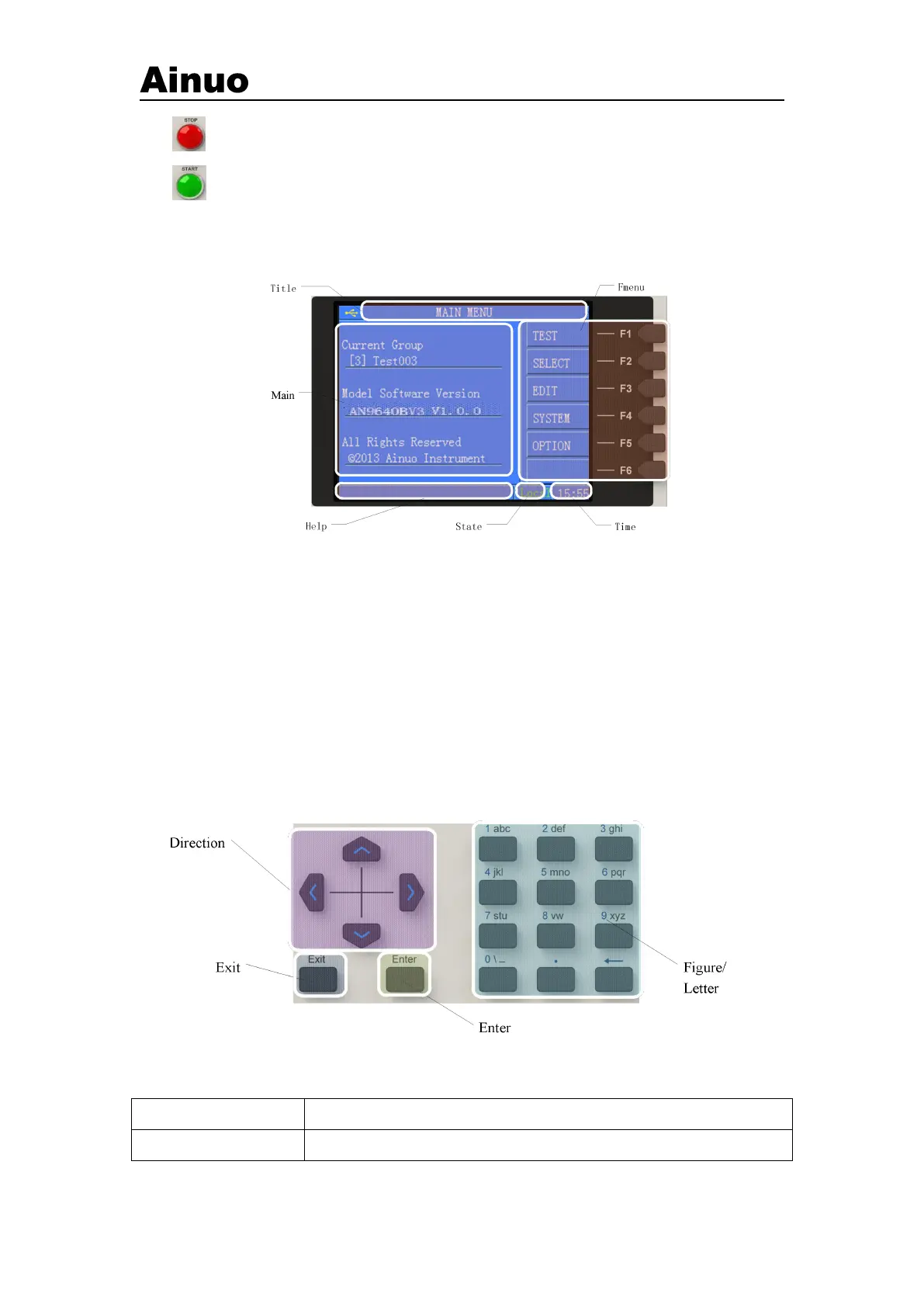
(3) LCD screen: show settings and measurement information, as shown in Figure 2-3-2,
including 6 districts.
Figure 2-3-2 LCDs
Tile: display title of current screen.
Main: dispaly settings and test information.
Help: Help information for the user’s operation.
Status: current operating status of the instrument, including Local, PLC and Barcode.
Time: current time (24h system).
F menu:operate F keys according to the soft keyboard displayed on the screen.
(4) F menus:operate as the soft keyboard displayed at right.
(5) Keys: Described as follows:
Figure 2-3-3 Function of keys



 To Next Page