Chapter 3 Unpack and Installation
19
The hardware configuration file information records the system hardware configuration file
name, remarks, etc.; the hardware configuration file management mainly implements operations
such as deleting the configuration file.
3.4.4 Hardware Configuration
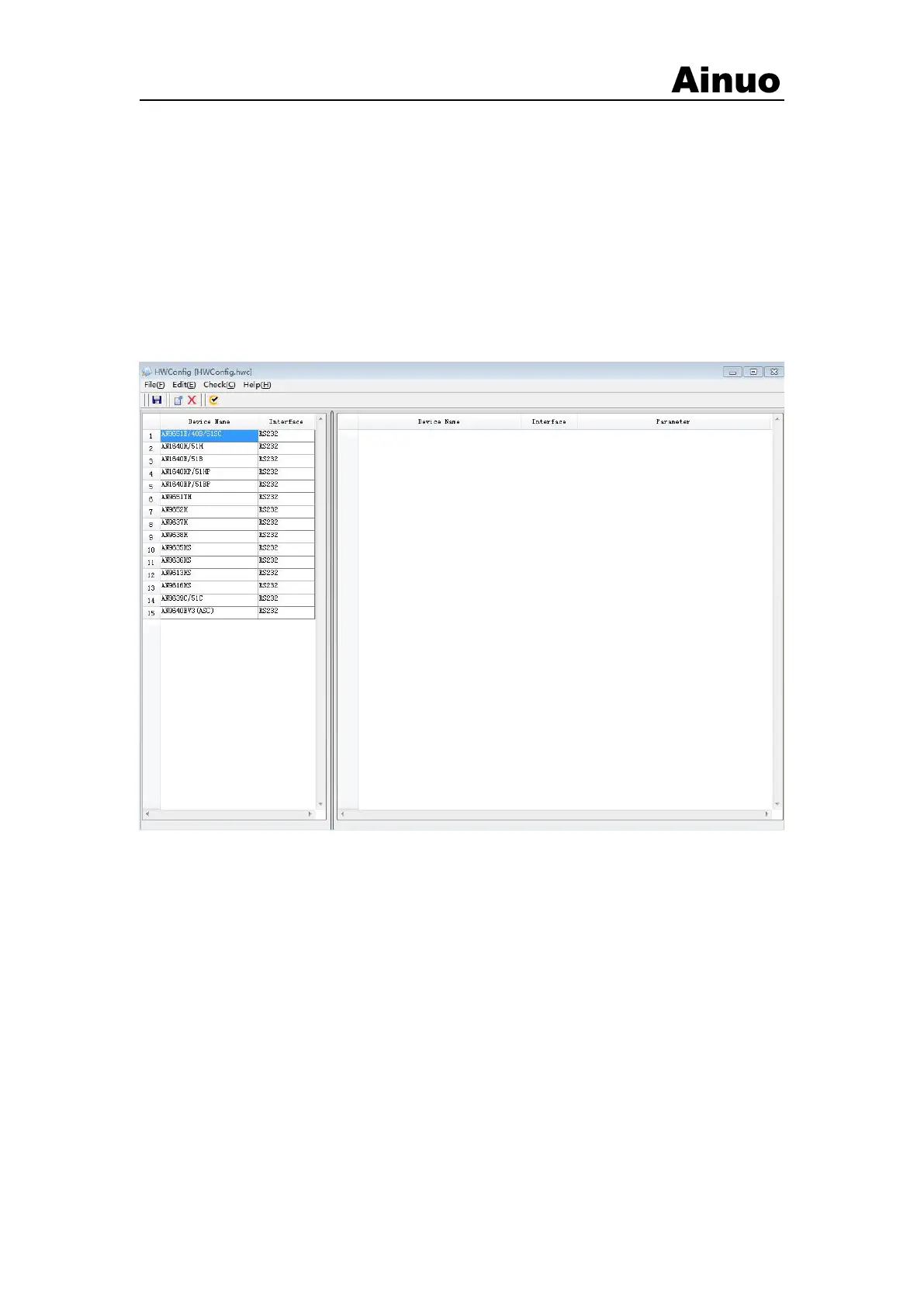
Select the device management option in the main interface of the ESRS system software, and
the device management interface shown in Figure 3-2-5 will be displayed. Please be sure to set its
related parameters according to the configuration of the instrument on the system, such as GPIB
address, RS-232 parameters, etc. After setting, pay attention to save the device configuration file.
Figure 3-2-5 Device management interface
3.4.5 Program editing
Select the program editing option in the main interface, and the program editing window
shown in Figure 3-2-6 will be displayed. Each test process is composed of multiple test items.
Multiple fixed test items have been established in the system. You can use them directly to
establish the test process you need and then set the parameters of each test item.



 To Next Page