Chapter 4 Settings and Test
41
USB flash disk before operation, that is the symbol appeared at the left upper corner of the
screen.
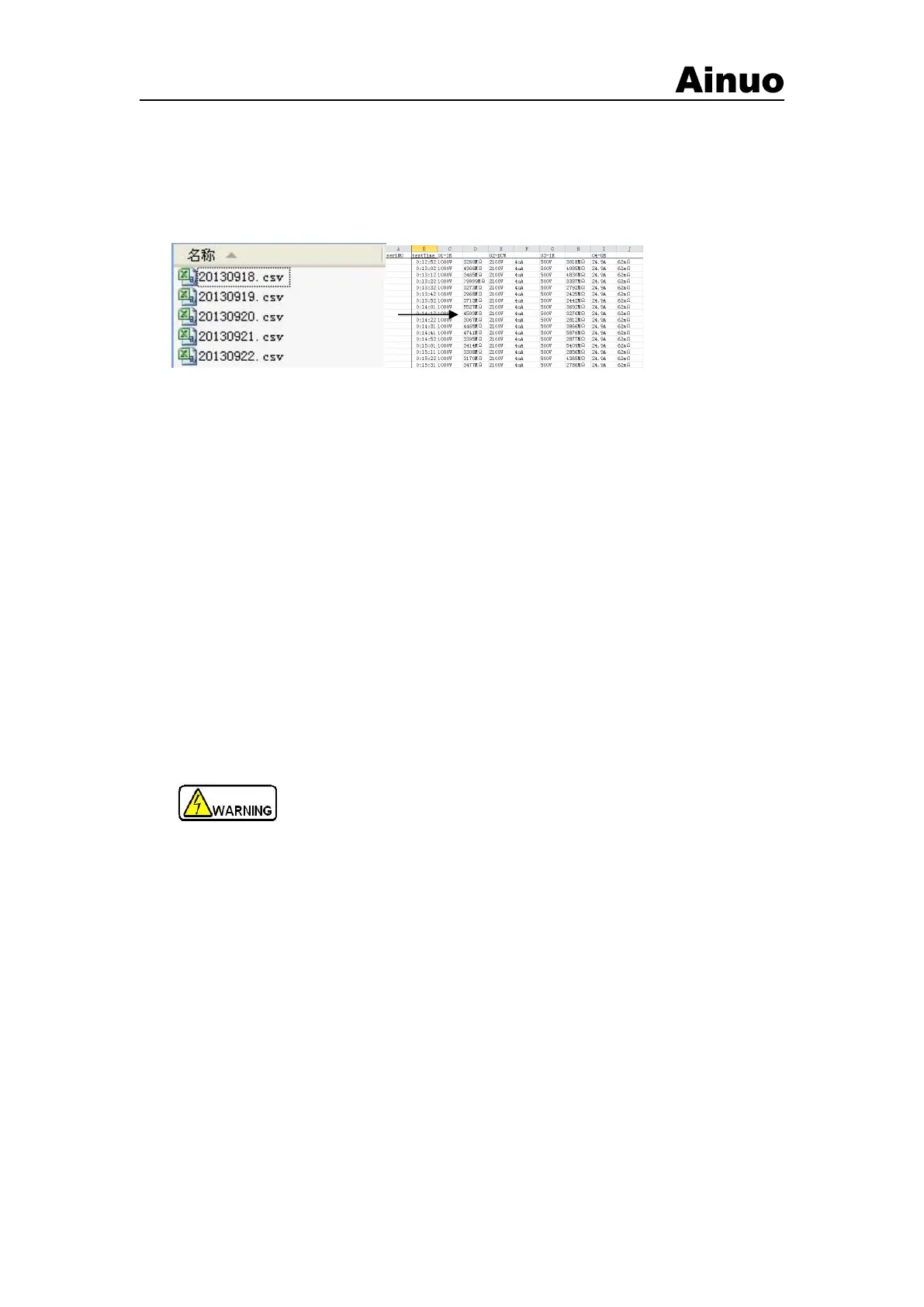
USB flash disk is used to store the test datas. A separate folder will be created for the current
group, and a log file will be stored every day in the following format:
Figure 4-7-3 Files format in USB flash disk
4.7.2 PLC
PLC function can be set to enable/disenable by F menu.
The pin definition of PLC is described in section 5.3.
4.8 Calibration
User can’t perform calibration of the instrument without the professional instruments, please
contact Ainuo for the calibration.
4.9 Shutdown
Shut down the analyzer as the following steps:
1) Press STOP to stop testing and return to “Function Selection” screen.
2) Turn off the power switch on the front panel.
1) To avoid shock, do not touch the DUT immediately after IR or DCW ttest!
2) Frequent start/stop of the instrument is forbidden. Keep 30s interval at
least!
3) Never turn off the power during testing other than emergency!



 To Next Page