Chapter 4 Settings and Test
30
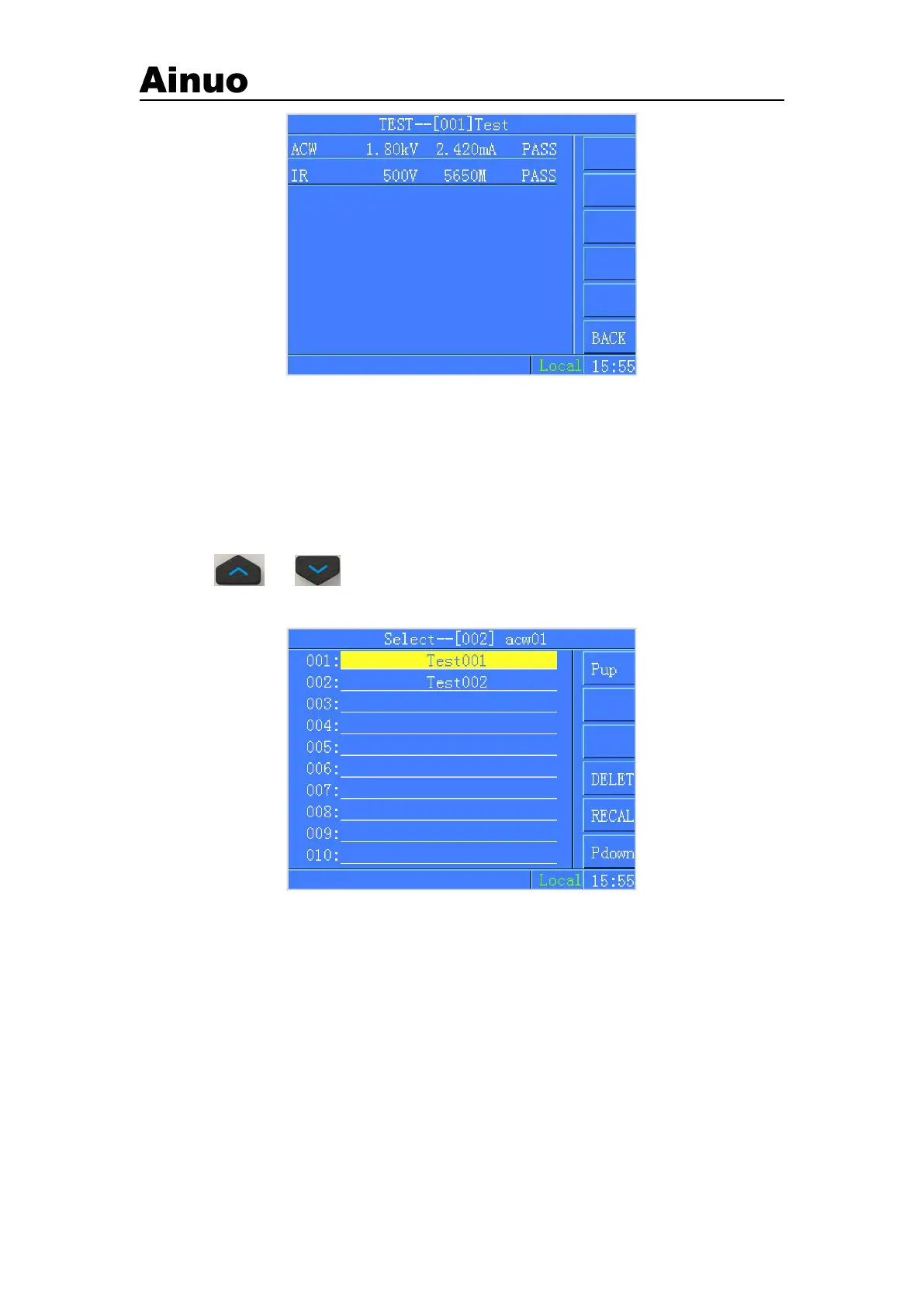
Figure 4-3-5 List the test results after completing the test
4.3.10 Date
To set the date/time of the instrument.
4.4 Group Selection
Provide 100 built-in groups to edit and recall the settings.
Press or to move the cursor and select the group to ediy. Press the F menu
button Re-name and Load to edit and recall the settings.
Figure 4-4-1Selection of Group
4.5 Parameters Settings
In function selection screen, choose Settings of Parameters menu to enter into group settings
screen , as shown in Figure 4-5-1:



 To Next Page