Chapter 3 Unpack and Installation
21
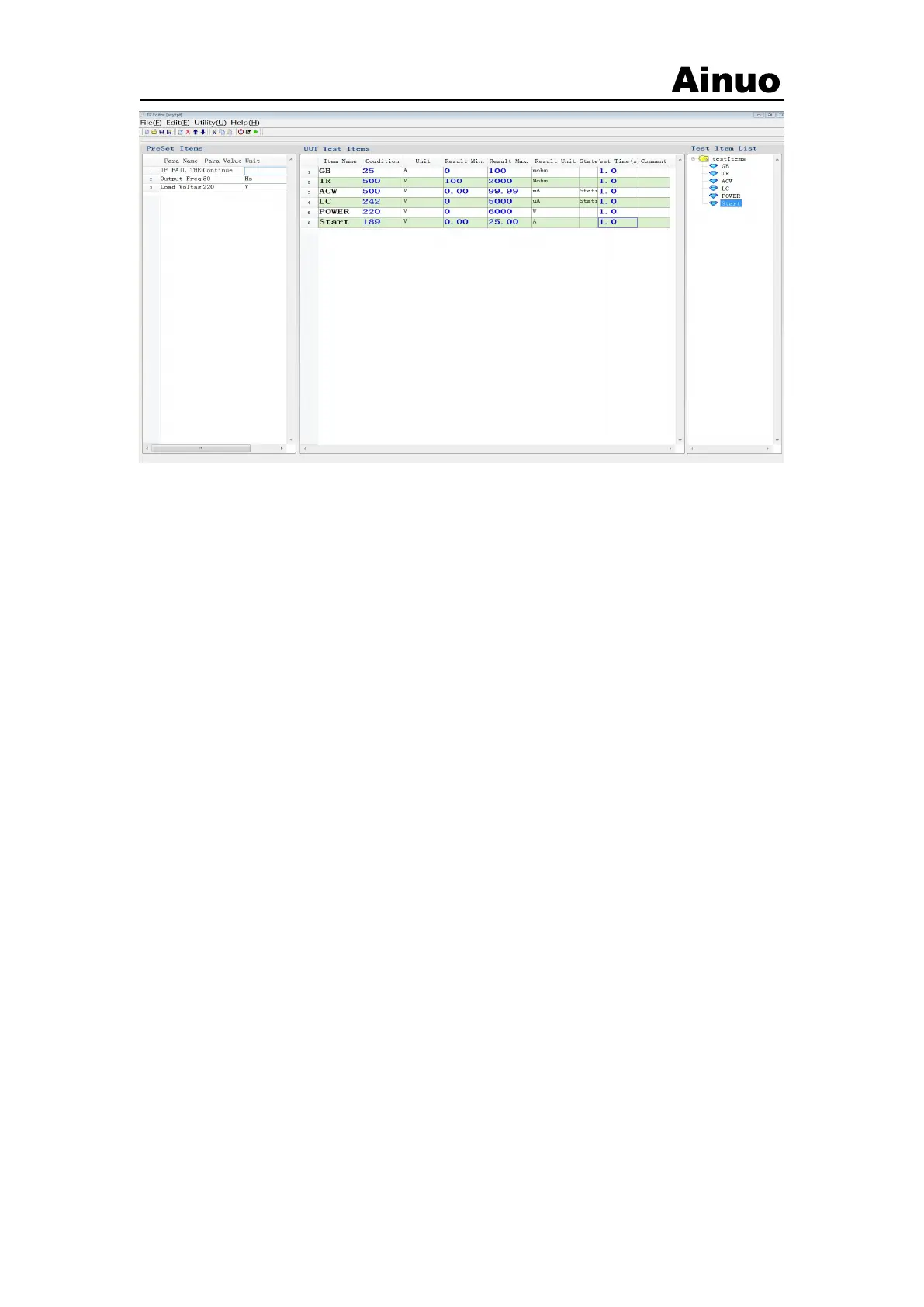
Figure 3-2-8 Open the interface
After creating or modifying a test process, save the test process file and publish it. Note that
if you modify a test program, it is best to rename it after modification, otherwise it may affect the
generation of the report. If there is a program with the same name in the folder when saving, it will
be given. Prompt for user to rename.
3.4.6 Product testing
In the main interface of the system, select the product test interface as shown in Figure 3-2-9
(control mode) or Figure 3-2-10 (query mode). After opening a program file, click the "Execute
Test" button, and the system will test the test object according to the set system equipment and test
process. Test information and test results will be displayed in their respective display areas.



 To Next Page