Chapter 4 Settings and Test
37
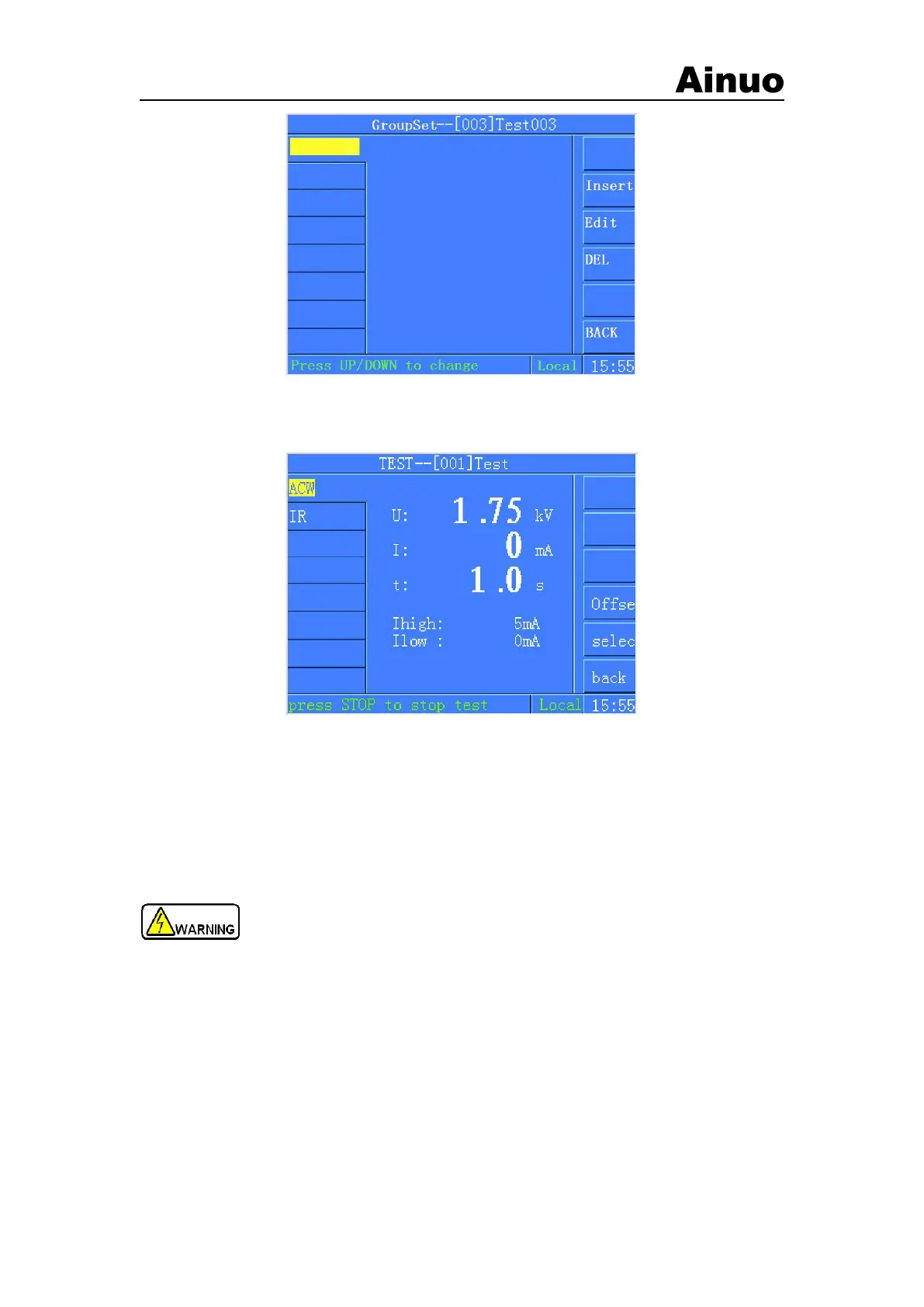
Figure 4-5-10Parameters setting screen after delete the test step
4.6 Start to test
Figure 4-6-1 Test waiting screen
It will return to the Selection of Function screen after completing all the settings. Press F Menu
START Test to enter into Test wiating module. Insert the power line of DUT into the test box.
Connect the GB clamp with GND point of DUT. After finishing wire connection, press START
button to start to do testing of the current group. If do not need to change test settings, press
START button to repeat testing. During testing, press STOP button to stop testing at any time.
The START/STOP signals on the remote control port are the same
as those on the front panel. If the remote control port is not used, disconnect the
remote control cable to ensure safety!
4.6.1 Start to test
1) During testing, it is as shown in Figure 4-6-2:



 To Next Page