Chapter 2 Overview
11
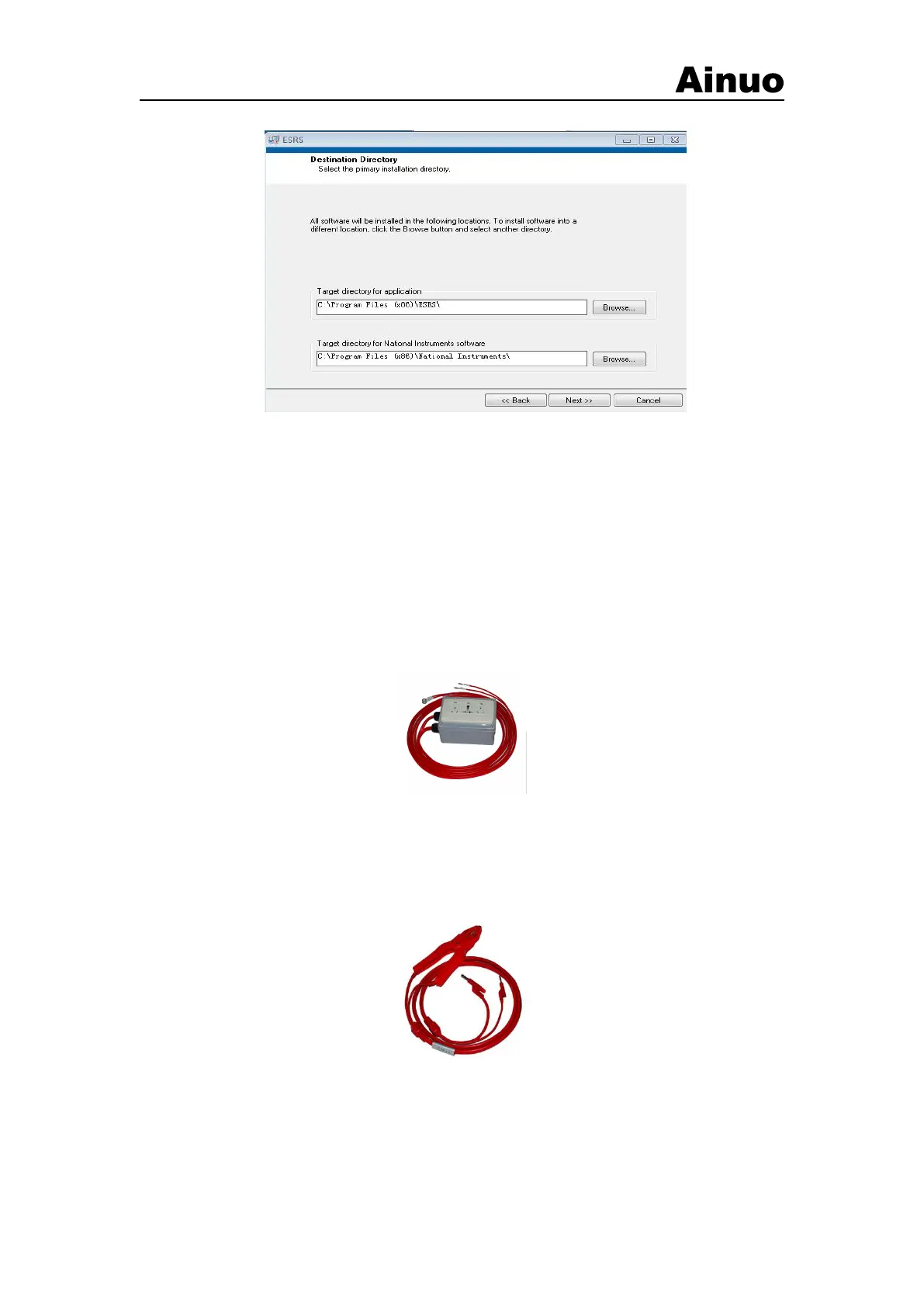
Figure 2-5-4 ESRS driver
The installation location of some modules of the software in Figure 2-5-4 above is
recommended to be installed in a hard disk partition with a large remaining space, because the
data generated by the test will be automatically saved in this directory, occupying a large hard disk
space, 2-5-4 are some necessary drivers required for the software to run, generally installed in the
default directory.
2.6Accessory
2.6.1Test Box
To connect the power line of DUT, so asto connect the DUT with the analyzer.
Figure 2-6-1Test box
2.6.2GB clamp
For GB, connect the GB point. In fact, this GB clamp acts as a large current output terminal,
and used for current and voltage sampling.
Figure 2-6-2 GB clamp
2.6.3ALARM light
The ALARM light can provide three signals: PASS (green), Testing (yellow) and FAIL (red).
Insert the ALARM light 5P aero plug into the 5P ALARM light aero socket on the rear panel.



 To Next Page