Chapter 3 Unpack and Installation
14
Do not open the cover of the instrument freely so as to avoid electric shock. In case of
abnormities of the instrument, ask Ainuo Instrument Company or the dealer for maintenance.
3.3 Check before power-on
After confirming that the instrument is intact and attached to the work location, please
check in the following steps:
(1) Only connect the power line and do not connect other test line. Turn on the power switch;
(2) After the instrument enters the selection screen, press the menu Goto Test to enter test
screen, press START button to test. If the test conditions are described below:
a. Alarm for open ground;
b. IR >50GΩ;
c. Low breakdown current or zero for ACW/DCW;
d. For PA, displayed output voltage: 220V, output power: 0W;
e. For LC, displayed output voltage: 233V, current (rms): 0μA.
The analyzer is normal; check the analyzer according to the instruction in Section 4.
(3) Start the analyzer for the first time, if there is no display, check and make sure the power
line is connected well; during start to test, if the start fails, there is no response after
pressing the key, or there is no action sound of relay etc, please contact Ainuo or
designated dealer for technical support.
3.4 ESRS software operation instructions (only AN9651CV3 uses
this software)
3.4.1 How to start the ESRS system software
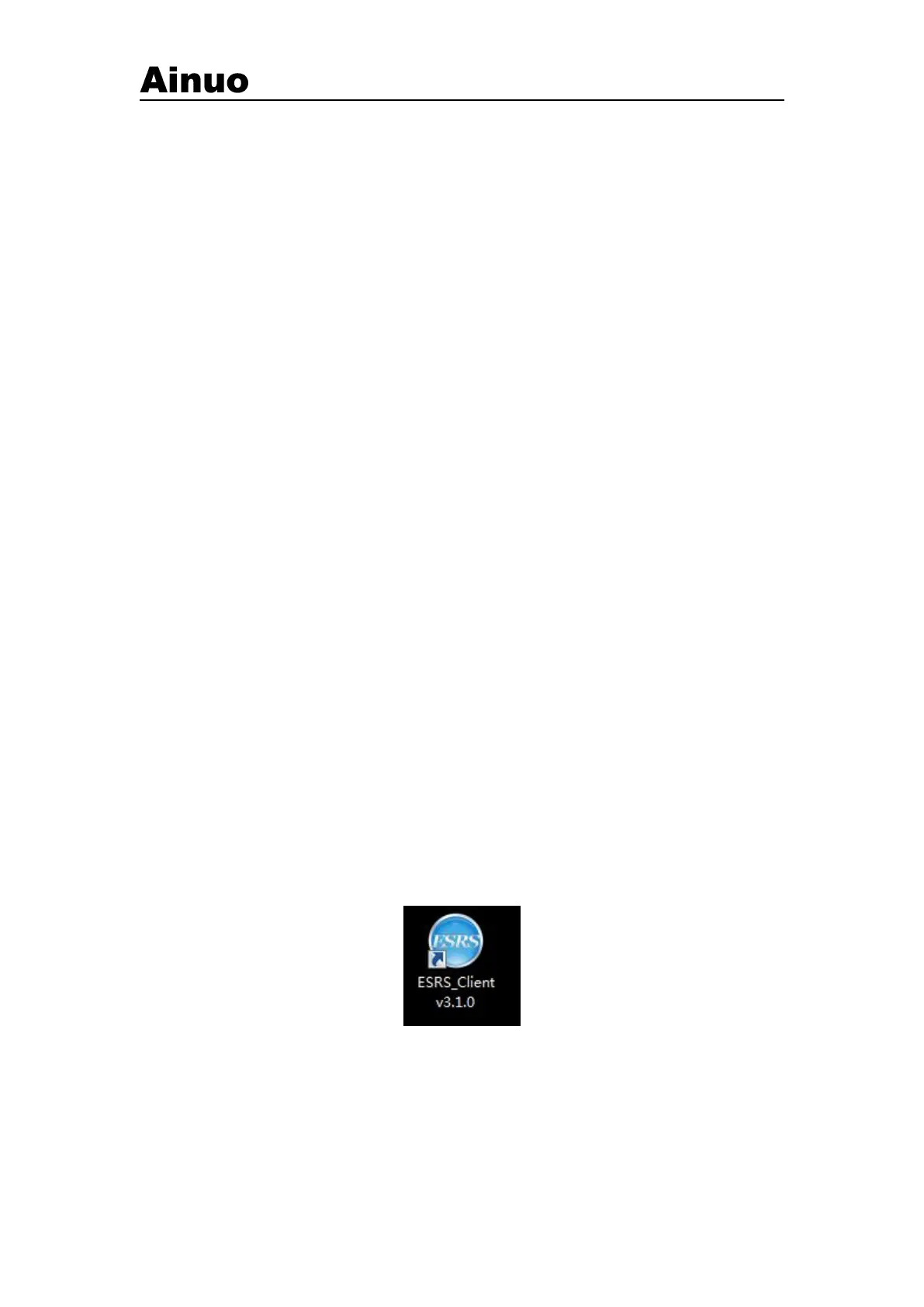
If you have installed the ESRS software to your hard drive according to the instructions in
Chapter 2, a shortcut to the ESRS software will appear on the desktop of your industrial computer.
Click the shortcut button with the mouse to start the ESRS software. In addition, you can also start
as follows: Start-Program-ESRS-Start system software.
Figure 3-2-1 A shortcut
After executing the ESRS system software, the login interface as shown in Figure 3-2-2 will
appear first:



 To Next Page