Chapter 4 Settings and Test
36
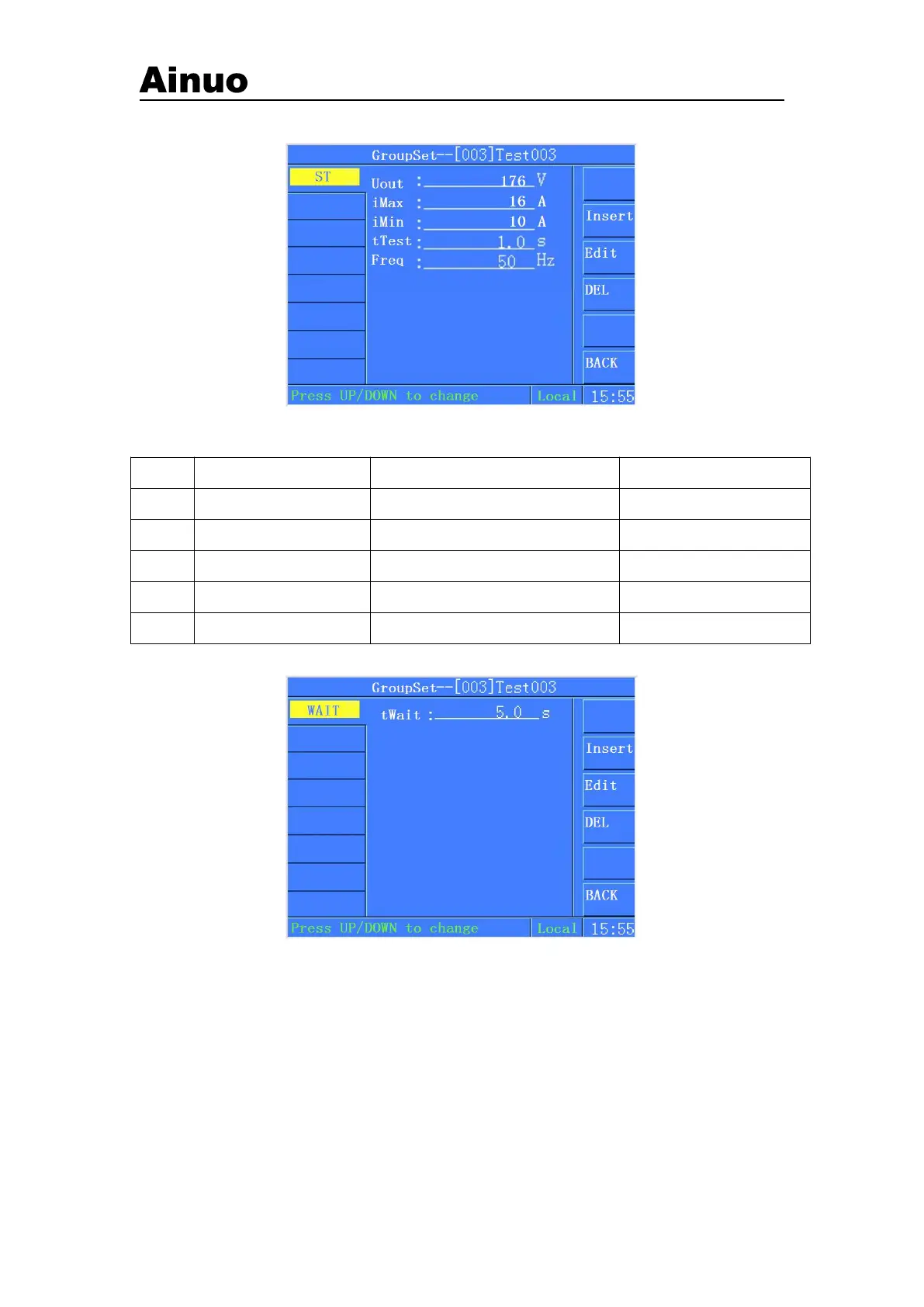
4.5.7ST Settings
Figure 4-5-8 ST
Parameters for ST:
Current alarm upper limit
Current alarm lower limit
Test time of current step
4.5.8 Waiting Test settings
Figure 4-5-9Waiting Test settings
Test time can be set, range: 0.1s~999.9s/infinite. Press START button again under waiting test
screen to complete the current step test.
4.5.8 Deleting test items
The current step test items can be deleted through press DELETE button, as shown in Figure
4-5-10.



 To Next Page