Chapter 5 Interface
44
To enable PLC start, set Start Mode in Settings of System screen to PLC, now the
START button on front panel is invalid; to enable PLC test state output, set on the Settings of
System screen.
The definitions of pins are listed in Table 5-3-1.
Table 5-3-1 Definition of PLC pins
The remote input signal adopts digital input (such as
PLC). Never connect other voltage or current supply. Other power supply will
cause damage or malfunction of control circuits in the analyzer.
5.4 BAR CODE INPUT
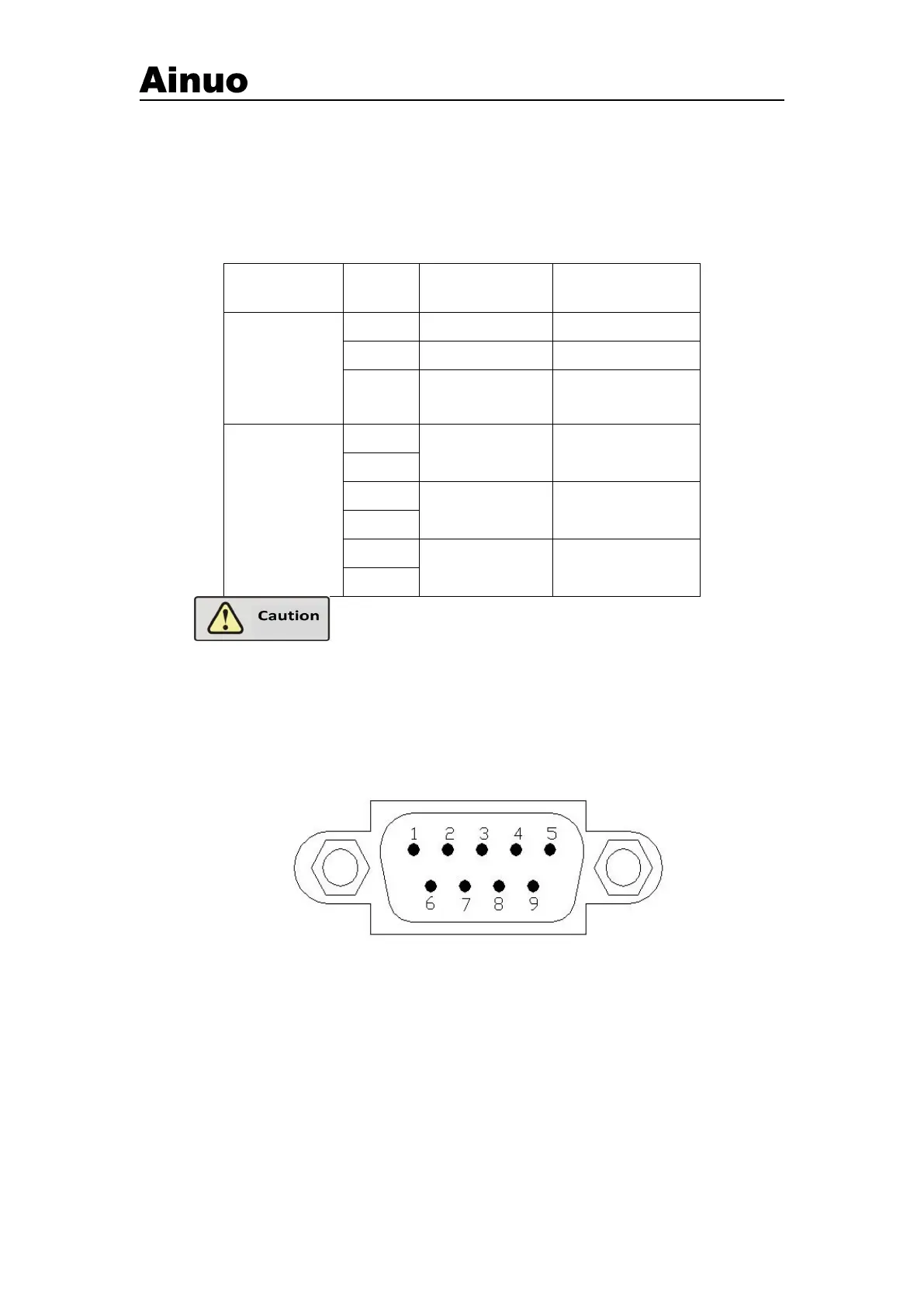
Use DB9 socket (male), matching Ainuo barcode scanner, asshown in Figure 5-4-1.
Figure 5-4-1 COM (male)
Pins of RS232 port (same for A and B)



 To Next Page