Chapter 3 Unpack and Installation
20
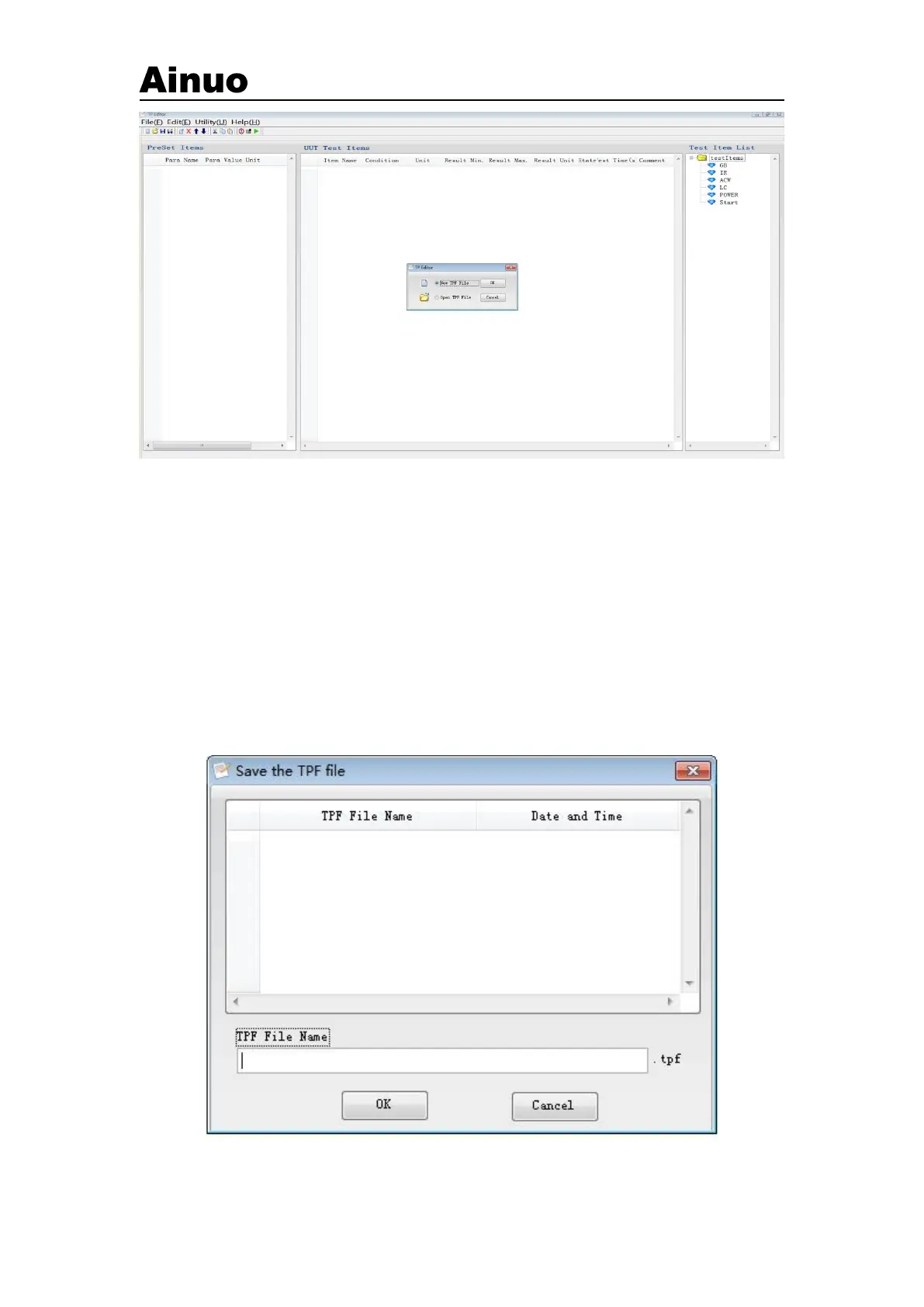
Figure 3-2-6 Program editing window
At this time, the user will be asked whether they want to create a new test process or open an
existing test process. If you choose to create a new test process, a dialog box will appear, as shown
in Figure 3-2-6. The user enters the corresponding information in this dialog box, and then clicks
the "OK" button to display a blank editing interface, as shown in the figure 3-2-6, the user can edit
the desired test process and test parameters on this page.
The user can also choose to open an existing test process file, as shown in Figure 3-2-7. After
opening the file, the user can modify the test process and test parameters, as shown in Figure
3-2-8.
Figure 3-2-7 Open an existing test process file



 To Next Page