Page 28
SYSTEM MENU
The System menu is where all transmitter-specic programming takes place. Use this
menu to make changes to Model Name, Model Select, Model Type, Modulation, Switch
Assignments, and much more.
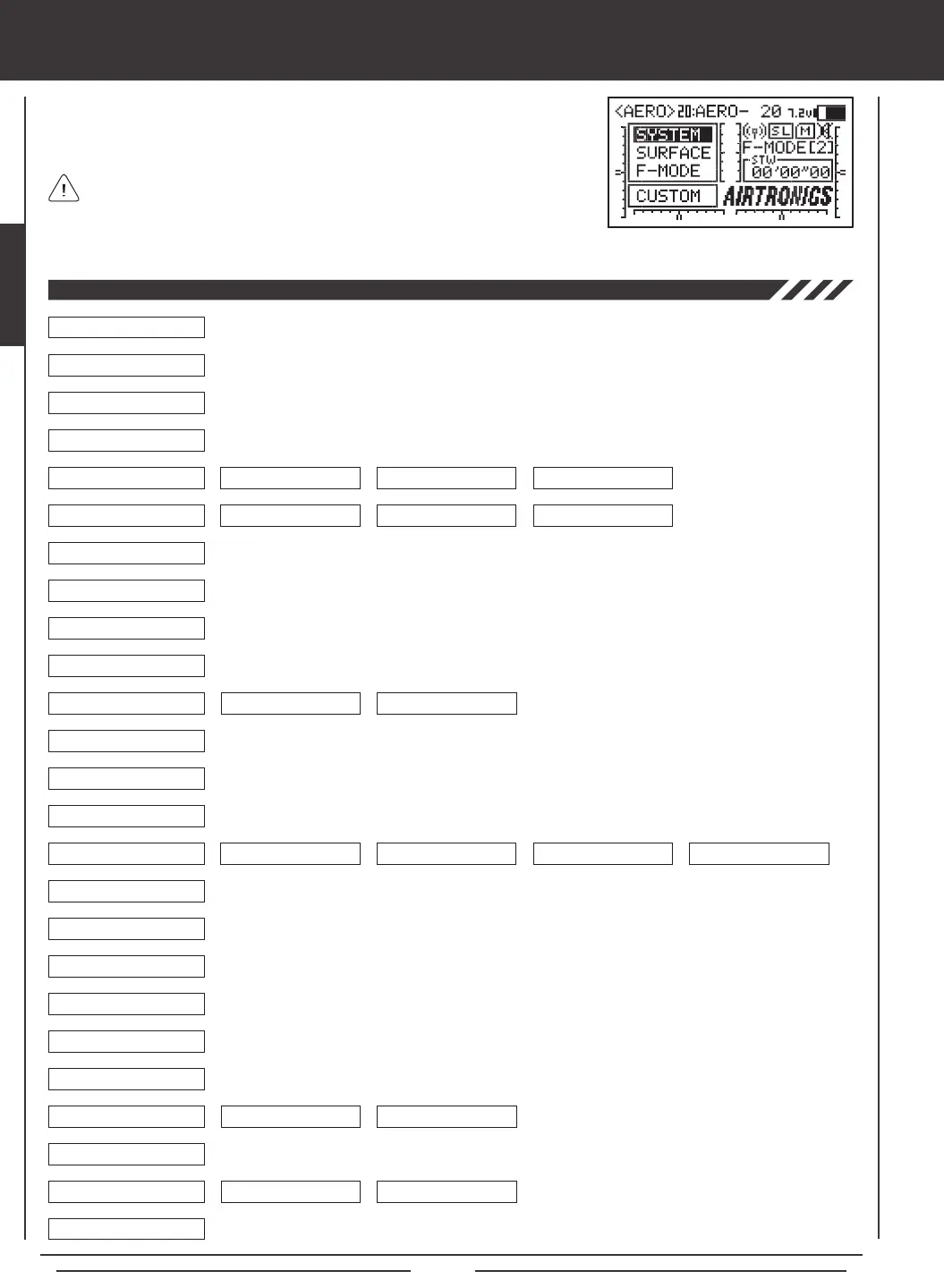
Use this Flow Chart to familiarize yourself with the System menu structure. Descriptions regarding all
System menu functions and programming are found on pages 29 through 61.
System menu selections are the same for all three Model Types. A small number
of sub-menu selections vary by Model Type. These are noted in the pertinent
menu descriptions.
04.DIRECT MODEL SELECT
03.MODEL SELECT
02.MODEL NAME
01.USER NAME
05.TYPE
06.MODULATION
07.LOW POWER MODE
08.FAIL SAFE
09.BATTERY FAIL SAFE
10.TRAINER
11.MODE SETUP
12.CH ASSIGN
13.SW ASSIGN
14.STICK SWITCH
15.TIMER
16.DATA COPY
17.DATA RESET
18.DATA TRANSFER
19.CONTRAST
20.CLICK
21.ALARM
22.TOP MENU ARRANGE
23.CUSTOM MENU
24.MEMORY PACK
25.SYSTEM INFORMATION
System Menu
STOP WATCH RHYTHM INTEGRAL TIMER SYSTEM TIMER
LIST INITIAL
MENU DISPLAY
MODE NEUTRAL/TRAVEL
MODULATION SAFETY LINK BIND CODE
AERO GLIDER HELI
6
6
6
6
6
6
6
6
6
6
6
6
6
6
6
6
6
6
6
6
6
6
6
6
6
6
6
6
6
6
6
6
6
6
6
6
6
6
6 6



 To Next Page