Page 63
surface MENU
The Surface menu is where all basic adjustments to the control surfaces of your model
are made. Adjustment Options include Reversing, Centering, End Point Adjustments,
Limits, and CCPM and Swashplate settings (HELI Model Type), in an easy-to-follow
spreadsheet format. Individual Adjustment Options can also be 'locked' to prevent
unwanted or accidental changes.
Surface menu Adjustment Options are the same for AERO, GLID, and HELI
Model Types. There are also several HELI Model Type-specic Adjustment
Options. These are noted in the section headers (HELI Model Type Only).
Surface Menu
To access the Surface menu, turn the transmitter ON. From the Top menu, press the Navigation Pad
56
to highlight SURFACE,
then press the ENTER key to display the Surface menu.
If the Top menu is not displayed when you turn the transmitter ON, continuously press the END key until the Top menu
is displayed.
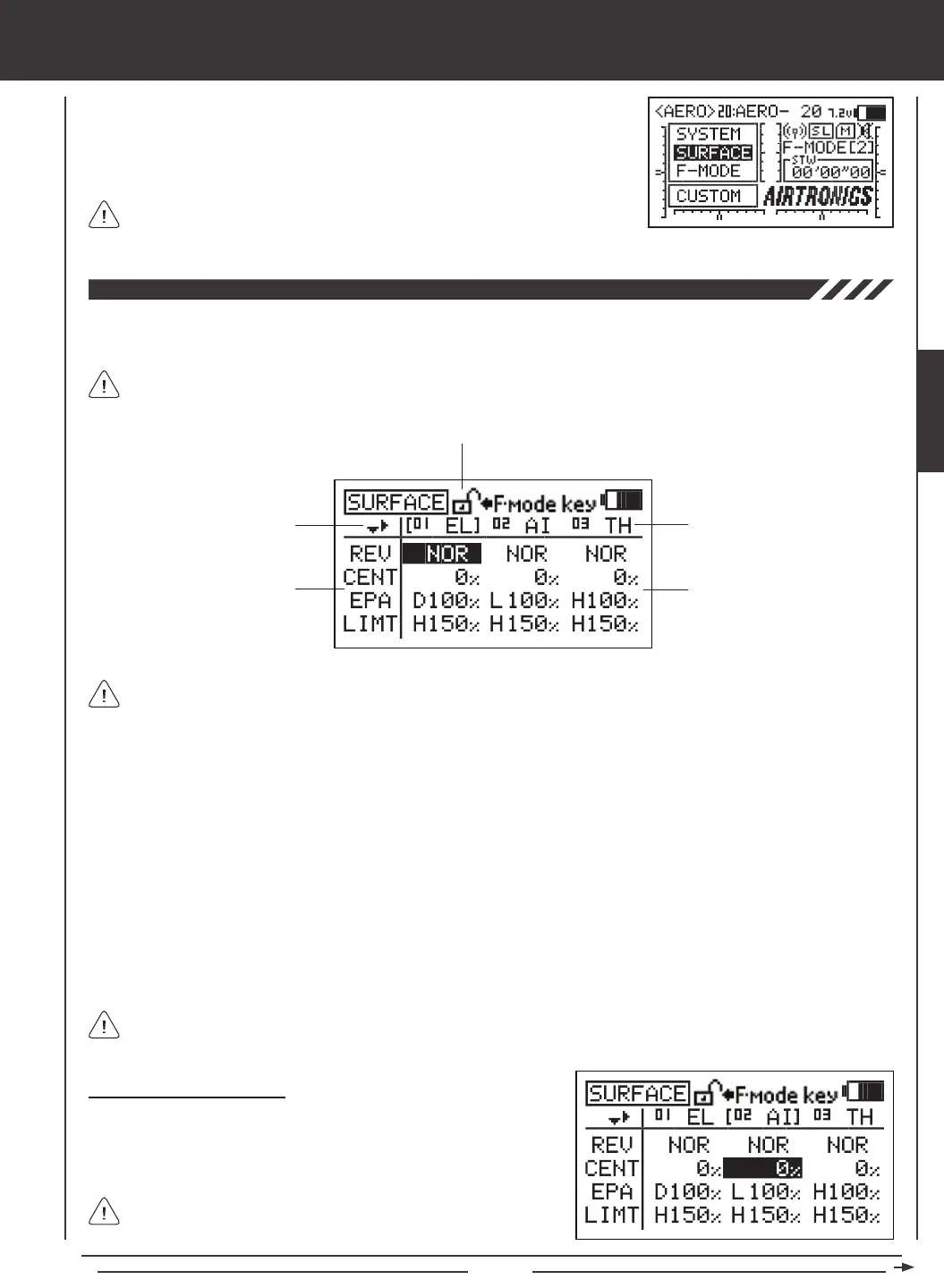
Directional Arrows Channel Assignments
Adjustment Options Adjustment Values
Adjustment Options Lock
Navigating the Surface Menu
1) Press the Navigation Pad
3456
to highlight the Adjustment Value
that you would like to change. For example, if you would like to change
the CENT (Centering) Adjustment Value for CH02 AI (Aileron), highlight
the Adjustment Value adjacent to CENT and below 02 AI.
As you scroll through the Surface menu, the Directional Arrows will
change, indicating which direction you can move the cursor.
Directional Arrows: Indicates in which direction you can navigate through the Surface menu using the Navigation Pad.
Adjustment Options: Indicates which control surface options can be adjusted. Adjustment Options vary based on the current
Model Type.
Adjustment Options Lock: Indicates if the individual Adjustment Options are either Locked or Unlocked. When the padlock
is Open (Unlocked), Adjustment Values for that specic Adjustment Option can be changed. When the padlock is Closed
(Locked), Adjustment Values for that specic Adjustment Option cannot be changed.
Channel Assignments: Indicates the actual channel/control surface that the Adjustment Values affect. Channel Assignments
vary based on the current Model Type, specic Model Type selection options, and Channel Assignment options.
Adjustment Values: Indicates the current values for each of the Channel Assignment Adjustment Options. Highlight a specic
Adjustment Value, then press the YES/+ or NO/- keys to change its value.
Adjustment Values can be changed for all Channel Assignments unless otherwise noted. If an Adjustment Value cannot
be changed, three dashes (
---
) will be displayed.
Unless otherwise noted, all programming changes take effect immediately. From within any menu, press the END key
continuously to return to the Top menu.
SURFACE



 To Next Page