Page 83
aero Flight Mode Menu
1) Press the Navigation Pad
6
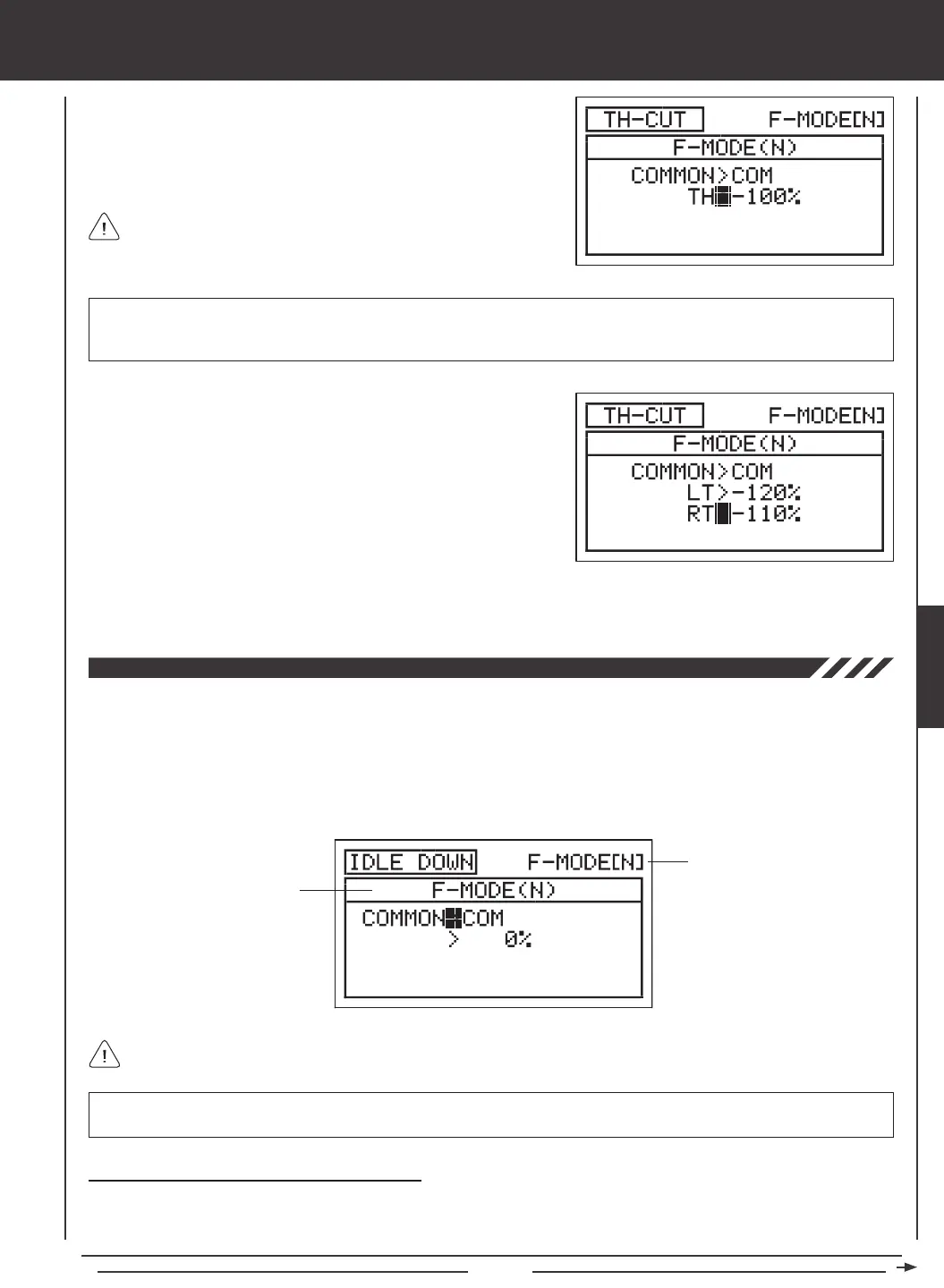
to highlight TH>-100%.
2) Press the YES/+ or NO/- keys to set the position you would like the
throttle servo to move to when TH-CUT is Activated.
TH-CUT setting range is -150% to 0%. The default setting is -100%. Increasing the TH-CUT percentage value will increase
the position that the throttle servo is moved to and decreasing the TH-CUT percentage value will decrease the position that the
throttle servo is moved to.
3) If you have programmed Model Type Setting Option THROTTLE>2
press the Navigation Pad
6
to highlight LT>-100%.
4) Press the YES/+ or NO/- keys to set the position you would like the Left
throttle servo to move to when TH-CUT is Activated.
The Idle Down function allows you to set a specic position that the throttle servo will move to. The Idle Down function is similar to
the Throttle Cut function, however, whereas the Throttle Cut function is designed to be used to shut down your engine, the Idle Down
function is designed to be used to set your engine to a specic idle speed that is different from the idle speed provided when the throttle
control stick is pulled all the way back, yet still maintain the full range of throttle travel. For example, you can set one idle speed that
you use during normal ight using the throttle trim switch, then you can program a slower idle speed using the Idle Down function for
use during landing or when you want your aircraft to stay in position while idling on a paved runway. The Idle Down function can be
programmed separately for each of the ve Flight Modes or you can use the same Idle Down programming across all ve Flight Modes.
Transmitter F-MODE
Programming F-MODE
Transmitter F-MODE refers to the Flight Mode that the transmitter is currently operating in. Programming F-MODE refers
to the Flight Mode that you would like to change the programming for.
IMPORTANT IDLE DOWN must be assigned to a Switch Position Number before it can be Activated. For more information,
see page 45.
Choosing the Flight Mode - Common or Separate
When set to COM (Common), the IDLE DOWN setting will be the same regardless of which Flight Mode the transmitter is
operating in. You cannot program IDLE DOWN settings separately for each Flight Mode. When set to SEP (Separate), you can
program IDLE DOWN separately for each Flight Mode.
5) Press the Navigation Pad
6
to highlight RT>-100%, then press the YES/+ or NO/- keys to the position you would like the
Right throttle servo to move to when TH-CUT is Activated.
When the Throttle Cut function is Activated, the throttle control stick
will be disabled.
AERO



 To Next Page