Page 71
Flight Modes
The SD-10G transmitter model programming is based around Flight Modes. Each
Model Type (AERO, GLID, and HELI) feature ve independently programmable Flight
Modes. Within these Flight Modes is where the core of the model programming takes
place. Features such as Dual Rate, Exponential, Throttle Curves, Pitch Curves, Mixing,
Compensation Mixing, and much more can be individually programmed to each of the
ve ight Modes. Each Flight Mode can then be assigned to a switch position so that
they can be turned ON and OFF during ight. Flight Modes can also be named to keep
easier track of them, and Flight Modes can be copied to make programming multiple
Flight Modes quicker.
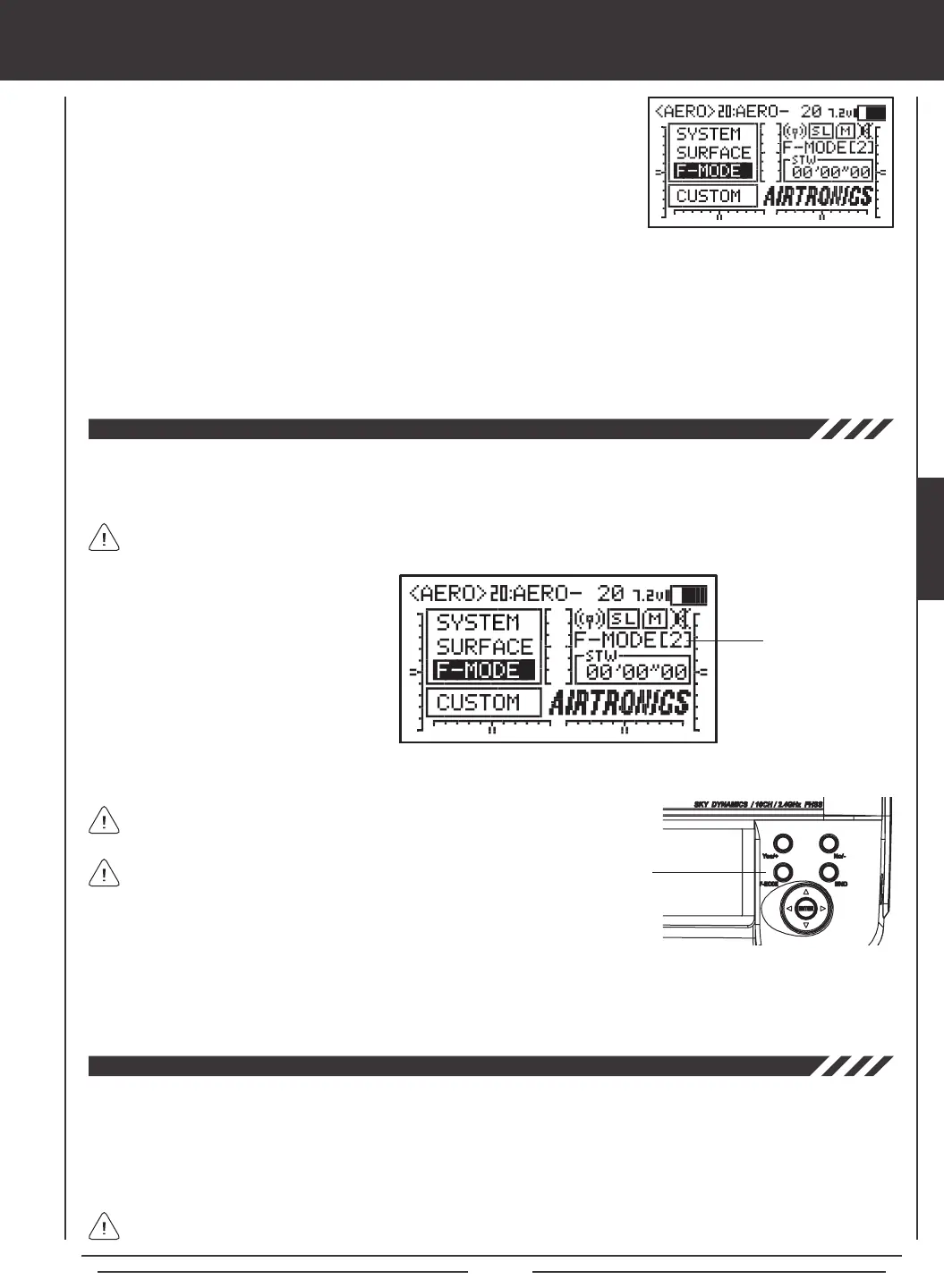
There are ve Flight Modes that can be individually programmed for each Model Type. The current Flight Mode (N, 1, 2, 3, or 4)
is displayed on the Top menu. The currently Active Flight Mode name is displayed, along with the corresponding Flight Mode
number. If the Flight Mode has not been named, F-MODE will be displayed, along with the corresponding Flight Mode number.
Flight Mode Display
The SD-10G transmitter is equipped with a safety feature that will not allow you to use the transmitter if the Flight Mode is not set
to 'N' (Normal) when you turn the transmitter ON. If the Flight Mode is not set to 'N' when you turn the transmitter ON, the Flight
Mode Warning alarm will sound continuously, the red RF Output Indicator will blink, and the LCD Display will read F-MODE
NOT 'N' !! To clear the Flight Mode Warning, set the Flight Mode to 'N' using the Flight Mode Switch (this is different from the
F-MODE Key). The LCD Display will read normally, the Flight Mode Warning alarm will cease, and both the red and green RF
Output Indicators will be illuminated.
In the default AERO conguration, Flight Mode N (Normal) is switch position 10. In the default HELI conguration, Flight
Mode N (Normal) is switch position 22. In the default GLID conguration, the Flight Mode Warning alarm is INHIBITED.
Flight Modes are turned ON and OFF using
switches, or in the case of the GLID Flight
Mode, switches and the ap control stick.
These switches, along with the default control
layout for each of three Model Types are
described in each Model Type Flight Mode
programming section.
There is always one Flight Mode active at all times and will vary based on the positions of the Flight Mode switches.
F-MODE Key
Flight Mode programming instructions are separated by Model Type as follows: AERO - Pages 72 through 112,
GLID - Pages 112 through 155, and HELI - Pages 156 through 194.
The F-MODE key is used to facilitate programming the individual
Flight Modes only and does not turn the Flight Modes ON or OFF.
Many Flight Mode programming options can be agged either COM (Common) or SEP (Separate). Options agged as Common
are common among all Flight Modes. Options agged as Separate can be programmed separately for each Flight Mode from the
same programming menu.
F-MODE Menu
Flight Modes allow you to change the ying characteristics of your model with the ip of a switch. For example, if you y
helicopters, you can have one Flight Mode for basic ying and a second Flight Mode for aerobatic ying. Flip the Flight Mode
switch from 'Basic' to 'Aerobatic' and your helicopter is now programmed with all of your 'Aerobatic' Flight Mode programming. With
ve programmable Flight Modes available for each Model Type, the combinations of model programming is almost limitless.
When assigning and using multiple Flight Modes to more than one
switch, it's important to note that higher numbered Flight Modes
override lower numbered Flight Modes. For example, if you have Flight
Mode 1 and Flight Mode 2 Active at the same time, Flight Mode 2 will
override Flight Mode 1.
FLIGHT MODES



 To Next Page