Page 82
aero Flight Mode menu
The Throttle Cut function allows you to set a specic position that the throttle servo will move to. The Throttle Cut function is primarily
used to shut down your engine after ight. For example, if your engine idles when the throttle control stick is at the -100% position,
you can set the Throttle Cut to -120% to shut down your engine when the Throttle Cut function is Activated. The SD-10G
transmitter allows you to program the Throttle Cut percentage values for the Right and the Left engines independently to take
into account any differences between throttle linkages. The Throttle Cut function can be programmed separately for each of the
ve Flight Modes or you can use the same Throttle Cut programming across all ve Flight Modes.
Transmitter F-MODE
Programming F-MODE
Transmitter F-MODE refers to the Flight Mode that the transmitter is currently operating in. Programming F-MODE refers
to the Flight Mode that you would like to change the programming for.
TH-CUT Default Switch
Position Number: 32
Choosing the Flight Mode - Common or Separate
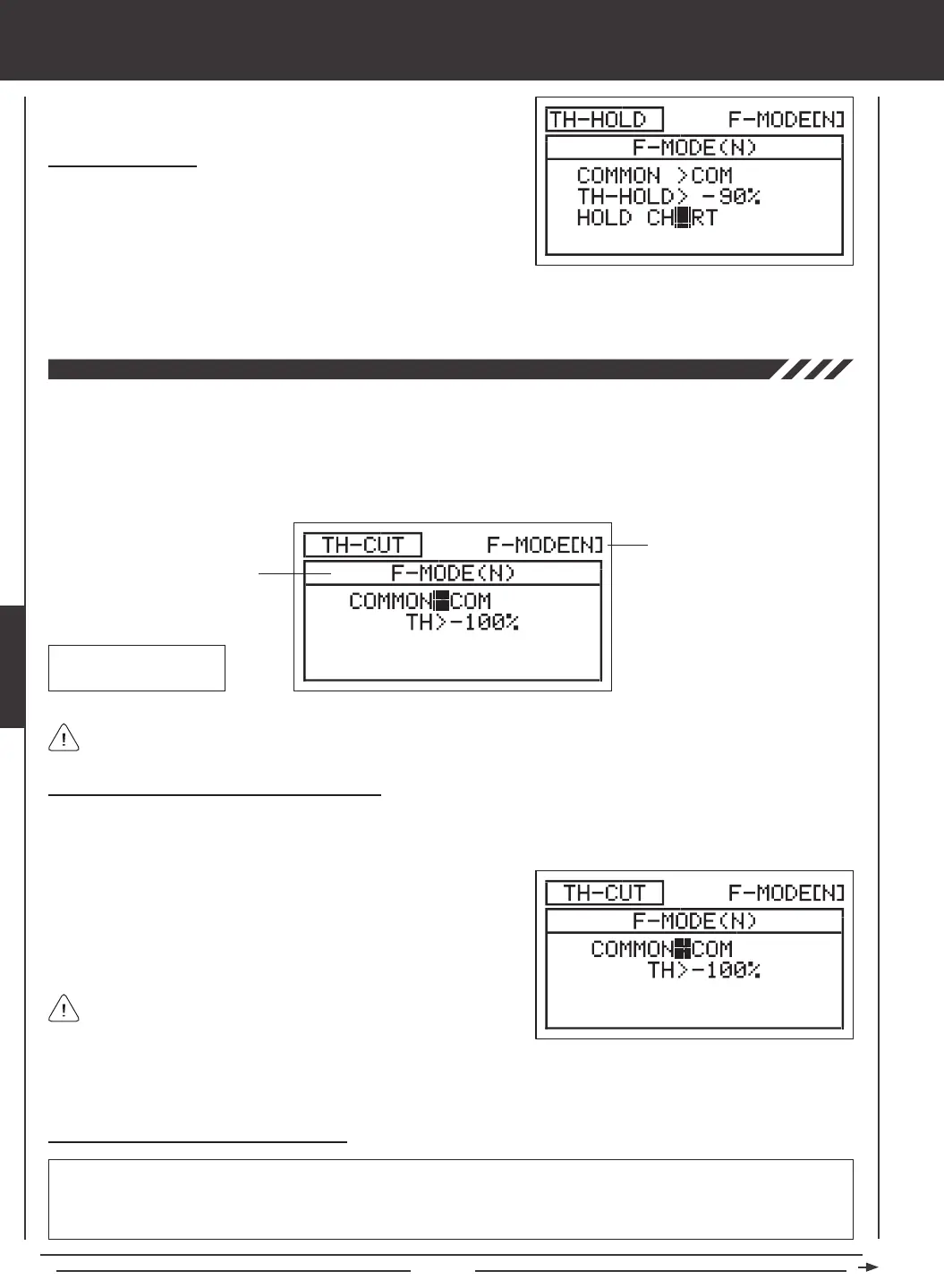
When set to COM (Common), the TH-CUT setting will be the same regardless of which Flight Mode the transmitter is operating in.
You cannot program TH-CUT settings separately for each Flight Mode. When set to SEP (Separate), you can program TH-CUT
separately for each Flight Mode.
3) Press the F-MODE key to choose the F-MODE number you would like to program the Throttle Cut function for. Choose from N, 1,
2, 3, or 4. The F-MODE (N) display will change, indicating which Flight Mode you are programming the Throttle Cut function for.
1) Press the Navigation Pad
56
to highlight TH-CUT, then press the
ENTER key to display the TH-CUT menu. The cursor will default to
COMMON>COM.
2) Press the YES/+ or NO/- keys to choose either COM or SEP.
Changing the Throttle Cut Percentage Value
WARNING Keep in mind that it's possible to set the Throttle Cut lower than the throttle End Point Adjustment. For example,
with the throttle End Point Adjustment set to -100% and the Throttle Cut set to -150% the servo will move -150% when the
Throttle Cut is Activated. We strongly recommend that you set your Throttle Cut no lower than your throttle End Point Adjustment
unless specically necessary for your particular setup. This will prevent any chance of overdriving your control linkage.
If set to COM, skip to the Setting the Throttle Cut percentage value
below. If set to SEP, see step 3 below.
2) Press the YES/+ or NO/- keys to choose which throttle you would like the Throttle Hold function to control, either LT (Left
Throttle) or RT (Right Throttle).
Choosing the Throttle
1) If you have programmed Model Type Setting Option THROTTLE>2,
press the Navigation Pad
6
to highlight HOLD CH>LT.



 To Next Page