Page 73
aero Flight Mode Menu
04.EXP
03.D/R
02.STICK MONITOR
01.SX MONITOR
05.TH-CURVE
06.TH-HOLD
07.TH-CUT
08.IDLE DOWN
09.AI DIFFERENTIAL
10.OFFSET
11.CH DELAY
12.TRIM
13.TRIM STEP
14.TRIM AUTH
15.CROSS-TRIM
16.SNAP-ROLL
17.MIXING
18.C-MIX
19.VR ASSIGN
20.F-MODE COPY
21.F-MODE DELAY
22.F-MODE NAME
6
6
6
6
6
6
6
6
6
6
6
6
6
6
6
6
6
6
6
6
6
06.TH>RU
07.RU>EL
08.RU>AI
09.RU>TH
10.FL>EL
6
6
6
01.FLAPERON
02.AILVATOR
03.EL>FL
04.AI>RU
05.TH>EL
6
6
6
6
6
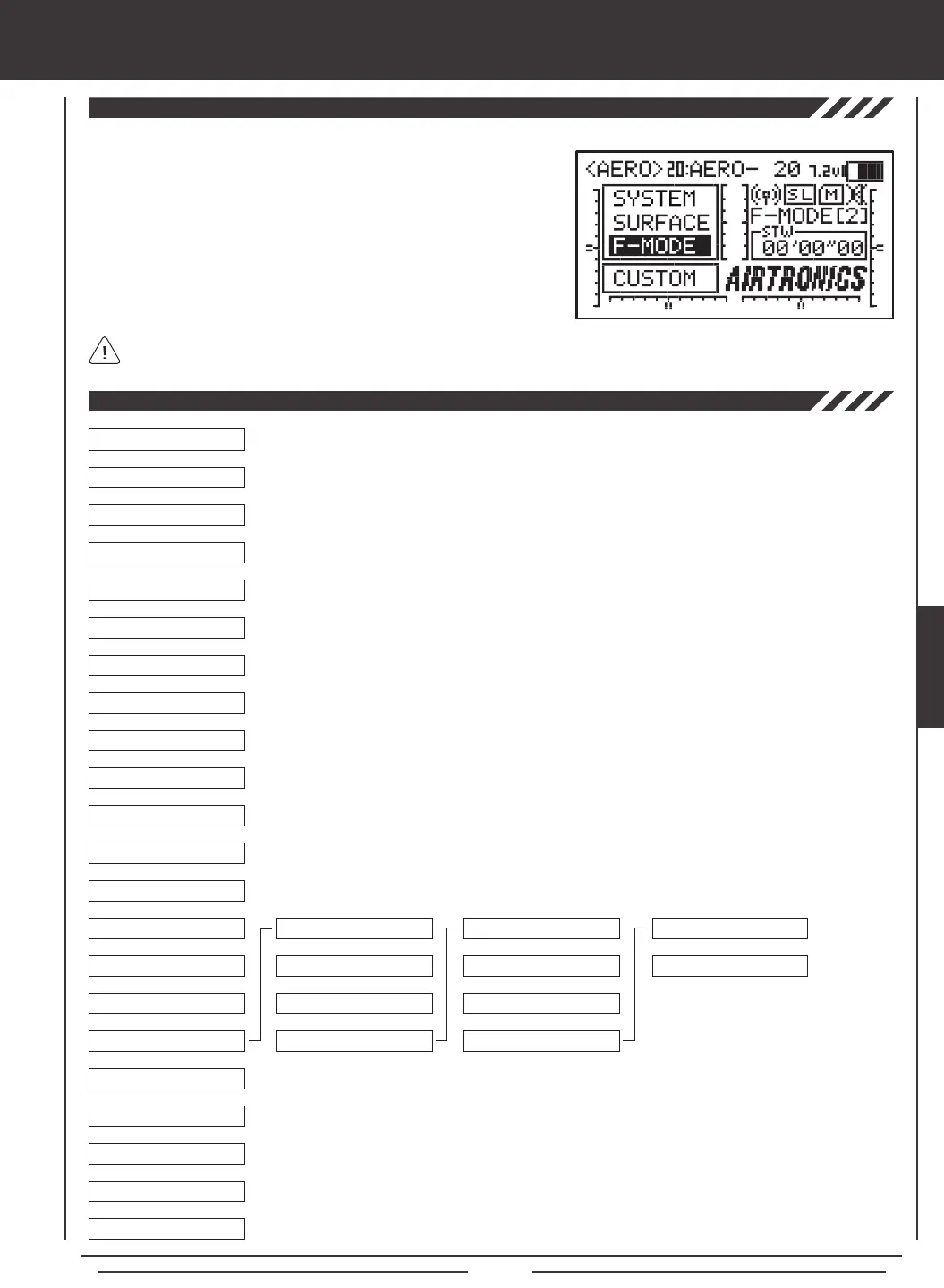
To access the F-Mode menu, turn the transmitter ON. From the Top menu,
press the Navigation Pad
56
to highlight F-MODE, then press the ENTER
key to display the F-Mode menu.
From within any menu, press the END key continuously to return to the
Top menu.
Unless otherwise noted, all programming changes take effect immediately.
If the Top menu is not displayed when you turn the transmitter ON, continuously press the END key until the Top menu
is displayed.
6
6
Use this Flow Chart to familiarize yourself with the AERO Flight Mode menu structure. Descriptions
regarding all AERO Flight Mode menu functions and programming are found on pages 74
through 112.
AERO



 To Next Page