Page 77
aero Flight Mode Menu
Choosing the Channel
1) Press the Navigation Pad
56
to highlight CH>EL.
2) If you would like to set the Dual Rate for another channel, press the
YES/+ or NO/- keys to choose CH>AI or CH>RU.
Changing the Dual Rate Percentage Values
Three different Dual Rate settings can be programmed to each three-position switch. We recommend that Dual Rate 1 be set to
the maximum control surface throw you desire, then set Dual Rate 2 and Dual Rate 3 to different values that are less than
maximum. For example, set Dual Rate 1 to 100%, Dual Rate 2 to 75%, and Dual Rate 3 to 50%.
3) Press the Navigation Pad
6
to move the cursor to U>100% (R>100% if setting aileron or rudder Dual Rate), then press the
YES/+ or NO/- keys to set the desired Up (or Right) Dual Rate percentage value.
WARNING Keep in mind that it's possible to set the Dual Rate higher than the End Point Adjustment. For example,
with the End Point Adjustment set to 100% and the Dual Rate set to 150% the servo will move more than 100% when
the Dual Rate is Activated. We strongly recommend that you set the Dual Rate 1 percentage value to no more than
100%. This will prevent any chance of exceeding your End Point Adjustment and overdriving your control linkage.
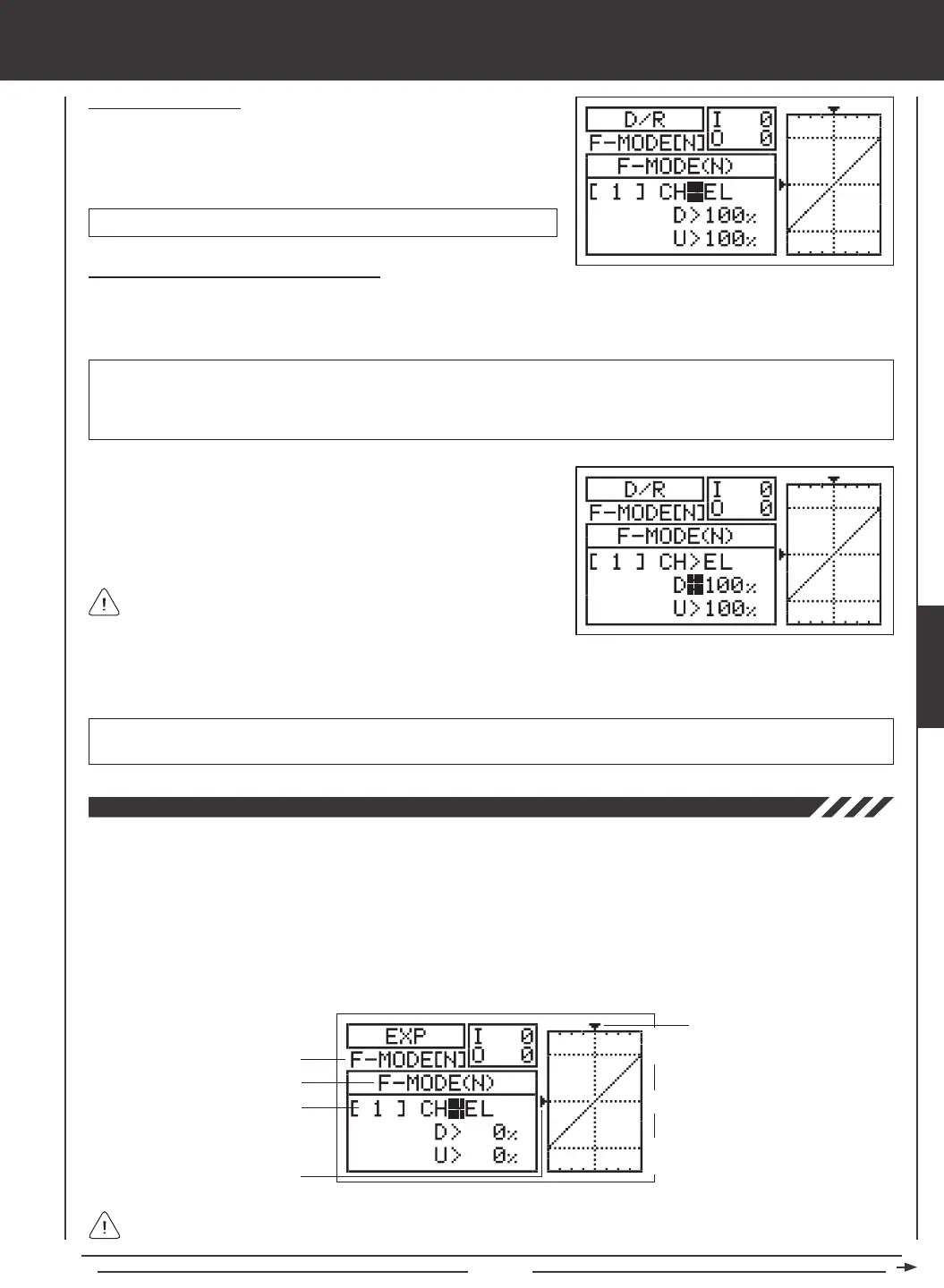
As you change the Dual Rate percentage values, you can use the
graph and I/O numbers to visualize the ratio between control stick
movement and servo travel throughout the entire deection range.
D/R setting range is 0% to 150%. The default setting is 100%. Increasing the D/R percentage value increases servo travel
when Dual Rate is Activated. Decreasing the D/R percentage value decreases servo travel when Dual Rate is Activated.
1) Move the Dual Rate Switch for the channel you are setting to the position
you would like to set a Dual Rate percentage value for, either 1, 2, or 3.
2) Press the Navigation Pad
6
to move the cursor to D>100% (L>100% if
setting aileron or rudder Dual Rate), then press the YES/+ or NO/- keys
to set the desired Down (or Left) Dual Rate percentage value.
The Exponential function allows you to vary the amount of servo travel in relation to the movement of the elevator, aileron, and
rudder control sticks near the neutral positions to change the way the control surfaces react to control stick movement. Increasing
the Exponential value will soften the control feel around neutral and decreasing the Exponential value will heighten the control
feel around neutral. For example, using a positive Exponential value allows for smoother control by lessening the amount of
servo travel in relation to the amount of control stick movement. Using a negative Exponential value may result in more 'twitchy'
control response because the amount of servo travel will be increased in relation to the amount of control stick movement. The
Exponential function is linked directly to your Dual Rate switches. This allows you to program Exponential for each of the three
Dual Rate positions separately. In addition, Exponential can be programmed separately for each of the ve Flight Modes. An
Input and Output display, along with a graph, help with programming visualization.
Transmitter F-MODE
Dual Rate Number
Programming F-MODE
Stick Input (I)
Function Output (O)
150%
100%
100%
150%
0%
Dual Rate can be set for EL (Elevator), AI (Aileron), and RU (Rudder).
Transmitter F-MODE refers to the Flight Mode that the transmitter is currently operating in. Programming F-MODE refers
to the Flight Mode that you would like to change the programming for.
AERO



 To Next Page