Page 87
aero Flight Mode Menu
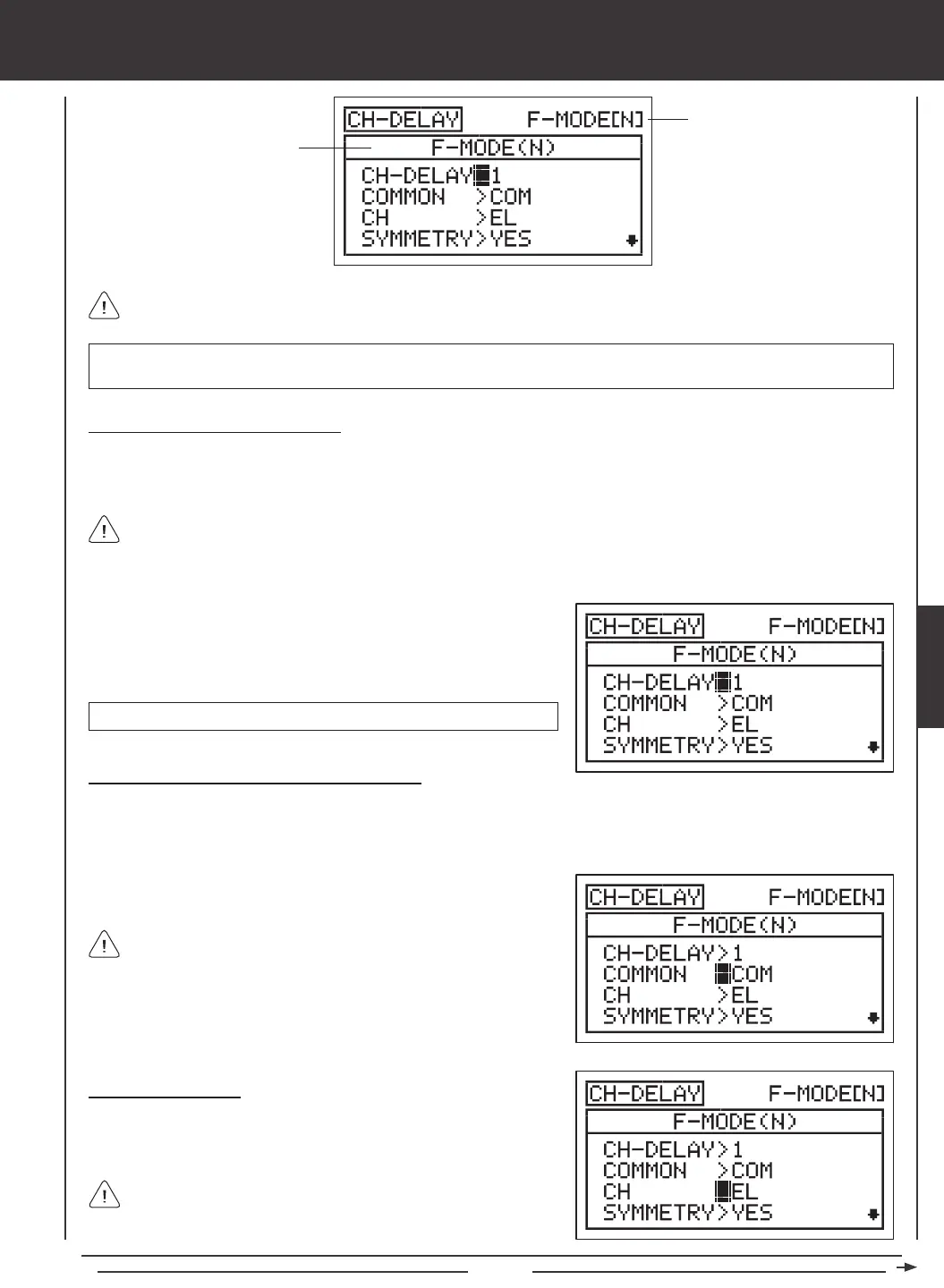
Transmitter F-MODE
Programming F-MODE
Transmitter F-MODE refers to the Flight Mode that the transmitter is currently operating in. Programming F-MODE refers
to the Flight Mode that you would like to change the programming for.
Choosing the Channel Delay Number
Up to ve separate Channel Delay functions can be programmed for each Flight Mode, however, only one channel can be
assigned to one Channel Delay function at a time. For example, if you want to program Channel Delay for the elevator and the
aileron channels, you would need to program Elevator to CH-DELAY 1 and Aileron to CH-DELAY 2.
IMPORTANT Each CH-DELAY function (CH-DELAY 1, 2, 3, 4, and 5) must be assigned to a Switch Position Number before
it can be Activated. For more information, see page 45.
1) Press the Navigation Pad
56
to highlight CH-DELAY, then press the
ENTER key to display the CH-DELAY menu. The cursor will default to
CH-DELAY>1. Press the YES/+ and NO/- keys to choose the CH-DELAY
number you would like to program Channel Delay for.
Although only one channel can be assigned to one Channel Delay function at a time, you can still Activate multiple
Channel Delay Functions at the same time by assigning the Channel Delay functions to the same Switch Position Number.
For example, assign both CH-DELAY 1 and CH-DELAY 2 to Switch Position 23. This is particularly useful if want to program the
same Channel Delay percentage values to a model that uses two different aileron servos or two different elevator servos.
CH-DELAY setting range is 1, 2, 3, 4, or 5.
2) Press the F-MODE key to choose the F-MODE number you would like
to program the Channel Delay function for. Choose from N, 1, 2, 3,
or 4. The F-MODE (N) display will change, indicating which Flight Mode
you are programming the Channel Delay function for.
If set to COM, skip to the Choosing the Channel section. If set to SEP,
see step 2 below.
Choosing the Channel
1) Press the Navigation Pad
6
to highlight CH>EL, then press the YES/+
or NO/- keys to choose which Channel you want to program Channel
Delay for.
The channel options displayed will vary based on Model Type and
Model Type selection options currently selected. For example, if your
model features dual aileron servos, LA and RA will be separate options.
Choosing the Flight Mode - Common or Separate
When set to COM (Common), the CH-DELAY setting will be the same regardless of which Flight Mode the transmitter is
operating in. You cannot program CH-DELAY settings separately for each Flight Mode. When set to SEP (Separate), you can
program different CH-DELAY settings separately for each Flight Mode.
1) Press the Navigation Pad
6
to highlight COMMON>COM, then press
the YES/+ or NO/- keys to choose either COM or SEP.
AERO



 To Next Page