21
Basic Operations
NOTE
• Dial and VOL are potentiometers with push-switch built in, therefore
compared to SQL, you may feel rattling on knobs but it’s not a defect.
• When using UP/DOWN keys to change the frequency, a different tone of
beep sounds to inform which direction the frequency is moving. When it
passes the 500KHz order, another beeps sounds. When the frequency
starts moving, release UP/DOWN keys to start scanning. Press PTT key
to stop. Pressing and holding them for more than 2 seconds will continue
to change the frequency as long as the UP/DOWN keys are pressed.
Changing frequency by 1 MHz step
This will enable a quick change of frequency in 1 MHz
step:
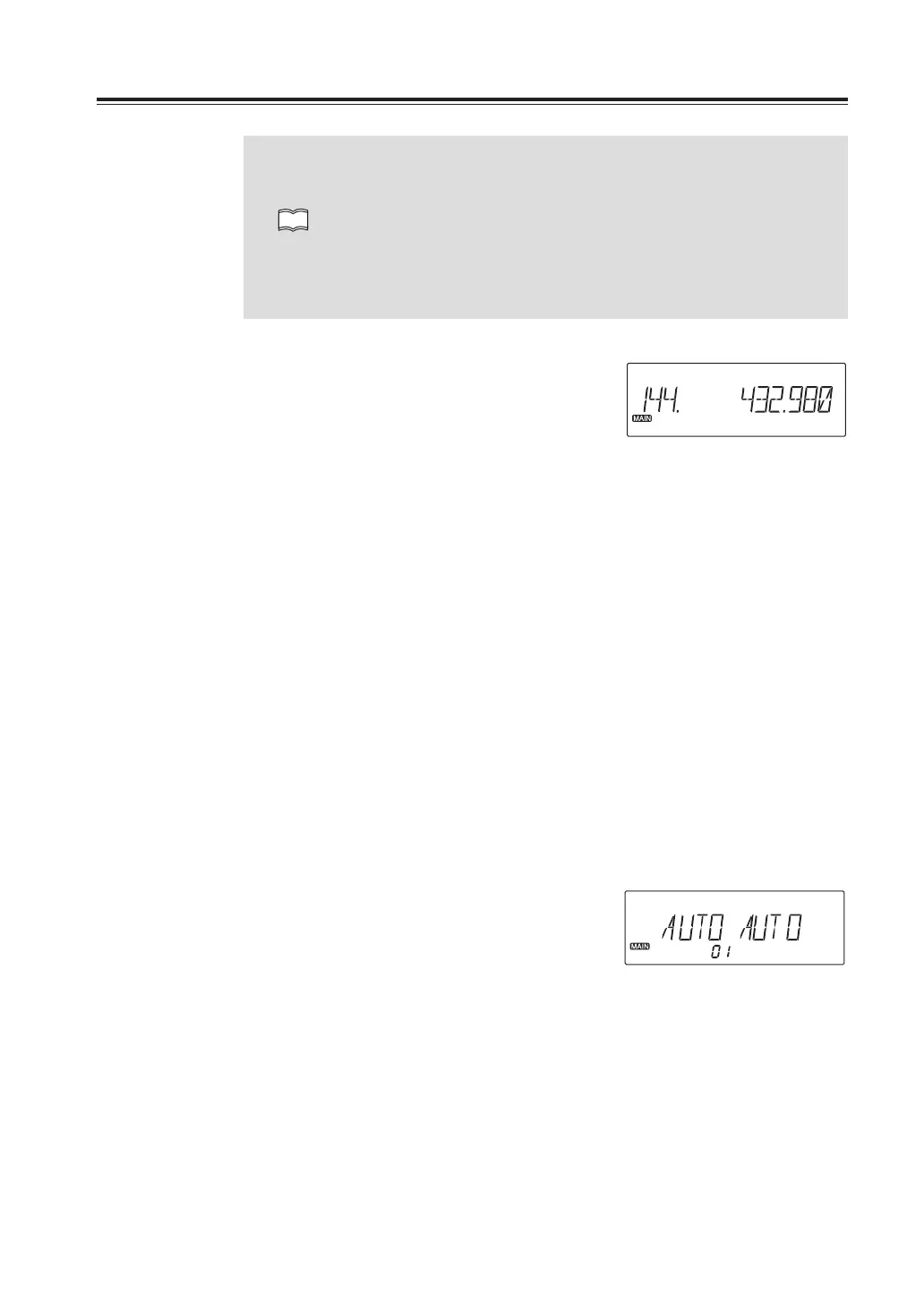
1. Press Dial knob. The digits after 100 kHz
will disappear from the display.
2. Rotate the dial clockwise or UP key on
the microphone to increase the
frequency, counterclockwise or DOWN
key on the microphone to decrease. To
return press any key or PTT key on the
microphone.
Tuningstepselection
Tuning steps are the minimum frequency change increments when you rotate dial or push
UP/DOWN keys on the microphone.
Factory default setting is [Auto] for left and right bands. Individual tuning steps setting is
available to all 3 bands on the left and right sides. Details of steps and frequencies in AUTO
mode are shown in Specifications at the end of this manual.
1. Press V/M key to select the VFO mode.
Tuning step selection is not available
when the radio is in the memory mode.
2. Press and hold a VOL knob to select the
band.
3. Press and hold FUNC key until menu
number 01 appears on display.
4. Rotate dial knob to select tuning step.
5. Pressing any key except PWR key or dial
knob on the unit will complete the setting
and the display will return to VFO mode.
Channel step setting display (default)



 To Next Page