42
Set mode menu
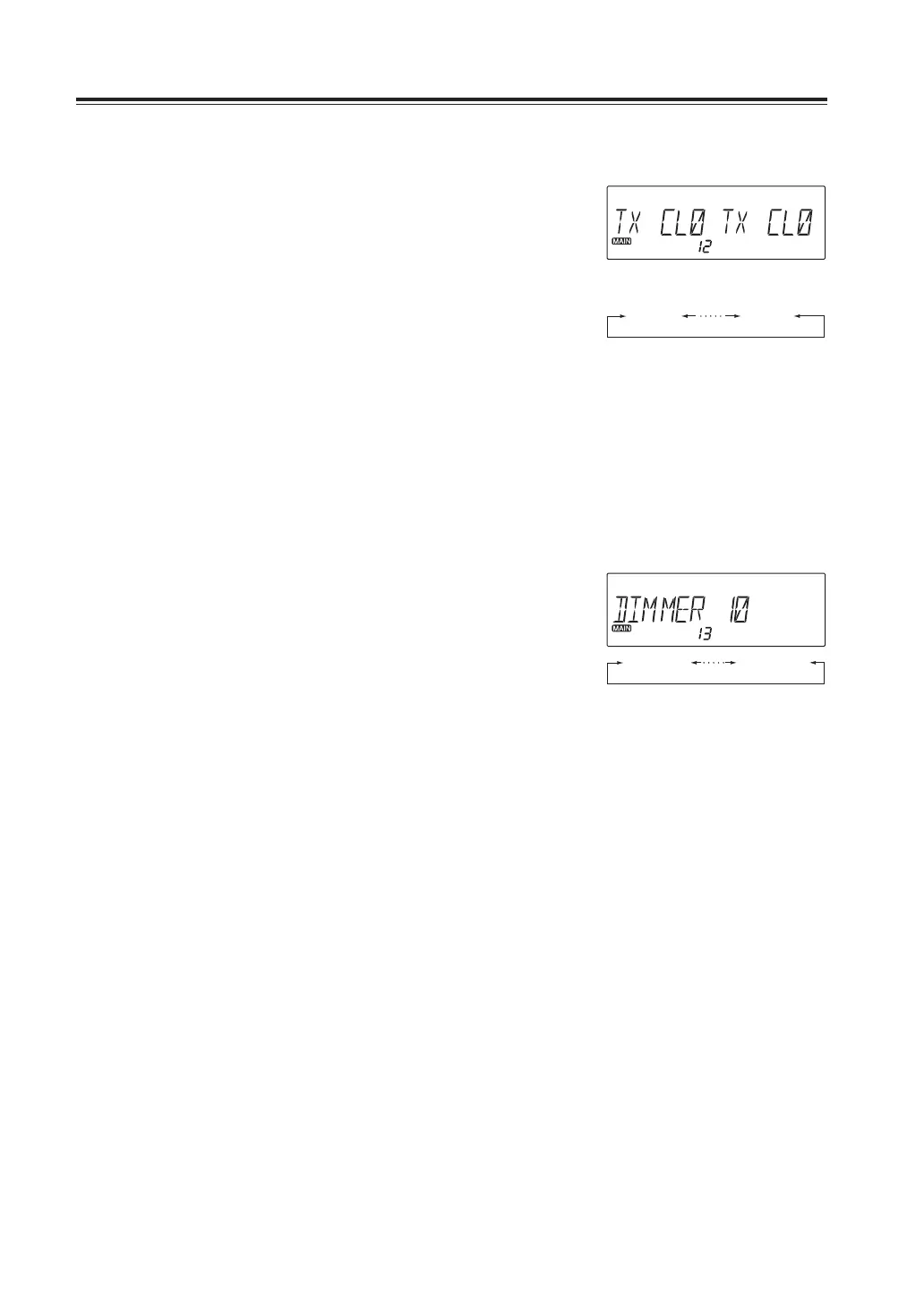
Menu12.Displaycolorselectionfortransmitting
1. Press and hold FUNC key to enter the set
mode. Press dial to select menu 12 to set
the display color of Transmitting state.
2. Rotate either left or right dial you wish to
edit the display color. The color selection
is affected immediately.
3. Press any key to set and exit, or press the
dial or UP/DOWN keys to set and move to
another menu.
Menu13.DimmerLevelsetting
Select the brightness of the display. 10 is brightest, 0 is dim.
1. Press and hold FUNC key to enter the set
mode. Press dial to select menu 13.
2. Rotate the right dial to select the
brightness you like. The level 10 is
brightest, level 0 is dim.
This value becomes effective regardless
of band and VFO.
3. Press any key to set and exit, or press the
dial or UP/DOWN keys to set and move to
another menu.
TXCL0 TXCL9
DIMMER0 DIMMER10



 To Next Page