25
Basic Operations
NOTE
• If memory channels have not been programmed, the unit will not be
switched to the memory mode by pressing V/M key.
• Common memory channels will recall by pressing V/M key on the left or
right side, for Individual memory channels left V/M key will recall left
individual memory channels and right V/M key will recall right individual
memory channel.
• In memory mode only programmed channels will appear on the display.
Overwritingmemorychannels
Overwriting memory channel data is possible in memory mode.
1. Select desired channel and change the
data such as output power, Tone, DCS,
Shift, etc.
2. Press FUNC key and while [FUNC] is
displayed, press the dial knob of the
desired side.
NOTE
When memory protect function is on (set mode menu 17), this operation
becomes prohibited.
ErasingMemorychannels
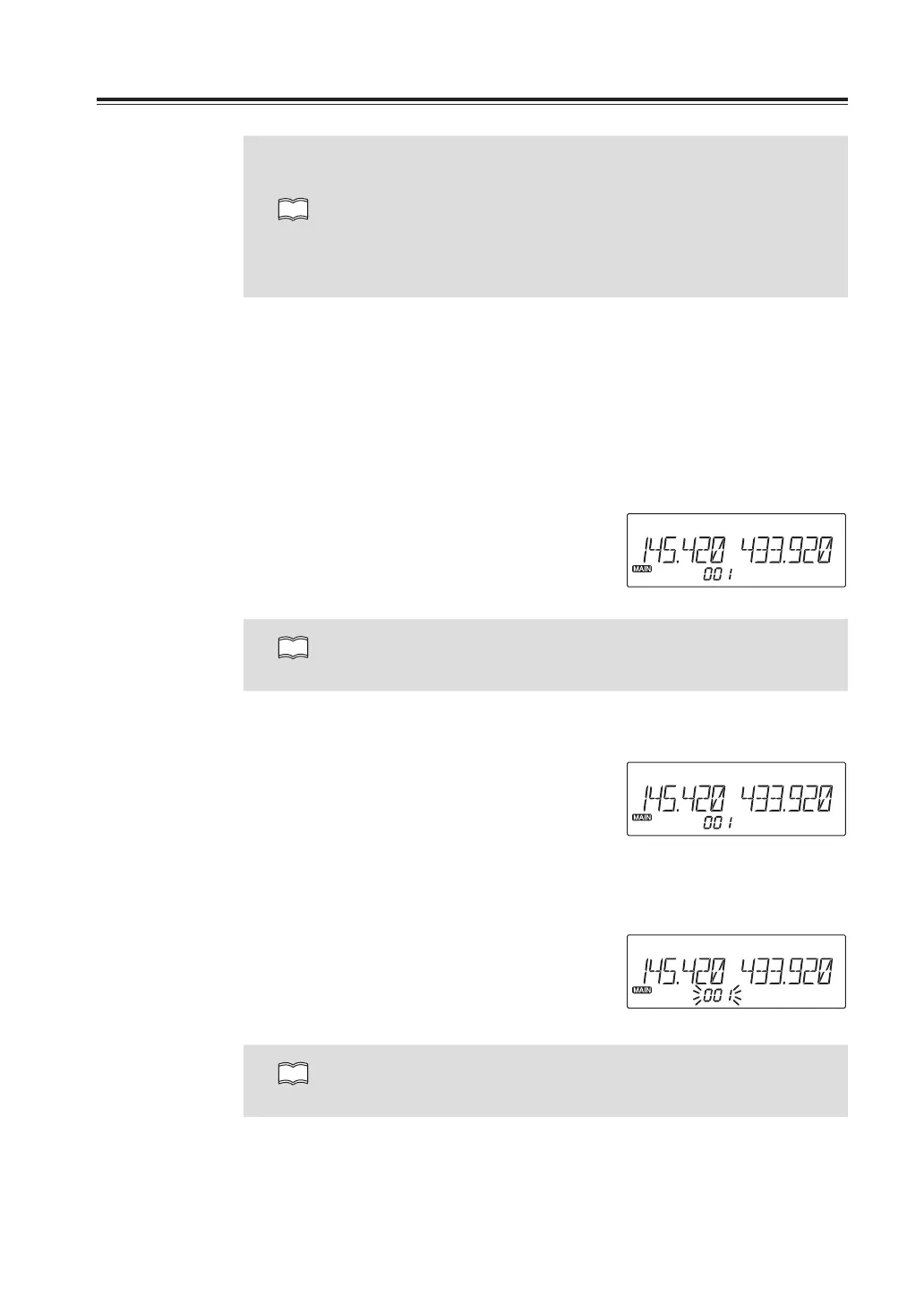
1. Select the memory mode by pressing the
V/M key.
2. Select the desired memory channel to be
deleted by rotating the dial.
3. By pressing FUNC key together with the
V/M key, a beep will sound and the
memory will be deleted. At the same time,
[Memory number] icon will start flashing.
NOTE
Press FUNC key together with V/M key while memory channel is flashing to
cancel memory channel deleting.
Memory mode



 To Next Page