60
Useful functions
3. Rotate a dial to select either SKIP or ♥ for
favorite.Press V/M key to save. The icon
will stop flashing. Repeat above 2 again
to cancel the setting. The icon will
disappear.
4. Select SKIP or FAV in set mode menu 05
and perform the memory scanning.
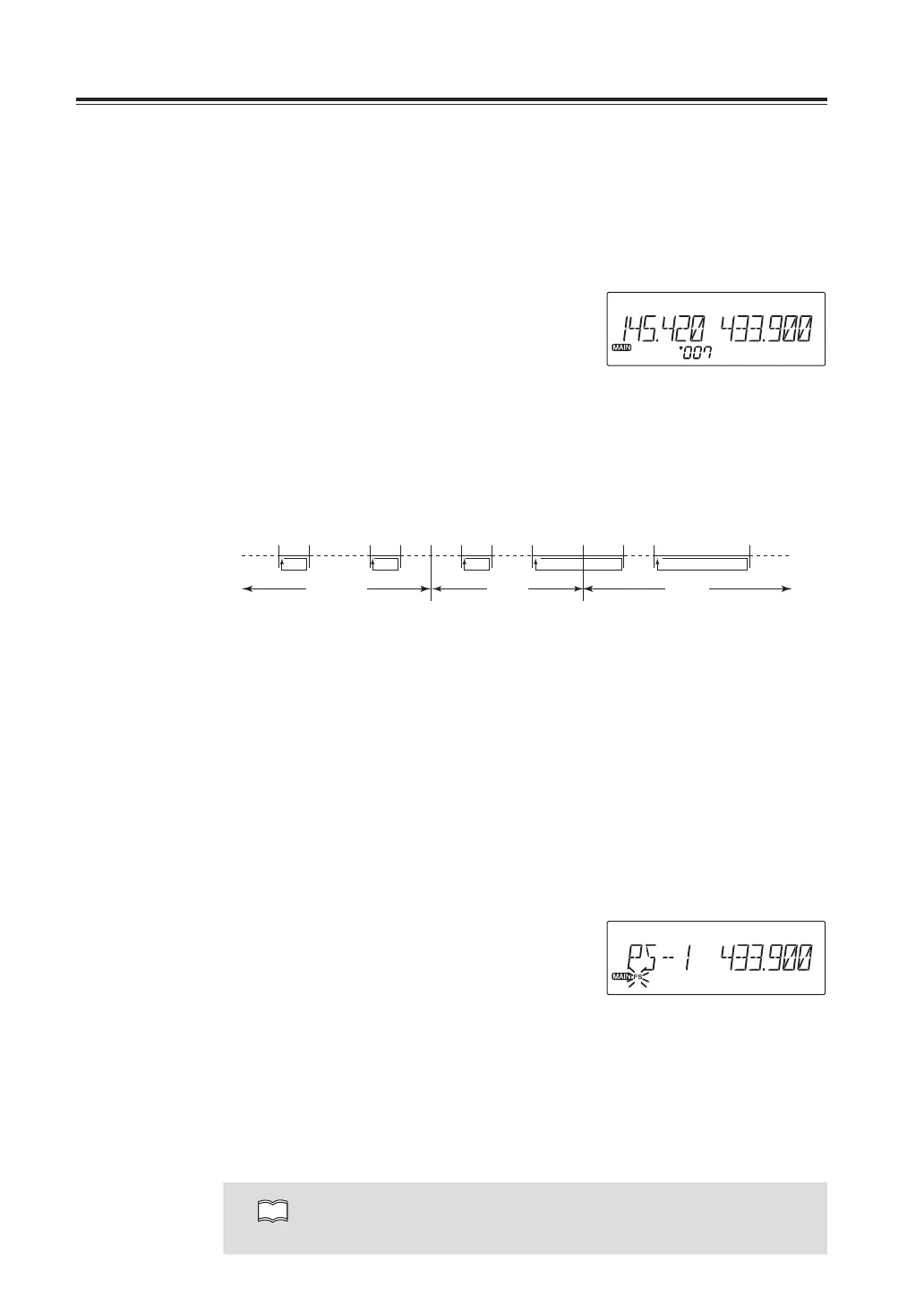
ProgrammedScan
This is a type of VFO scan, and scans only the designated frequency range of the VFO sets
into the P*A and P*B channels, This feature is refered to as “Search” and can be set 5 pairs in
each band.
This program scan will operate under VFO setting, regardless of memory setting of the
P*A/P*B memory setting.
P1A P1B
Airband VHF UHF
P2A P2B P3B P4AP3A P4B P5A P5B
1. Enter the VFO mode and set the PA and
PB frequencies into the designated
memory channels. Refer to Memory
setting P.23 for details. It doesn’t matter
which is higher and lower limits, but you
should always make a pair to determine
the edge of scanning range.
2. Return to the the VFO mode by pressing
the V/M key of the band to be scanned.
3. Press FUNC key and while F icon is
displayed, press the dial. PS- and a
number appears.
4. Rotate the dial or UP/DOWN keys on the
microphone to select a pair number.
Press the dial to start scanning.
5. Press any key other than the UP/DOWN
keys to stop.
NOTE
Programmed scan can't be performed in both bands at the same time.
Program Scan is going



 To Next Page