55
Set mode menu
Menu32.TNCmode
The DIN connector on rear panel outputs signals necessary to operate devices like external
TNC and VoIP interface units in TNC mode.
IMPORTANT
Due to restrictions on the devices used in this radio, a data communication
higher than 4800bps (like packet mode) is NOT possible, even the external
device supports higher speed. TNC mode is available only to the RIGHT
VFO.
1. Press and hold FUNC key to enter the set
mode. Press dial to select menu 32.
Factory default setting is [OFF].
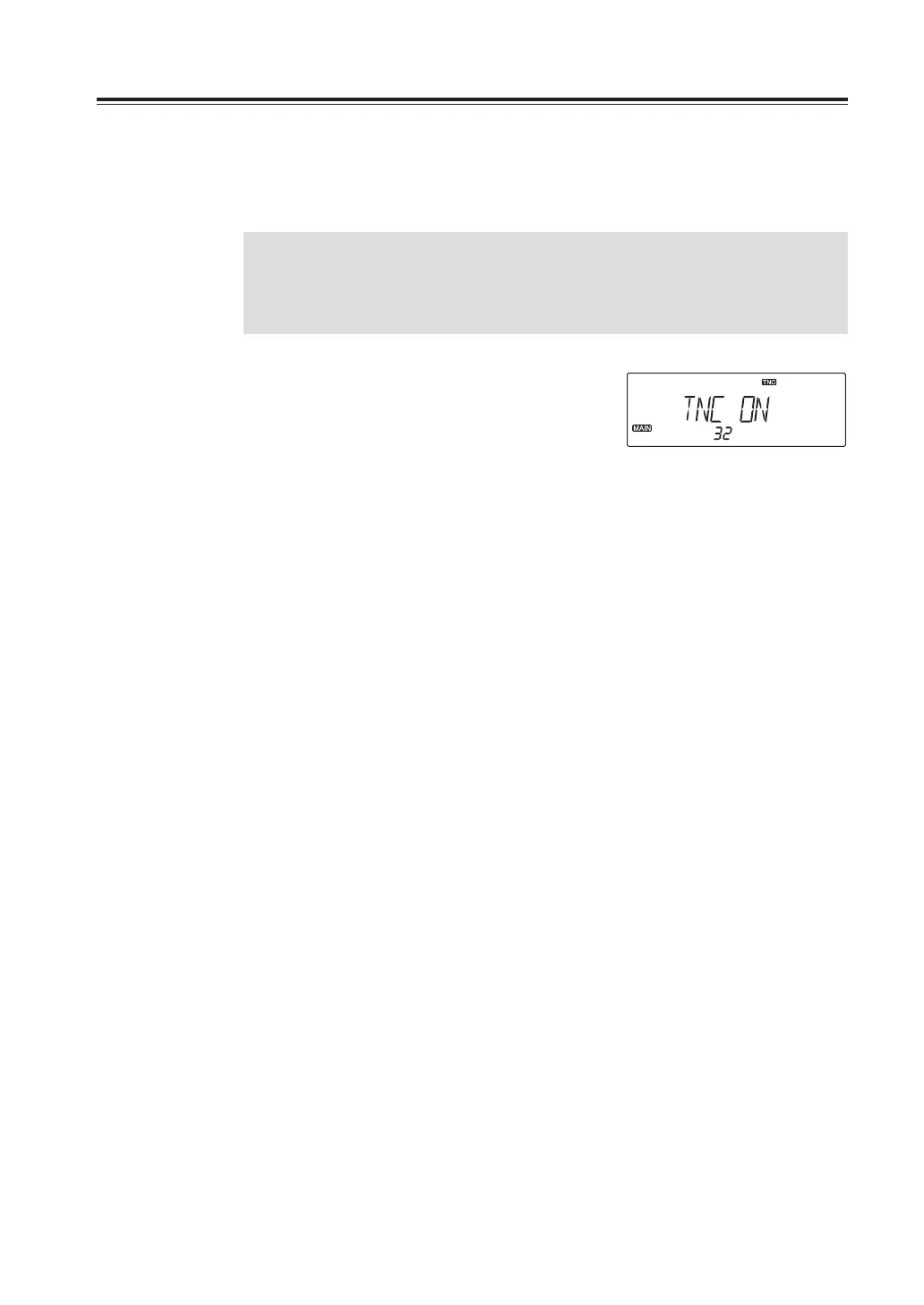
2. Rotate the right dial to select ON to
activate TNC mode, OFF to deactivate.
TNC icon appears when activated.
3. Press any key other than PTT to set and
exit, or press the dial or UP/DOWN keys
to set and move to another menu.



 To Next Page