22
Basic Operations
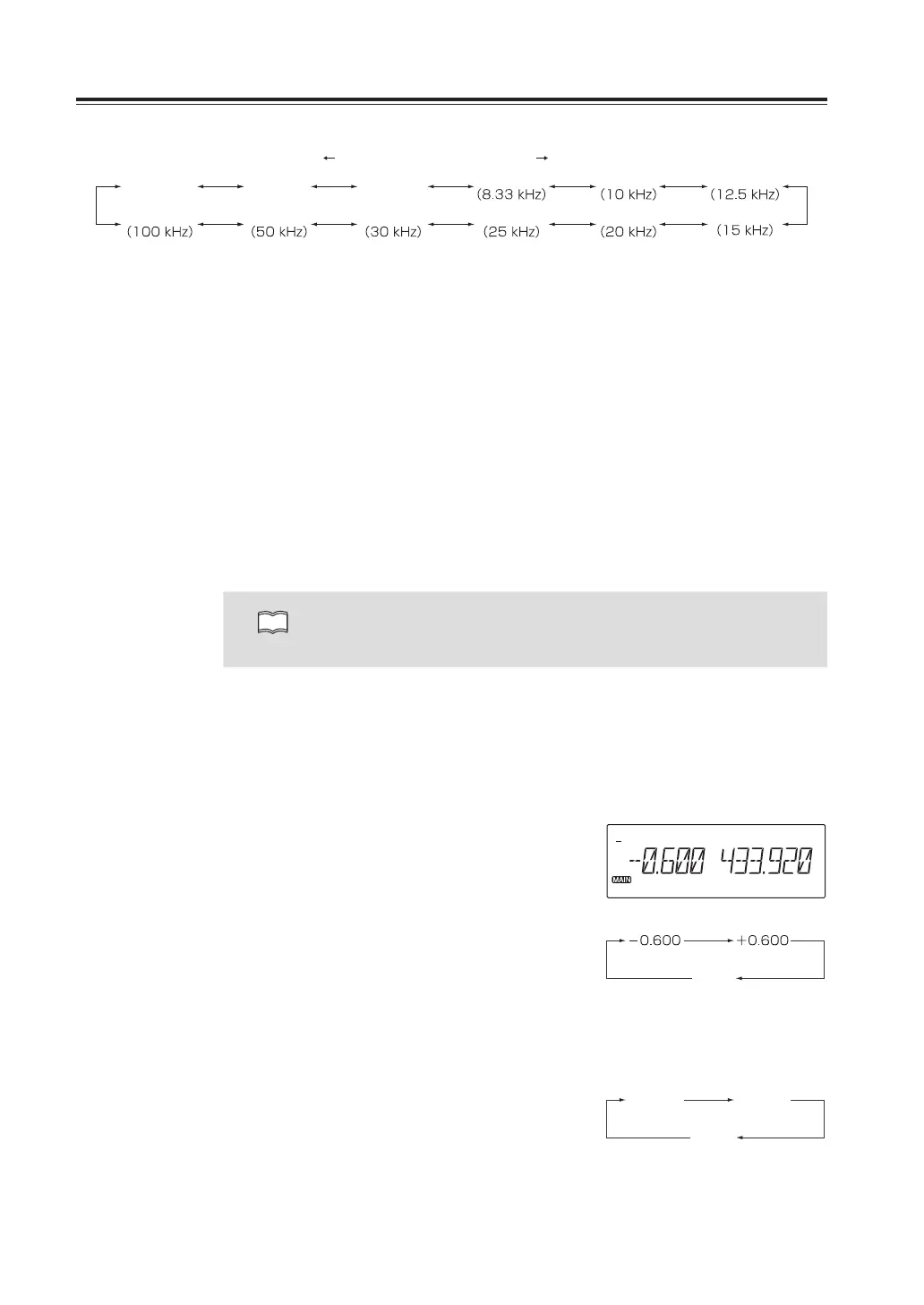
UP directionDOWN direction
AUTO
5.00
(5kHz)
6.25
(6.25kHz)
100.00
50.00
8.33 10.00
30.00 25.00
12.50
20.00
15.00
Example: Change VHF tuning step on the both left and right bands from 20 KHz to
10 KHz.
1. Press and hold VOL knob to set left and
right bands to VHF. Press and hold FUNC
key, menu number 01 appears on the
display (or press dial to select menu 1).
2. Rotate both left and right dial to adjust to
10 KHz.
3. Press PTT key on the microphone to save
and return to VFO mode.
NOTE
Individual setting is available for all 3 bands on the left and right bands. For
example Air-band scanning is possible with 50 KHz tuning step on the left
band and 100 KHz tuning step on the right band.
ShiftDirectionandOffsetfrequencysetting
Conventional repeaters are operated in the DUPLEX mode, which receives an incoming
signal on one frequency and re-transmit on another. The difference between these two
frequencies is called offset frequency. The offset is variable between 0 to 99.995MHz on this
unit.
1. While pressing and holding FUNC key,
press press VOL key of the side you wish
to operate.
The display will show the current status
of the offset frequency and the shift
direction. By repeatedly pressing the VOL
knob, shift direction will be changed as
shown.
2. Rotate the dial or press UP/DOWN key to
select the offset frequency in accordance
with a channel step of the VFO mode.
-600kHz
SFTOFF
144MHz
None
+5.00
430MHz
-5.00
SFTOFF
None



 To Next Page