38
Set mode menu
2. Rotate the dial to select a desired
parameter.
SKIP : Memory-scans skipping SKIP channels.
ALL : Scans all memory channels regardless of SKIP/
FAV setting.
FAV : Memory-scan only favorite channels.
3. Press any key to set and exit, or press the
dial or UP/DOWN keys to set and move to
another menu.
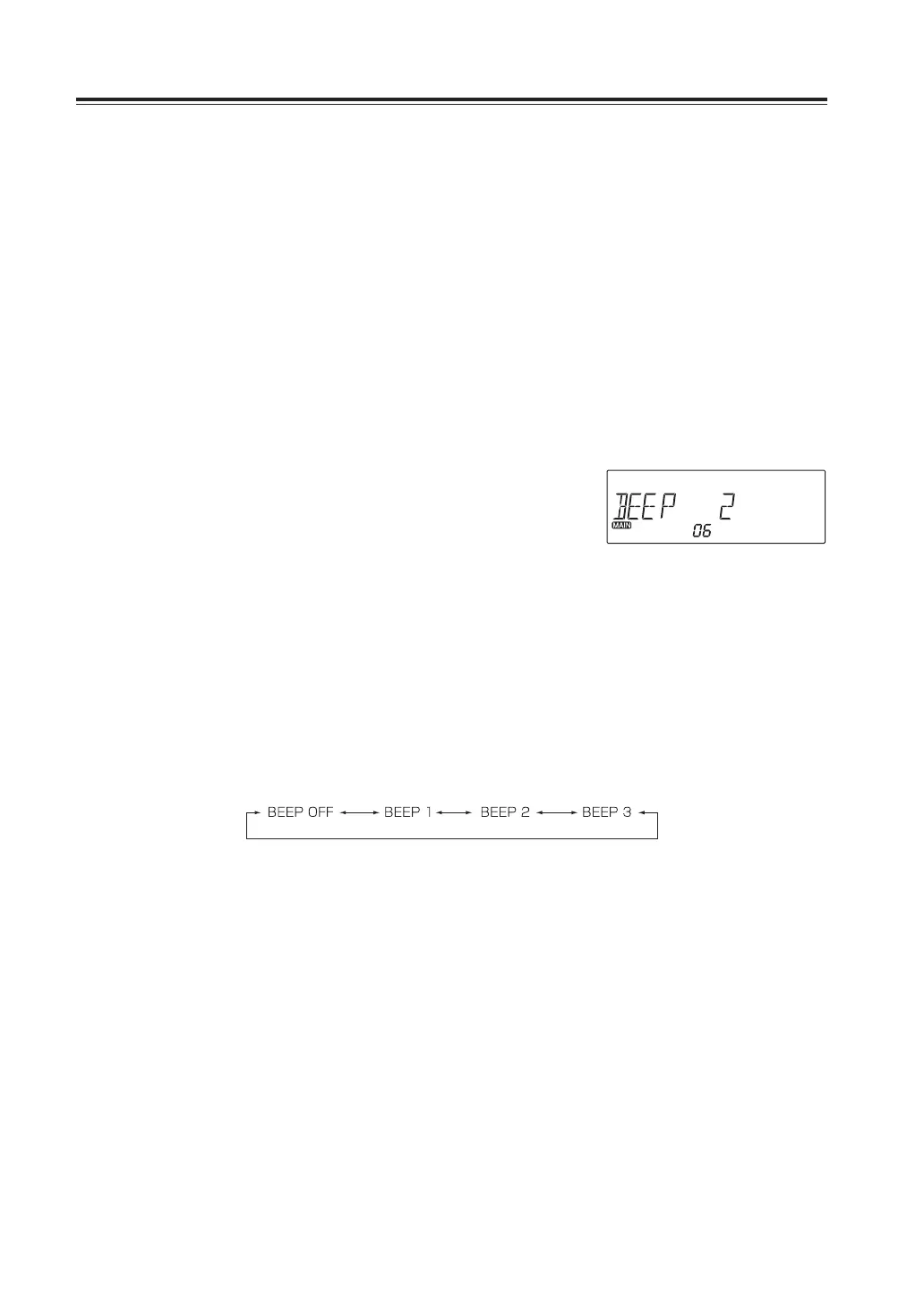
Menu06.Beepsoundlevelselection
This is to select the audio level of the beep sound during operations.
1. Press and hold FUNC key to enter the set
mode. Press dial to select menu 06.
Factory default setting is [2].
2. Rotate the dial to hear the beep sound
level and set it to your preference.
This setting affects regardless of bands
and VFOs.
3. Press any key to set and exit, or press the
dial or UP/DOWN keys to set and move to
another menu.
Volume 0 Volume low Volume high



 To Next Page