26
Basic Operations
CopyingmemorydatatoVFO(Exceptdual-memory
channels)
1. Select memory mode and desired
memory channel to copy to the VFO.
2. Press VOL knob until hearing the beep
sound.
3. Press V/M key to switch to VFO mode.
DualMemoryFunction
Programmingdualmemorychannel
1. Select a frequency to be programmed in
the VFO mode and set the parameters as
appropriate.
2. Press and hold FUNC key and MW key
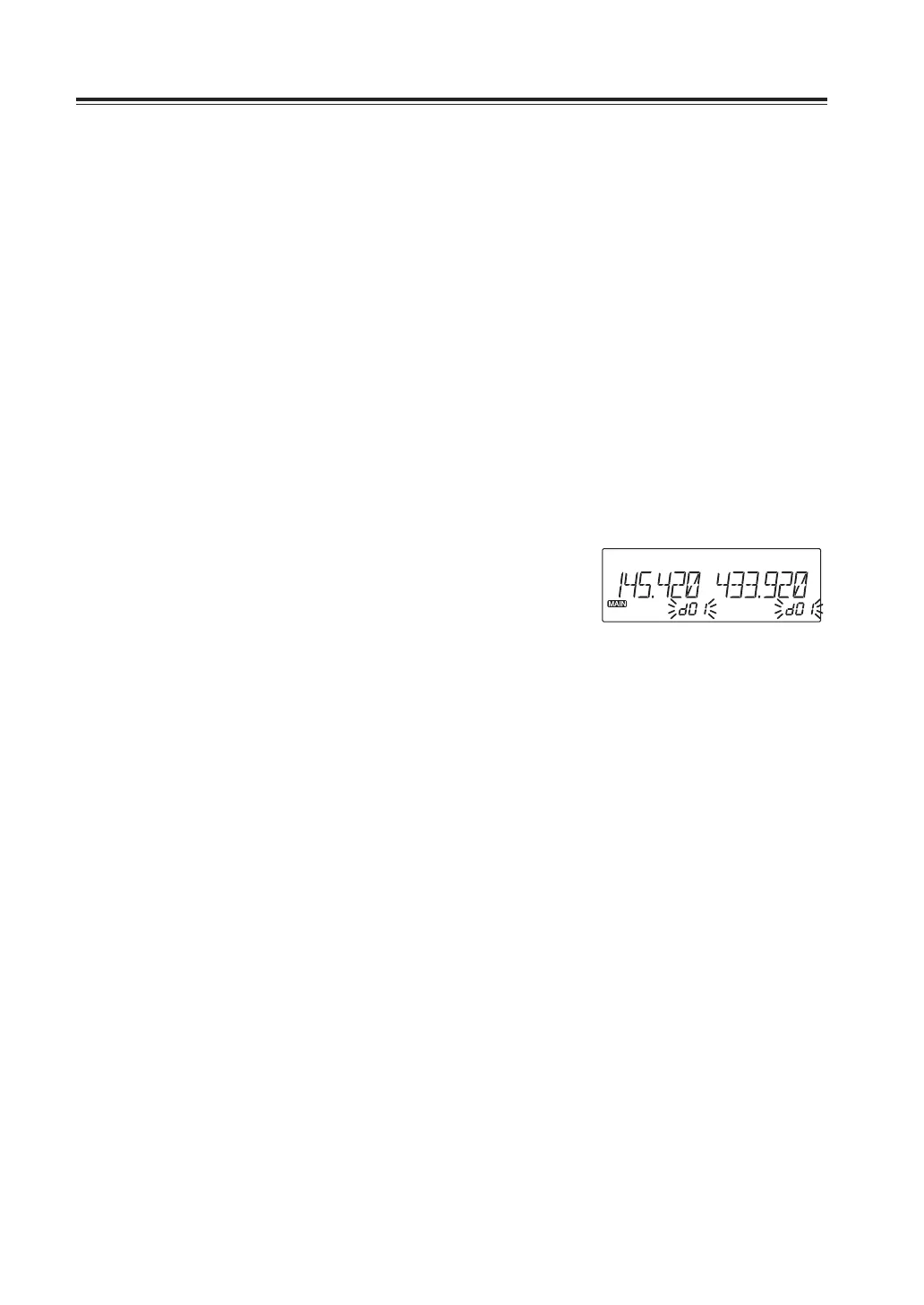
together until a beep is heard and d00
appears.
d** appears on the display.
3. Rotate the dial (or press UP/DOWN keys
on microphone) to select desired memory
channel number.
4. An empty channel is shown with a
flashing [Memory number] icon.
5. By pressing MW key while [Memory
number] icon is flashing on the display,
programming will be completed and you
will hear a beep sound.



 To Next Page