41
Set mode menu
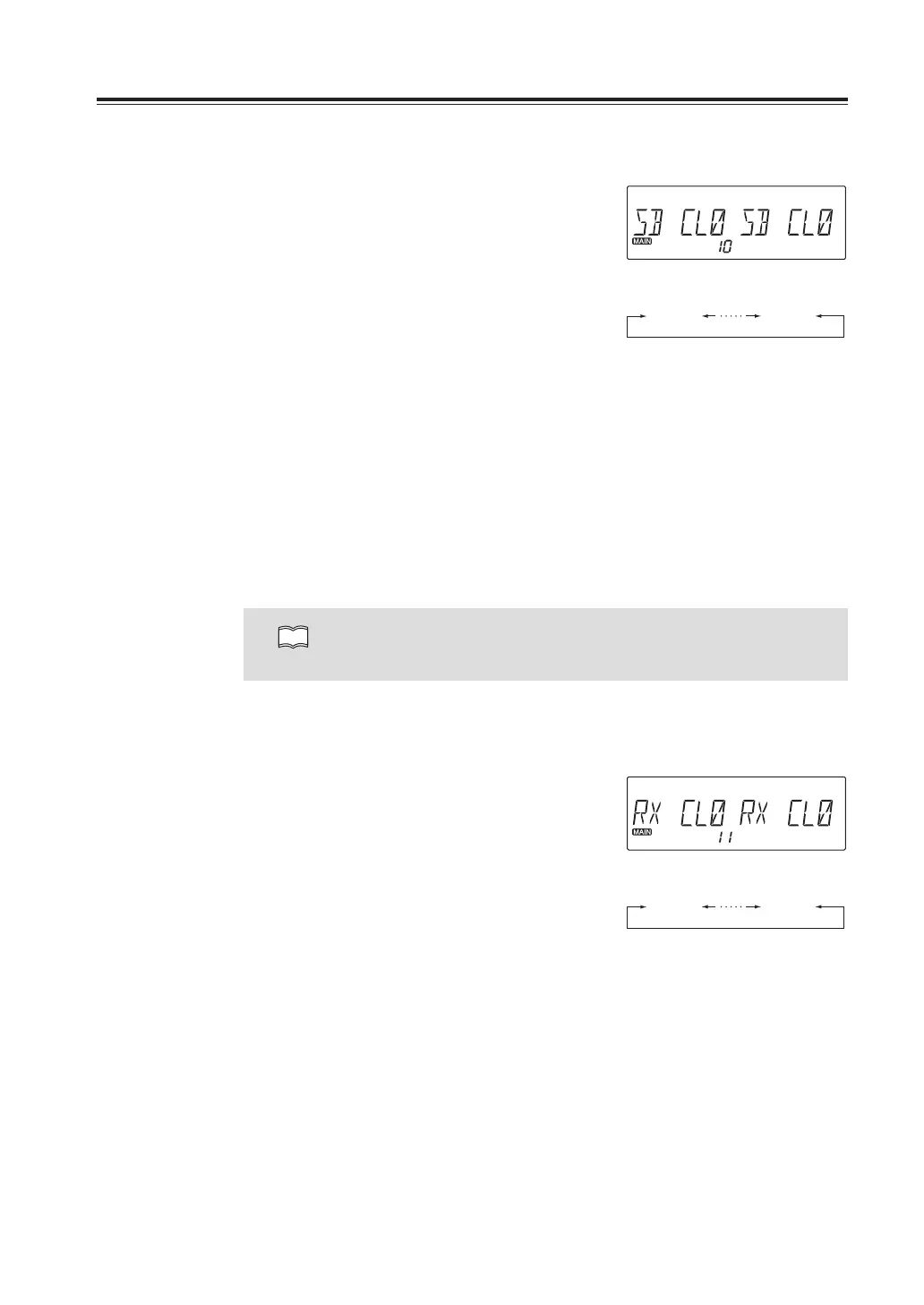
Menu10.DisplaycolorselectionforStand-by
1. Press and hold FUNC key to enter the set
mode. Press dial to select menu 10 to set
the display color of Stand-by state.
2. Rotate either left or right dial you wish to
edit the display color. The color selection
is affected immediately. See the list below
for available colors in menu 10 ~ 12.
3. Press any key to set and exit, or press the
dial or UP/DOWN keys to set and move to
another menu.
CL0 : White CL5 : Purple
CL1 : Red CL6 : Light Blue
CL2 : Green CL7 : Orange
CL3 : Blue CL8 : Pink
CL4 : Yellow CL9 : Light Green
NOTE
By operating RGB color setting on P.63, CLA ~ CLF parameters will be added
in menu 10, 11 and 12..
Menu11.DisplaycolorselectionforReceiving
1. Press and hold FUNC key to enter the set
mode. Press dial to select menu 11 to set
the display color of Receiving state.
2. Rotate either left or right dial you wish to
edit the display color. The color selection
is affected immediately.
3. Press any key to set and exit, or press the
dial or UP/DOWN keys to set and move to
another menu.
SBCL0 SBCL9
RXCL0 RXCL9



 To Next Page