75
Maintenance/Reference
Reset
Different reset features are available in DR-735. Please read carefully before you perform them. By using
restore function most setmode setting will be restored and recalled, but memory channel data are erased.
Use Clone utility to save the memory channel data.
BasicReset
This is to reset setting of VFO, setmode and advanced setmode parameters.
Most key operation functions will return to default conditions.
1. Turn on the radio by pressing PWR key
while pressing FUNC key.
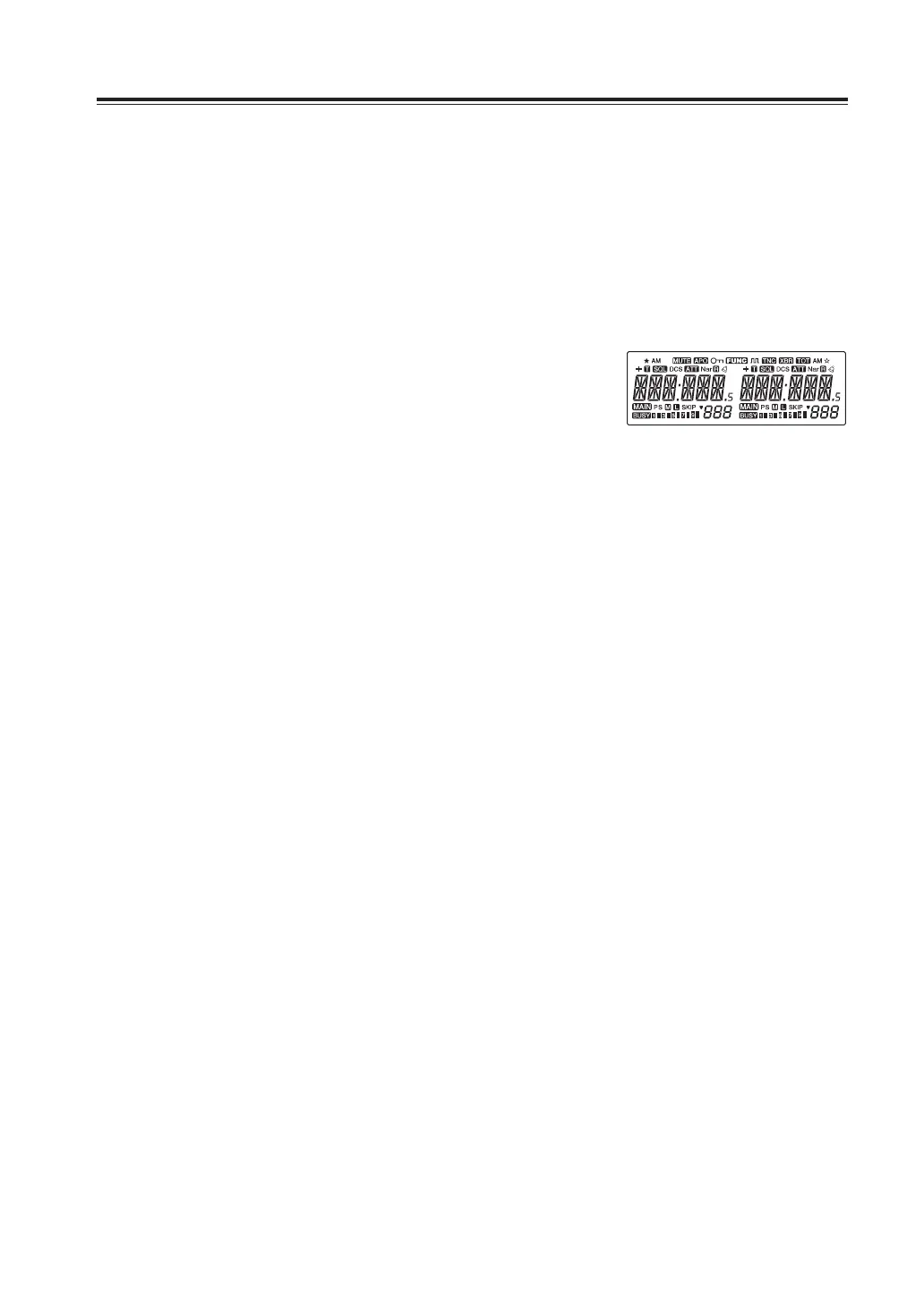
2. All segments of the LCD will be displayed
and reset is completed.
VFOReset
This is to reset only VFO mode setting. All parameters in set mode and memory data will
remain.
1. Turn on the radio by pressing PWR key while pressing left V/M key.
2. All segments of the LCD will be displayed and VFO reset is completed.
MemoryReset
This is to reset only memory data. All parameters in set mode and VFO frequency will remain.
1. Turn on the radio while pressing right V/M key.
2. INIT DATA will be displayed and memory reset is completed.
RGBReset
This is to reset user setting display color (CL0 ~ CL9, and to delete CLA ~ CLF channels).
1. Turn on the radio by pressing PWR key while pressing right V/M and
key together.
2. All segments of the LCD will be displayed and RGB reset is completed.
AllReset
This is to reset radio to factory default setting (except restored data in restore setting).
All above resets will be performed at once.
1. Turn on the radio by pressing PWR key while pressing MW, H/L and
key together.
2. All segments of the LCD and INIT DATA will be displayed and All reset
is completed.
All LCD segments



 To Next Page