63
Useful functions
Short-Cutkey
Various functions can be assigned to key. You may assign one of set mode menu to key to short-cut to
the desired parameters.
1. Enter to set mode and select desired
menu.
2. Press and hold key until a beep is
heard. When this function is activated ✩
appears on the display.
3. key operates on both VFO and memory
modes. Simply press the key to access
the assigned menu.
4. To reassign a new menu to key, repeat
above 1 and 2 so the ✩ disappear.
Repeat 1 and 2 again with a new menu.
RGBcolorsetting
This is to select the display illumination color. A total of 16 color-channels,10 standard CL0 to CL9 and 6 user
setting CLA to CLF, are available.
• CL0 to CL9 color-channels can be modified but color memory channel cannot be deleted.
• CLA to CLF color-channels are use-customs, and don’t appear on the display at default. To delete the
registered channels, select the last channel then press and hold left dial. You can’t select a specific one,
nor all together to delete.
• Refer to the set mode menu 10-12 to assign created colors here to Stand-by, RX and TX.
• RGB color reset is available. (P.75)
1. In the VFO or memory mode, Press key
while pressing and holding FUNC key.
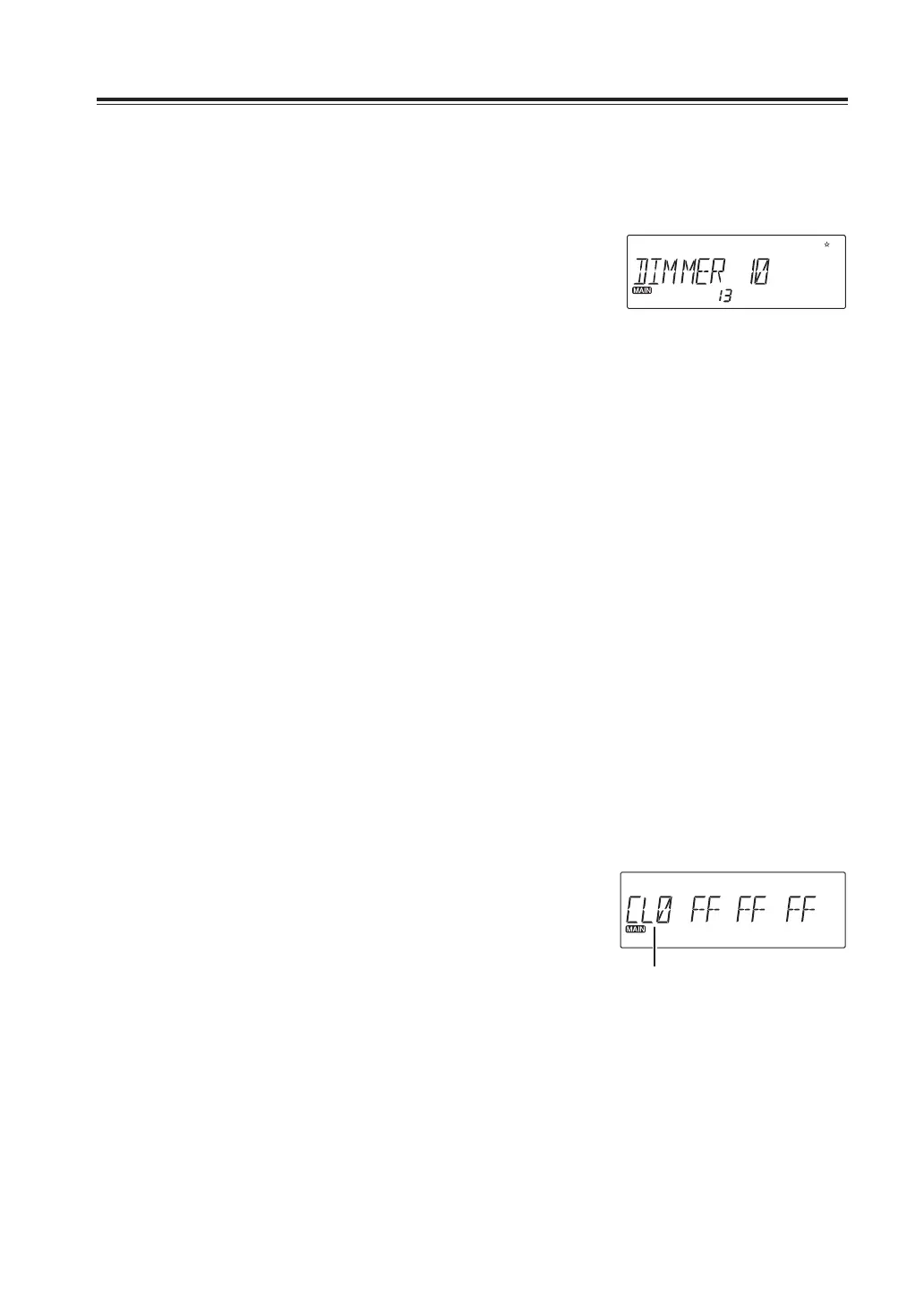
The current color memory channel and its RGB values
are displayed.
• Rotate the left dial to select a desired color memory
channel to edit.
• At default, only CL0 ~ CL9 and CLA will be displayed.
• CLA ~ CLF will be displayed once programmed. Programmed ones stay lit, while
unprogrammed ones flash. Only the last unprogrammed channel is displayed always.
Color memory channel



 To Next Page