56
Set mode menu
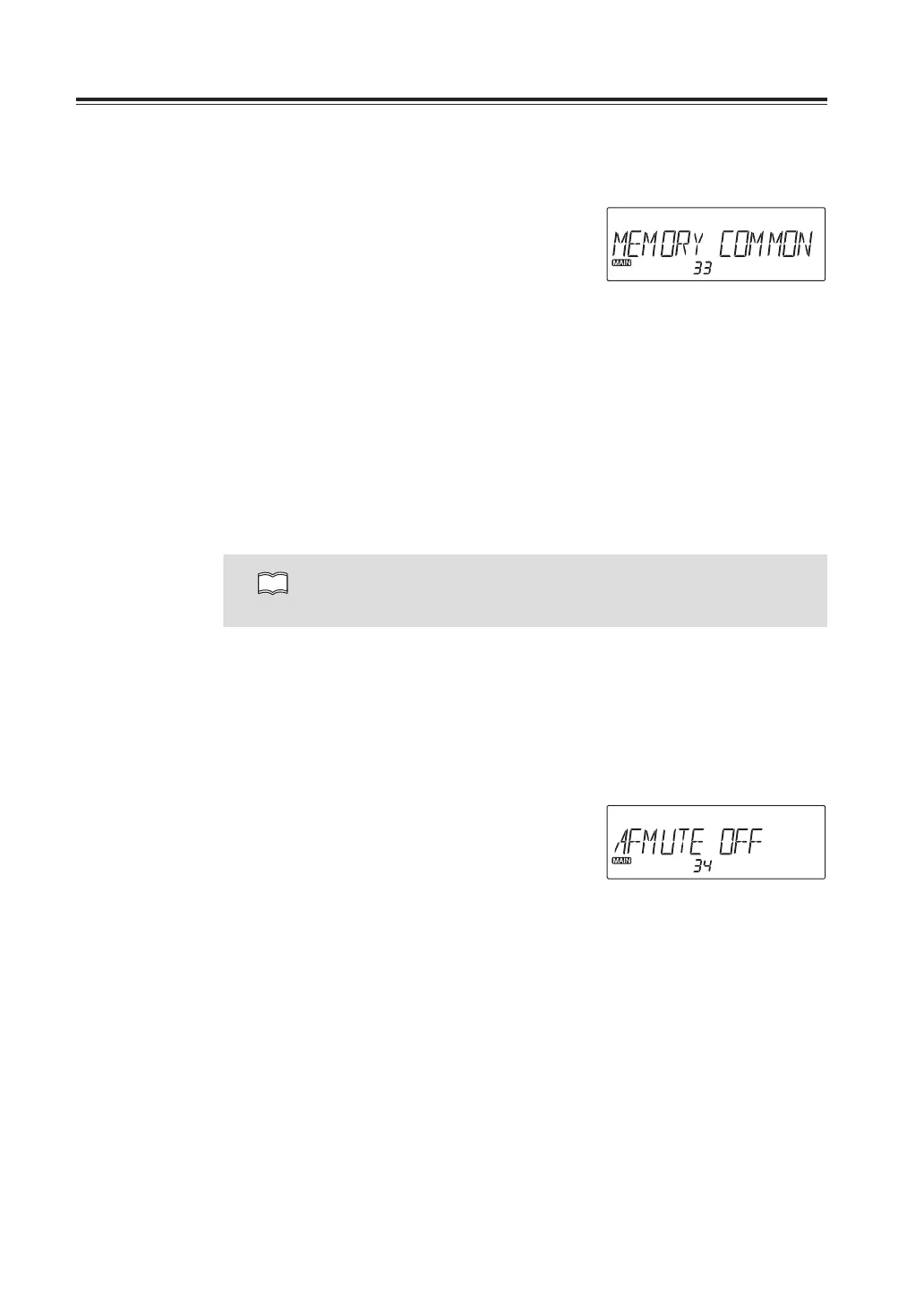
Menu33.Memorychannelmodeselection
This is to select memory channel mode. 3 different modes are available.
1. Press and hold FUNC key to enter the set
mode. Press dial to select menu 33.
Factory default setting is [COMMON].
2. Rotate the right dial to select desired
memory mode as explained below.
COMMON : Only using common memory channels (000 to 999)
L/R : Only using individual right and left memory channels (L00 to L99, R00 to R99)
ALL : Using both common and individual memory channels (000 to 999, L00 to L99/
R00 to R99)
3. Press any key other than PTT to set and
exit, or press the dial or UP/DOWN keys
to set and move to another menu.
NOTE
• Programmed memory channels won’t be deleted by changing memory
channel mode.
Easy memory programming is available in both COMMON and L/R modes.
In case ALL, easy programming is available only to COMMON channels.
Menu34.SUBbandmute
This is like a semi-duplex transceiver to mute the sub-band receive while receiving in the
MAIN band.
1. Press and hold FUNC key to enter the set
mode. Press dial to select menu 34.
Factory default setting is [OFF]. This
setting becomes effective regardless of
bands and VFOs.
2. Select On to activate, OFF to deactivate
by rotating the dial.



 To Next Page