62
Useful functions
DCSScan
This function automatically searches for the DCS tone an incoming signal might carry. This
feature is useful to search for the encoding tone of a repeater, or to communicate with a
station operating in DCS (Digital Code Squelch) mode.
1. Press FUNC then key to enter the tone
setting in the band you wish to DCS-scan.
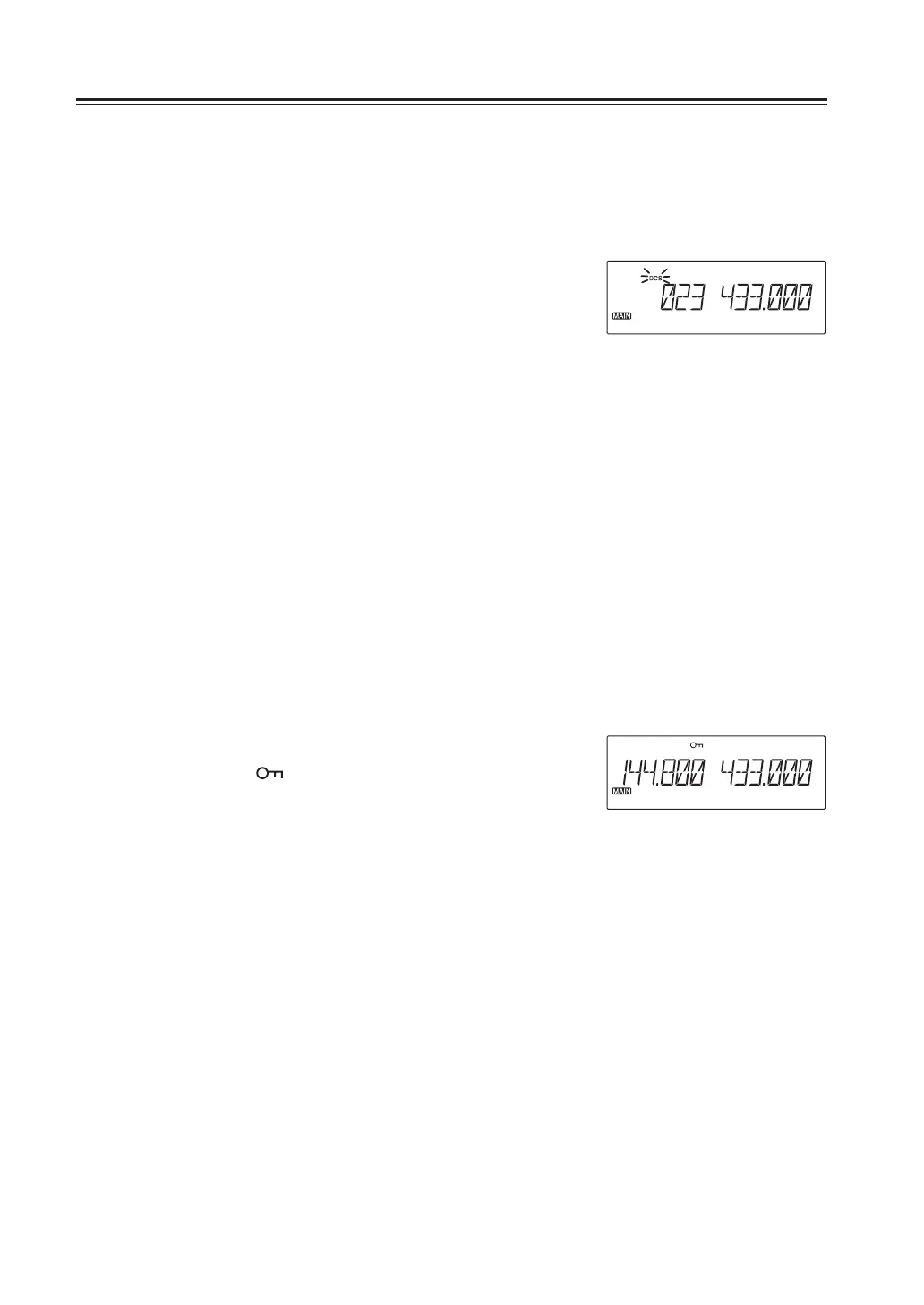
Press to display DCS icon. Press and
hold the dial of the same side until the
scan starts. Pressing UP/DOWN keys
until start scanning and release
immediately also activates the DCS scan.
Display flashes while scanning.
2. It stops scanning when a matching code
is detected, and decoded signal will be
heard. Press any key other than UP/
DOWN to stop scanning. Press any key
again to exit from DCS scan.
Key-Lock
This will lock the keys to avoid unintentional key operations.
1. Press and hold H/L key.
The [ ] icon appears on the display.
2. Repeat above to unlock.
3. All keys and dial functions will remain
locked except below in Key lock state.
PTT
H/L key to cancel this function
Squelch and volume
UP/DOWN keys



 To Next Page