20
Chapter 1 Getting Started
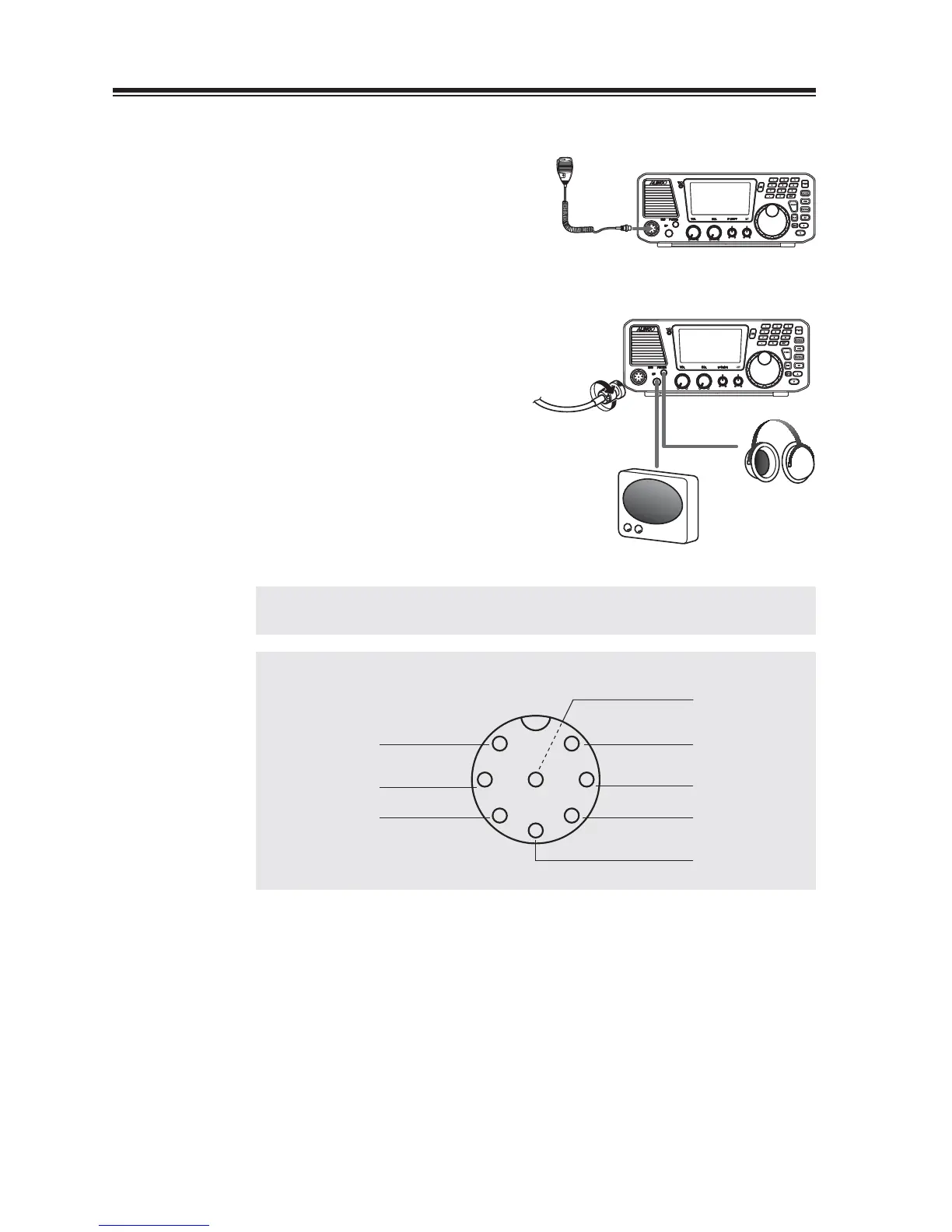
Connecting the Microphone
1.
Plug the microphone into the microphone
connector on the body.
2.
Tighten the screw on the connector to secure
the connection.
NOTE: Please be sure that the connector is securely tightened, and check the
connection from time to time. Loose connection may cause noise on TX signals.
REFERENCE: Connector pin assignment
1
2
3
4
5
6
7
8
DOWN
MIC GND
PTT
GND
(Front view)
MIC
NC
UP
DC 5V
Speaker
Headphone
Microphone



 To Next Page