58
Chapter 4 Scanning
4.2 Band Scan
By setting the Band scan in the Set mode Menu 04 (Page 74):
Enter to either the VFO A or B in the VFO
1.
mode.
2.
Press the [FUNC] key, then press the [8] key
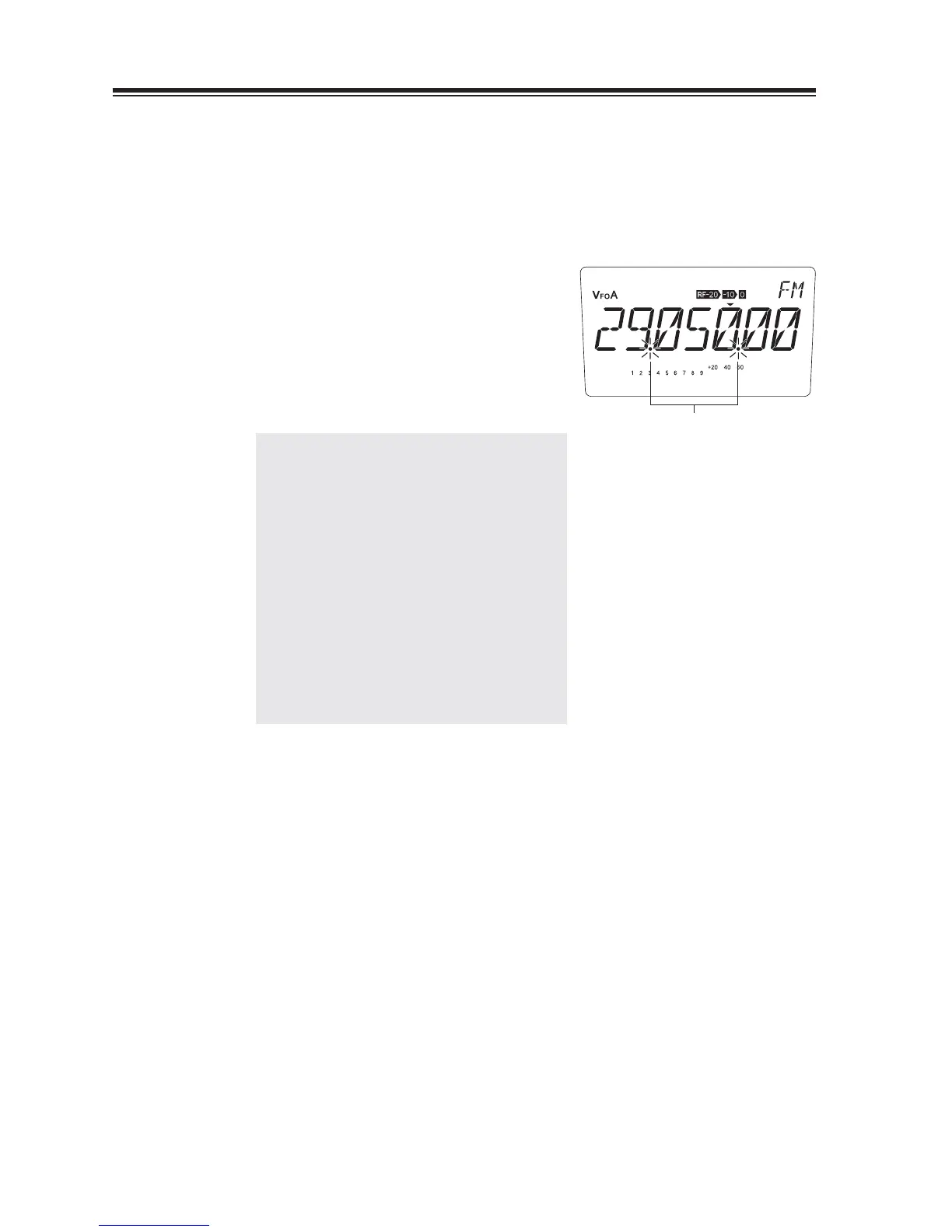
to start scanning. During this scan mode, the
decimal points fl ash as shown.
Use the [Ÿ/ź] or [UP/DOWN] keys to
3.
change the scan direction. Press any key (other
than the [Ÿ/ź] and [UP/DOWN] keys) to
exit.
NOTE: • In the SSB or CW mode, the scan
is not likely to pause at a frequency
where the received sound is clear.
By setting the resumption time
long enough, you can fi ne-tune the
frequency using the RIT control knob
while the scan pauses.
• The scan proceeds to the upper limit
of the band and returns to the lower
limit of the band, or vice versa.
• Set the frequency step according to
the band and modulation mode used
there. For example, select a 10 kHz
step in 29 MHz FM band.
Flash while scanning is in progress.



 To Next Page