78
Chapter 6 Parameter Setting Mode (Set mode)
Menu 11. TXIT Function Setting
This is to allow/prohibit the access to TXIT. If “OF”(OFF) in selected, only an RIT function
works.
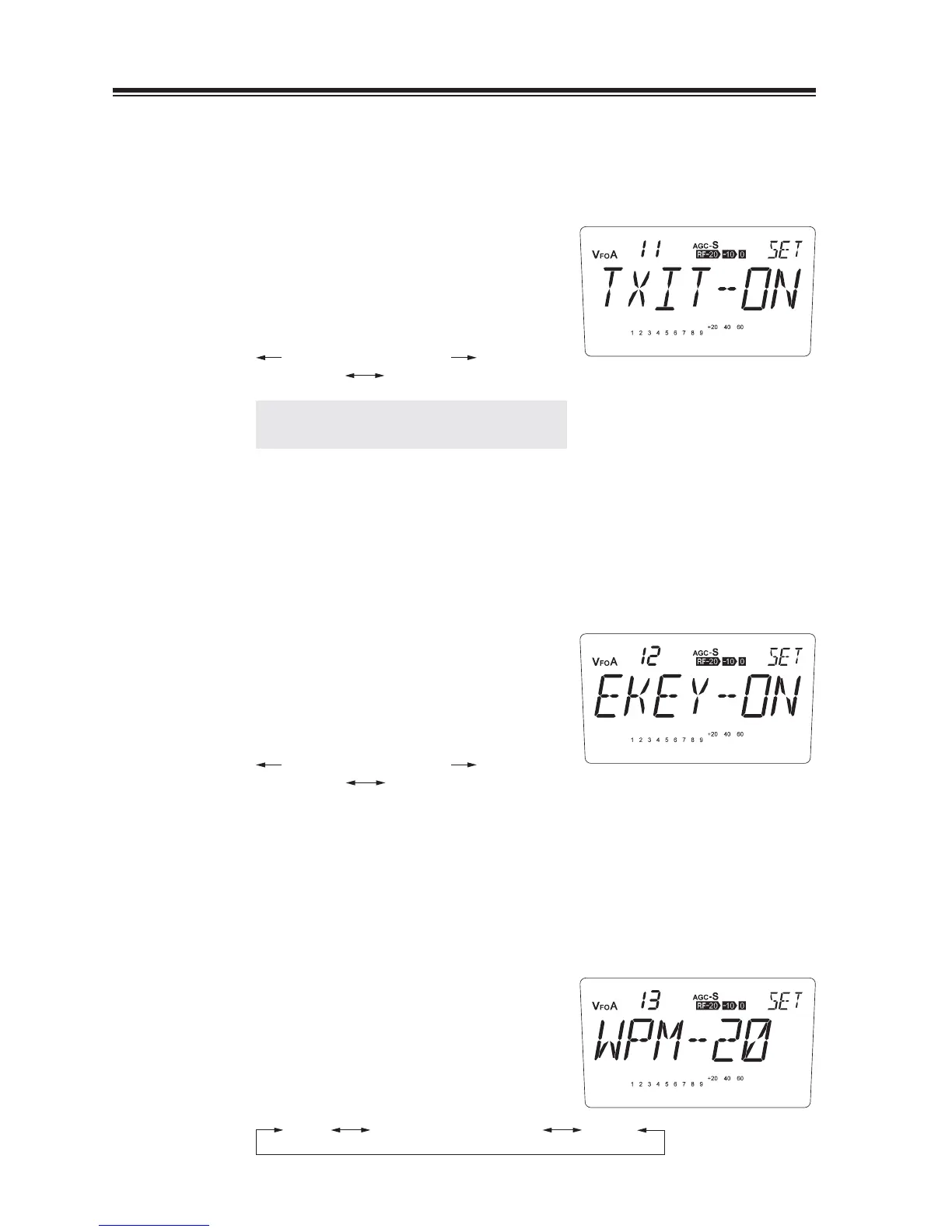
The [TXIT-ON] appears on the display.
1.
(Default)
2.
Turn the main dial counterclockwise, the
display changes into the [TXIT-OF] and only
an RIT function works.
counterclockwise clockwise
TXIT-OF TXIT-ON
NOTE: TXIT icon won’t appear by operating
in this state.
Menu 12. Electronic Keyer Setting
This function offers automatic dot and dash keying functions for speedy CW transmission. When
[EKEY-OF] is selected, it works in semi-automatic mode that can key only dots, while dashes
should be emitted manually, i.e. the dash contact works as straight key. When [EKEY-ON] is
selected, both dots and dashes are keyed automatically by manipulating each respective contacts.
The [EKEY-ON] appears on the display.
1.
(Default)
2.
Turn the main dial counterclockwise, the
display changes into the [EKEY-OF] and it
works in semi-automatic mode.
counterclockwise clockwise
EKEY-OF EKEY-ON
Menu 13. Electronic Keyer Speed Setting
This function is effective at the [EKEY-ON] (Refer to menu 12 above). It changes Electronic
Keyer speed in a range of 6 to 40 wpm.
The [WPM-20] appears on the display.
1.
(Default)
2.
By rotating the main dial, the display changes
as shown and the Electronic Keyer speed is
changed.
WPM-6 WPM-40WPM-7
...
WPM-20
...
WPM-39



 To Next Page