75
Chapter 6 Parameter Setting Mode (Set mode)
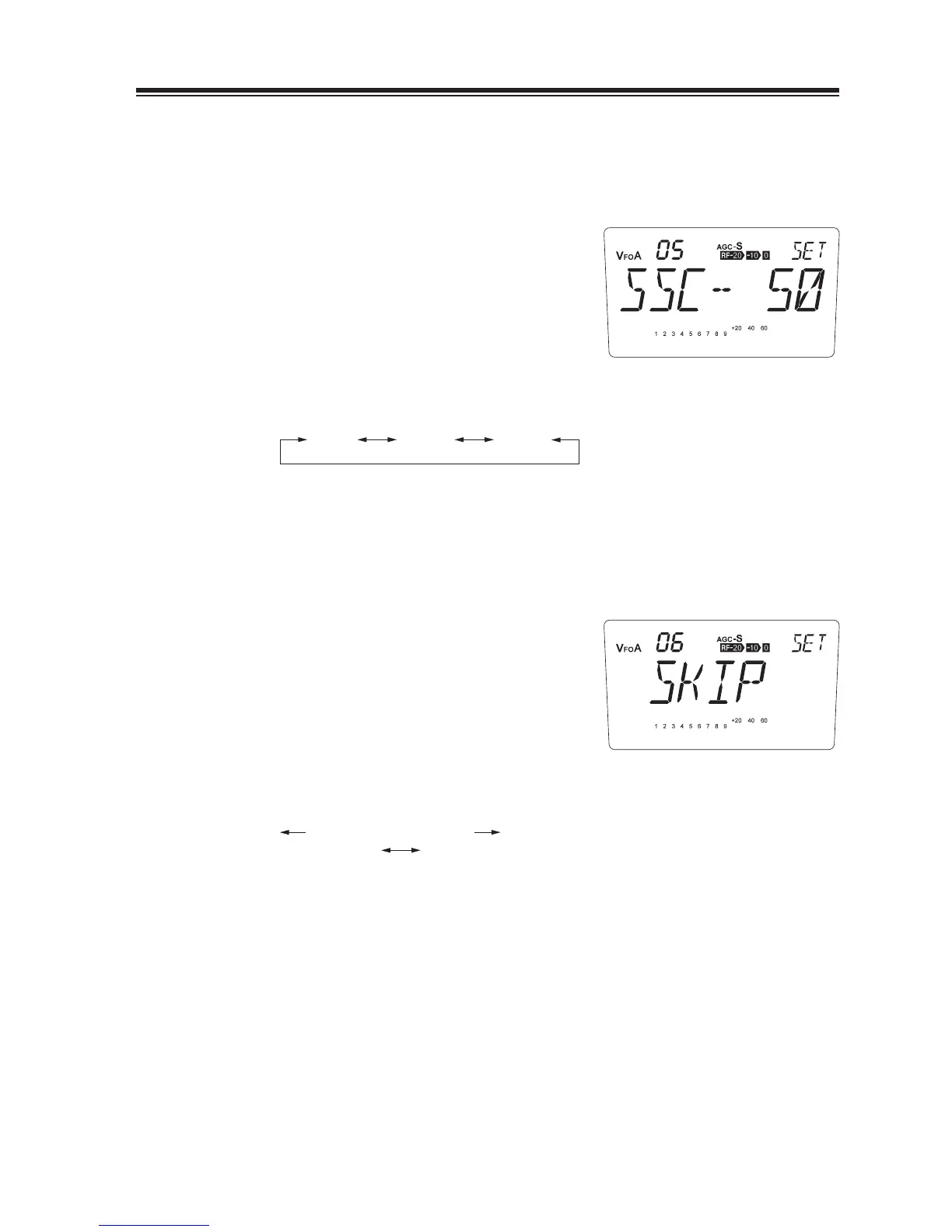
Menu 05. Search range setting for Search scan
This is to set the scanning range applied to Search scanning. 50, 100 and 200 kHz are available
as parameters.
1.
Default range is [SSC-50].
Rotate the main dial to select the scanning
2.
range.
SSC-50 SSC-200
(kHz)
SSC-100
Menu 06. Memory scan skip Setting
This is to select either to include or exclude the memory-skip channels during the memory-
scanning.
1.
Default is [SKIP].
Rotate the main dial counterclockwise to
2.
select [NO SKIP].
counterclockwise clockwise
NO SKIP SKIP
[SKIP] … Excludes skip channels during the memory scanning.
[NO SKIP] … Includes skip channels during the memory scanning.



 To Next Page