52
Chapter 3 Memory Features
3.6 Memory Channel Data Erasing
Erasing Data in a Selected Memory Channel
Press the [V/M] key to access the Memory
1.
mode.
2.
Press the [Ÿ/ź] keys or press [UP/DOWN]
key of microphone to select a memory
channel that you want to erase.
3.
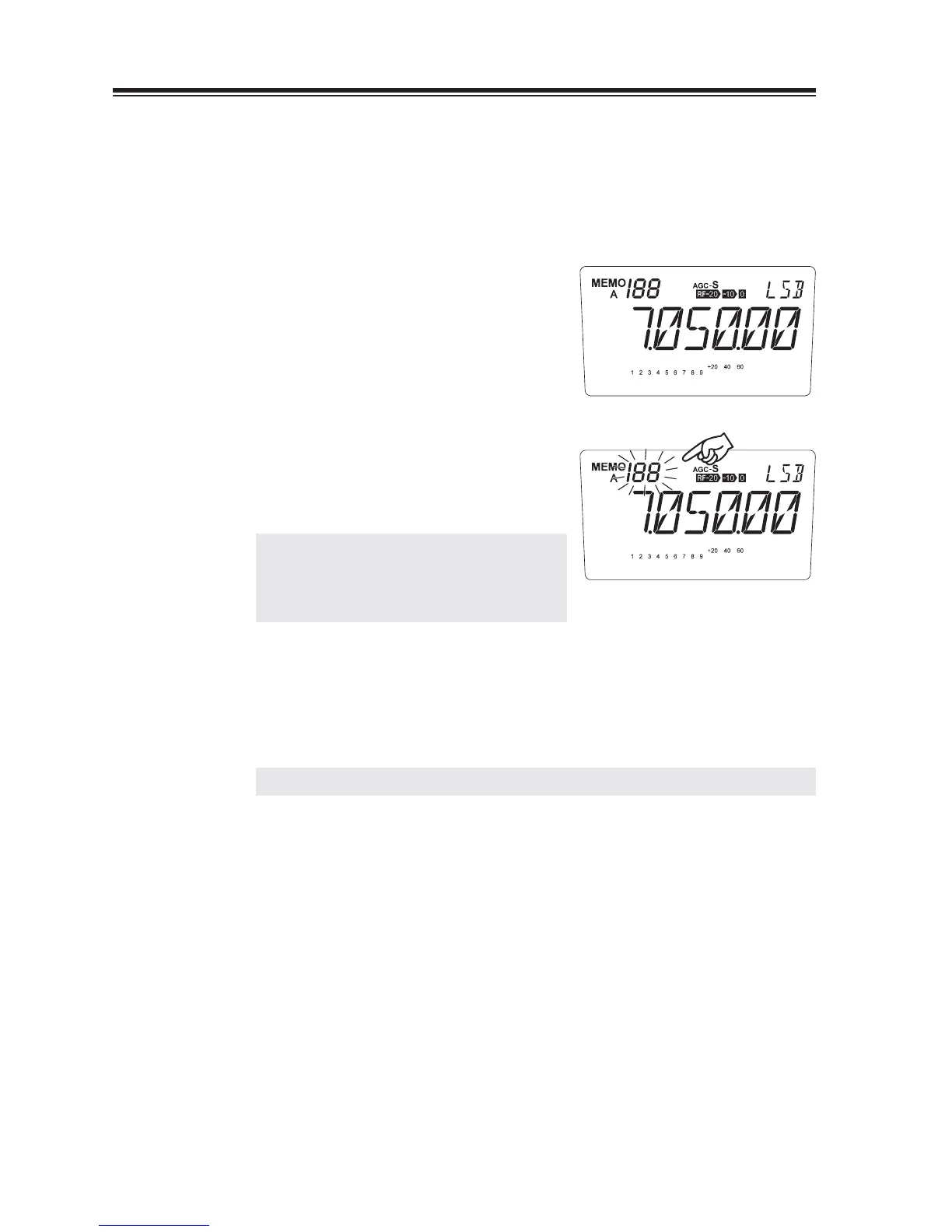
Press the [FUNC] key, then press the [3] key.
The selected channel number fl ashes and
completes the erase.
NOTE: Releasing the key will not affect the
current LCD indication, but will erase
the data in the selected memory
channel.
Erasing All Memory Channels (Memory reset)
Turn off the power.
1.
Turn on with [M/KHz] and [RF] keys pressed
together to reset memory data only.
REFERENCE: See more details of available reset functions on page 87.



 To Next Page