57
Chapter 4 Scanning
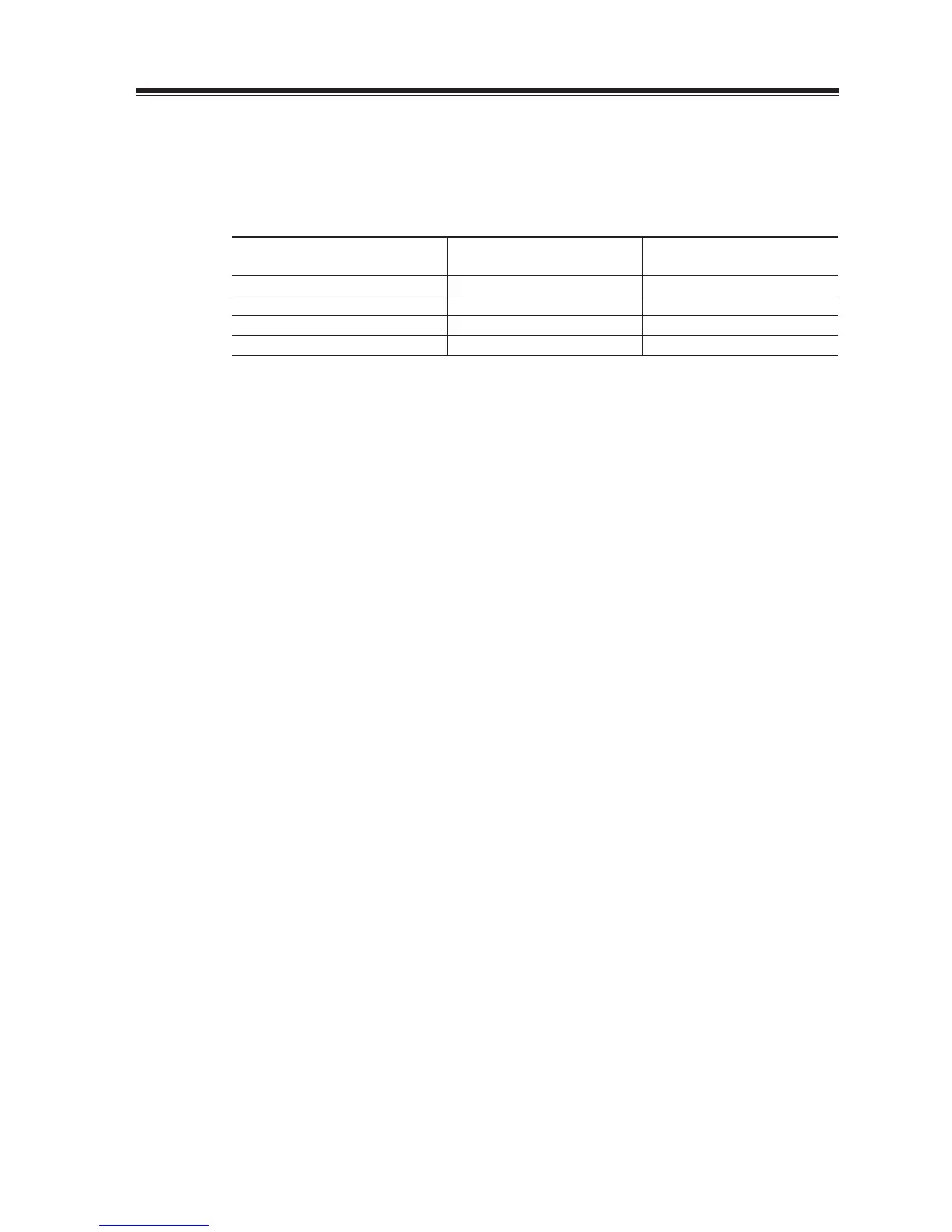
Priority Scan
The transceiver receives signals on a VFO or a memory channel for 5 seconds, and •
then scans a memory or a VFO you specifi ed for 0.5 seconds (2 seconds if squelch is
unmuted).
Display frequency
(5 seconds)
Priority frequency
(0.5 seconds)
VFO A priority VFO A Memory
VFO B priority VFO B Memory
Memory priority A Memory VFO A
Memory priority B Memory VFO B
Scanning conditions
Details of each scan operation will be explained starting from the next page. But before passing
to the scan operation. Please understand the scan resume and starting conditions as follows.
Scan modes
Band scan, Programmed scan and Memory scan modes have specifi c condition for
stopping and resuming scanning. Please refer to the Page 73 Menu 03 for details.
To Start scanning
There are 2 ways to start the Band, Programmed, or Search scans. Pre-select the scan
mode in the Set mode, or select the mode every time before scanning.
Select either one of Band scan, Program scan, Search scan or “select” in the Menu
1.
04 of the Set mode on Page 74 before scanning.
Other than the “Select” parameter, the respective scan mode will start by pressing
2.
[FUNC] then [8] key in the operation mode.
When the “Select” is set, a list of scan mode will appear on the display by pressing
3.
[FUNC] then [8] key. Use [Ÿ/ź] keys or rotating the main dial to select the mode
you prefer and press [8] again to start scanning.



 To Next Page