46
Chapter 2 Communications
2.12 RTTY Packet Operation (FAX/SSTV)
Introduction
DX-SR8 has no dedicated features for RTTY packet, FAX, and SSTV operations. However,
these operations can be enabled by using the following procedures.
1
2
3
4
5
6
7
8
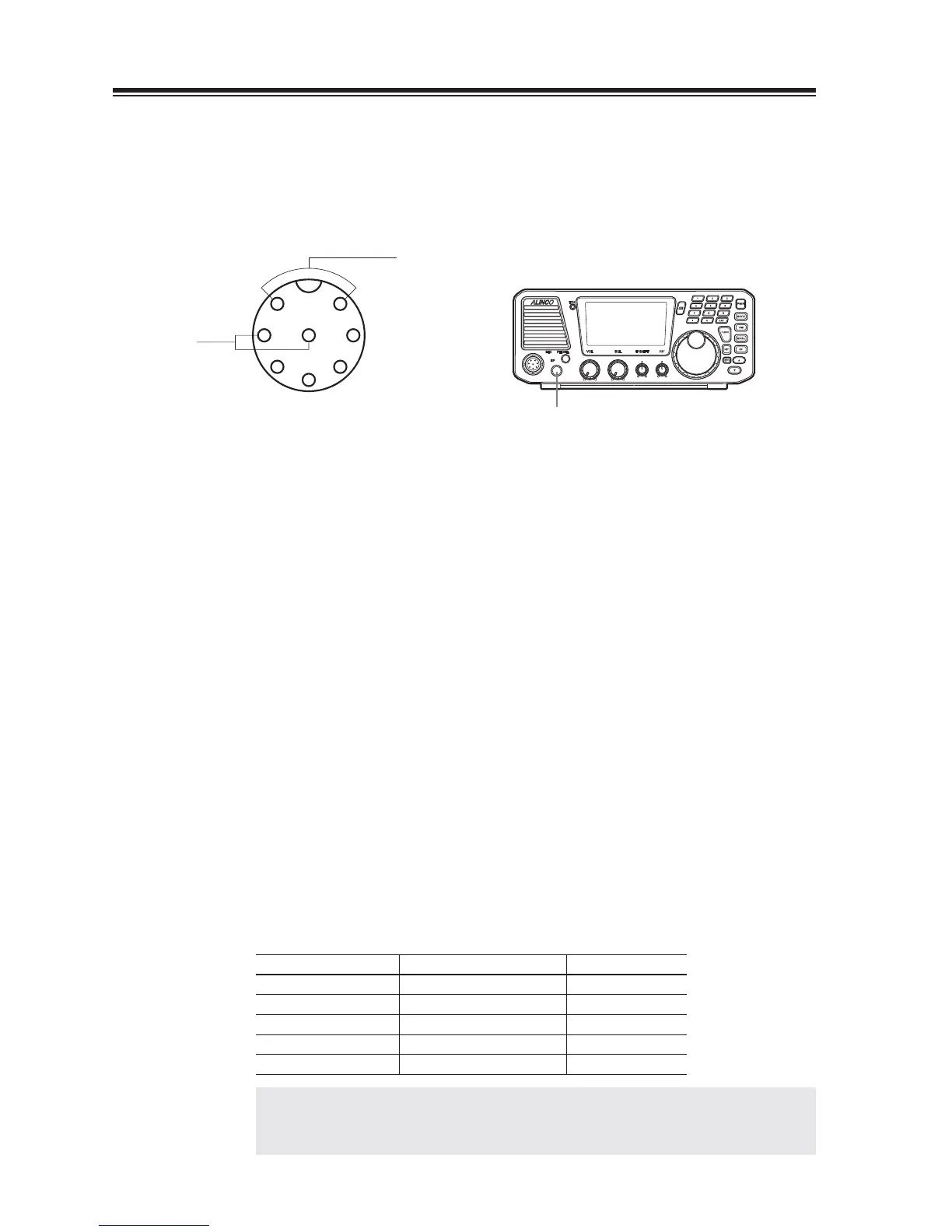
GND
GND
PTT
Audio frequency OUT
Audio frequency IN
(Microphone Connector)
Connecting Additional Equipment
Pin (1) — To audio output of additional equipment.
Pin (7) — To ground of the audio output.
Pin (2) — To PTT output of additional equipment.
Pin (8) — To PTT GND of additional equipment.
Eexternal speaker jack — To RECEIVE SIGNAL. AF-IN.
Procedure
Turn the power on.
1.
Select the mode.
2.
• You may like to choose the mode UT (or LT) which gives a higher pitch
passband, suited for data communications such as FAX, SSTV, RTTY, etc. To
select UT or LT, press [FUNC] key and then [MODE] key in USB mode for UT,
in LSB mode for LT. Press [FUNC] key and then [MODE] key again to go back
to USB/LSB modes.
The change of UT/LT is automatic when AUTO is selected in Menu 9 (Page 77),
it turns to UT for USB bands, LT for LSB bands.
Select the desired operating band.
3.
Start receiving.
4.
Mode commonly used DX-SR8
RTTY (AFSK) LSB LT
AFSK (300 baud) SSB UT/LT
AFSK (1200 baud) FM FM
FAX SSB/FM UT/LT/FM
SSTV SSB/FM UT/LT/FM
REFERENCE: Third-party-mode peripherals are available to ease data-mode
operations. Please follow instructions of the devices as well in case
you use them.



 To Next Page