61
Chapter 4 Scanning
4.7 Priority Scan
You can monitor 2 frequencies every 5/0.5 seconds alternatively. Any combination of VFO and
/ or memory channel frequency can be coupled for priority monitoring. Stay tuned to the main
frequency you wish to monitor for 5seconds, and select the priority frequency (or channel) to
monitor 0.5 seconds (and stay there for 2 seconds if a signal is picked up).
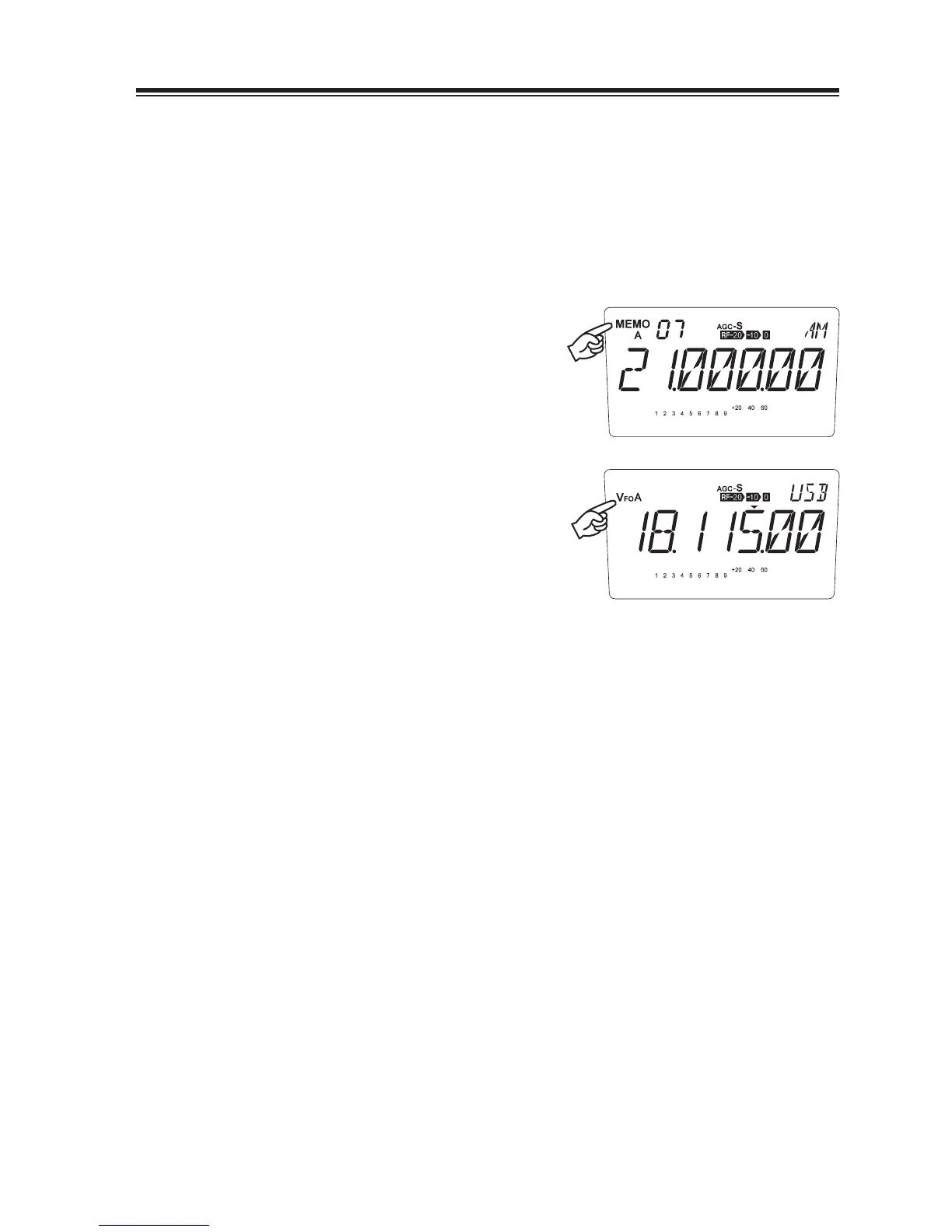
Example: Receiving the VFO A and monitoring a memory channel as a priority channel.
1.
Enter to the memory mode and select a
channel to monitor as a priority.
2.
Press the [V/M] key to enter to the VFO
mode and tune to a frequency you wish to
monitor for 5 seconds.
Press the [FUNC] key, then press the [6] key
3.
to start the priority monitoring. Press any
key (other than the [Ÿ/ź] and [UP/DOWN]
keys) to exit.



 To Next Page