81
Chapter 6 Parameter Setting Mode (Set mode)
Menu 18. CTCSS Tone Encoding Setting
The CTCSS tone, sometimes called PL tone, is a sub-audible tone superimposed on your voice.
It is used for repeater uplink on 29 MHz FM band. There are 39 types of tones. The tone setting
is activated only in FM mode.
1.
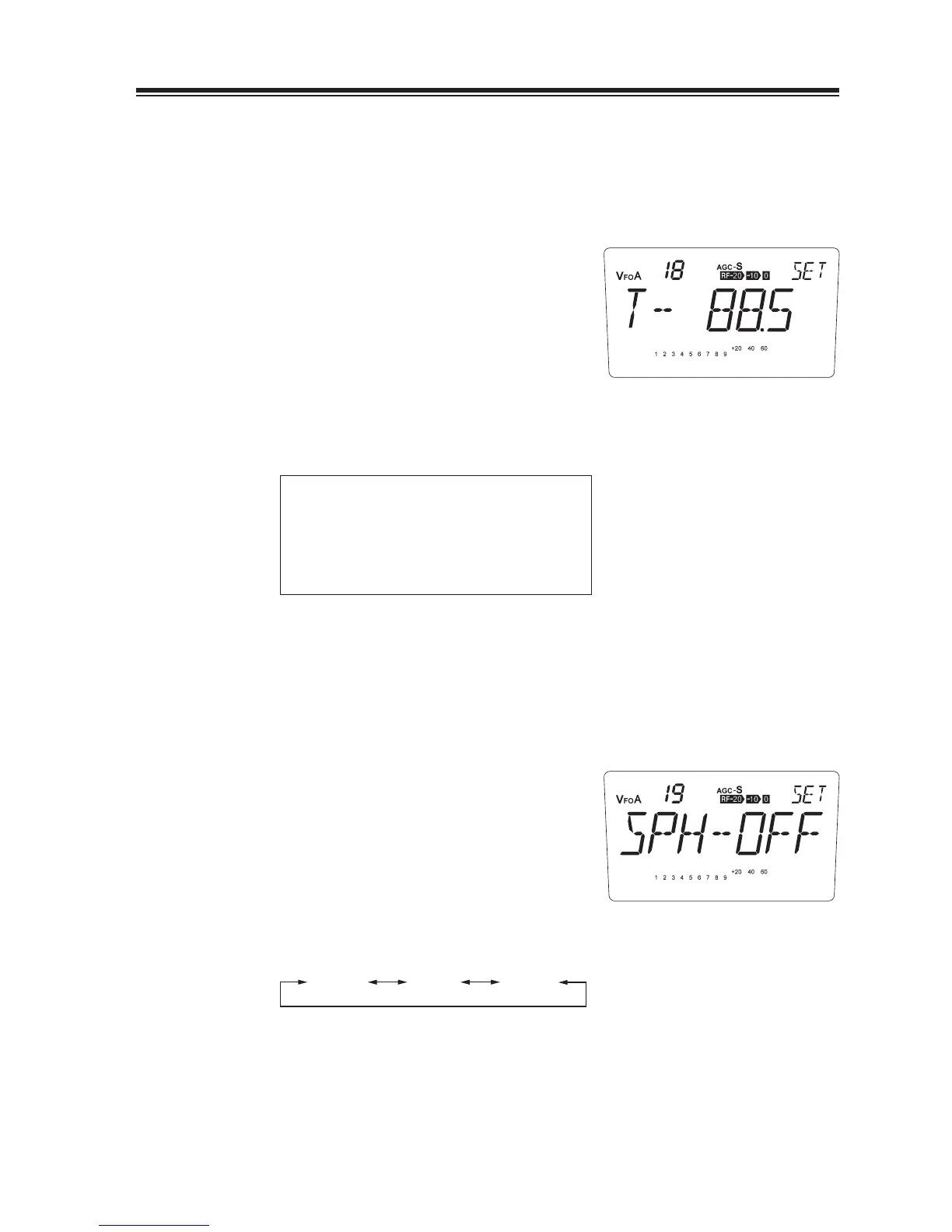
The current Encoding setting appears on the
display.
You can change the CTCSS tone frequency as
2.
below by rotating the main dial.
67.0 69.3 71.9 74.4 77.0 79.7 82.5 85.4
88.5 91.5 94.8 97.4 100.0 103.5 107.2 110.9
114.8 118.8 123.0 127.3 131.8 136.5 141.3 146.2
151.4 156.7 162.2 167.9 173.8 179.9 186.2 192.8
203.5 210.7 218.1 225.7 233.6 241.8 250.3
CTCSS Tone Frequency (Hz)
Menu 19. Speech Compressor
The speech compressor increases talk power. This is useful for transmission in the SSB and AM
under poorer communication condition.
1.
Default is [SPH-OFF].
By rotating the main dial clockwise, select
2.
[SPH-ON] or [ALL].
SPH-OFF SPH-ALLSPH-ON
* SPH-ON activates processor in SSB and AM modes. SPH-ALL activates FM mode in addition
to SSB and AM. Select this parameter only when you need to amplify the talk power of FM for
some special reason.
* Talking close to the microphone, too loud or using linear amplifi er while compressor is ON,
the modulation may be distorted or transmits splatters to bother other communications.
* Turn off the processor to operate in digital modes like RTTY etc.



 To Next Page