76
Chapter 6 Parameter Setting Mode (Set mode)
Menu 07. Dimmer
The LCD illumination dimmer is available to adjust the luminosity of the display as you prefer.
1.
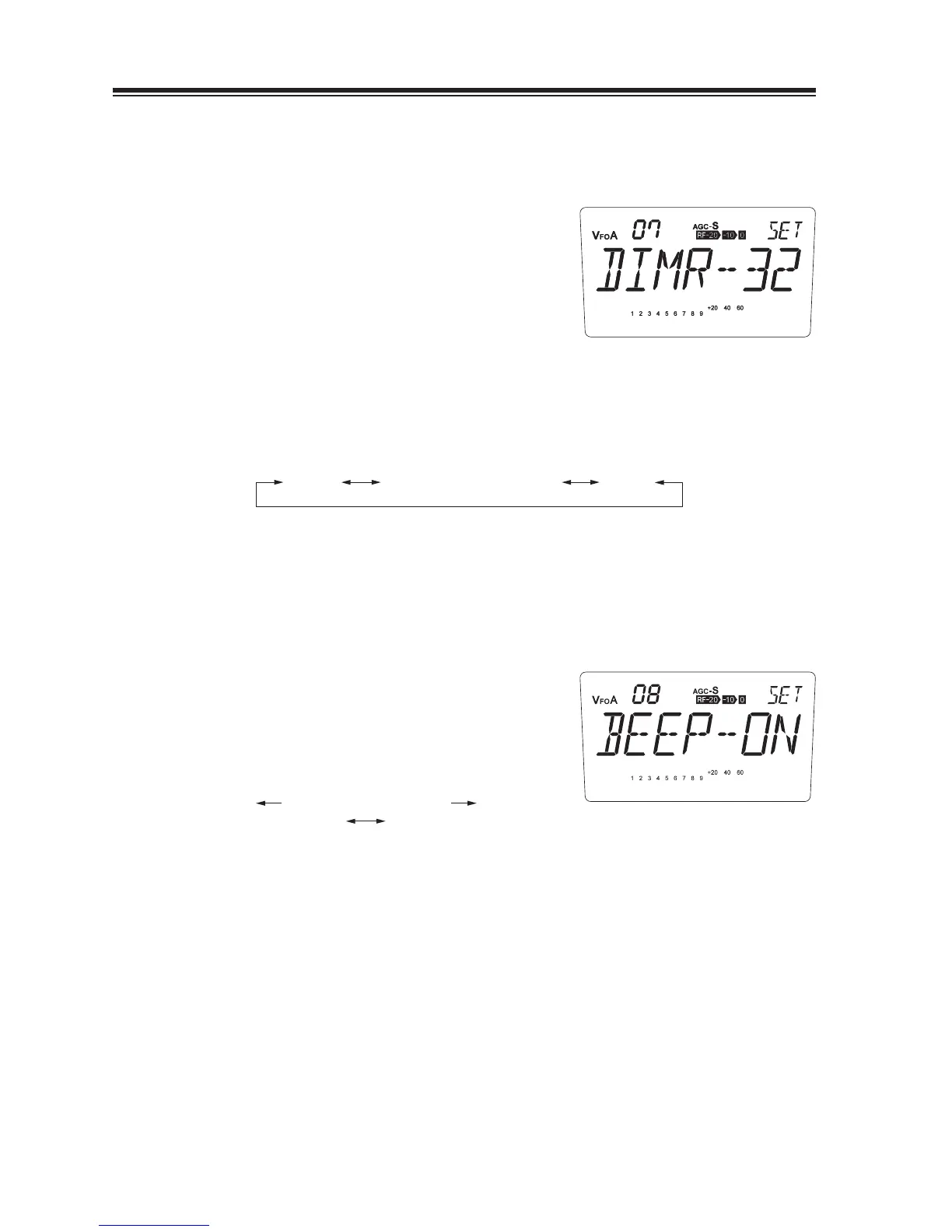
The [DIMR-32] appears on the display.
(Default)
By rotating the main dial, the display changes
2.
as shown and the luminosity changes.
The brightest is 64 and will be darker as
number decreases. DIMR-00 turns off the
illumination.
DIMR-00 DIMR-64DIMR-01
...
DIMR-32
...
DIMR-63
Menu 08. Beep Sound
If “ON” is selected, a high-pitch beep will be heard each time a valid key is pressed, and a low-
pitch beep will be heard each time an invalid key is pressed. “OFF” mutes all beep sounds.
The [BEEP-ON] appears on the display.
1.
(Default)
2.
Turn the main dial counterclockwise, the
display changes into the [BEEP-OF] and
mutes the beep.
counterclockwise clockwise
BEEP-OF BEEP-ON



 To Next Page