41
Chapter 2 Communications
2.7 FM Operation
Introduction
In the FM (Frequency Modulation) mode, you can enjoy high quality sound that is less affected
by noise. This mode is frequently used in the 29 MHz band as well as VHF and UHF bands.
Procedure
NOTE: Make sure that all antenna, power, and microphone connections are correct.
Be sure to the FM mode allocation of the band-plan in your area.
Turn the power on.
1.
Adjust squelch level.
2.
NOTE: If squelch level (threshold) is set too
high, the transceiver will not be able to
pick up weak signals.
Select the desired operating band (see page 27).
3.
NOTE: In the FM mode, DX-SR8 is designed
to use the super narrow (±2.5 kHz
deviation).
4.
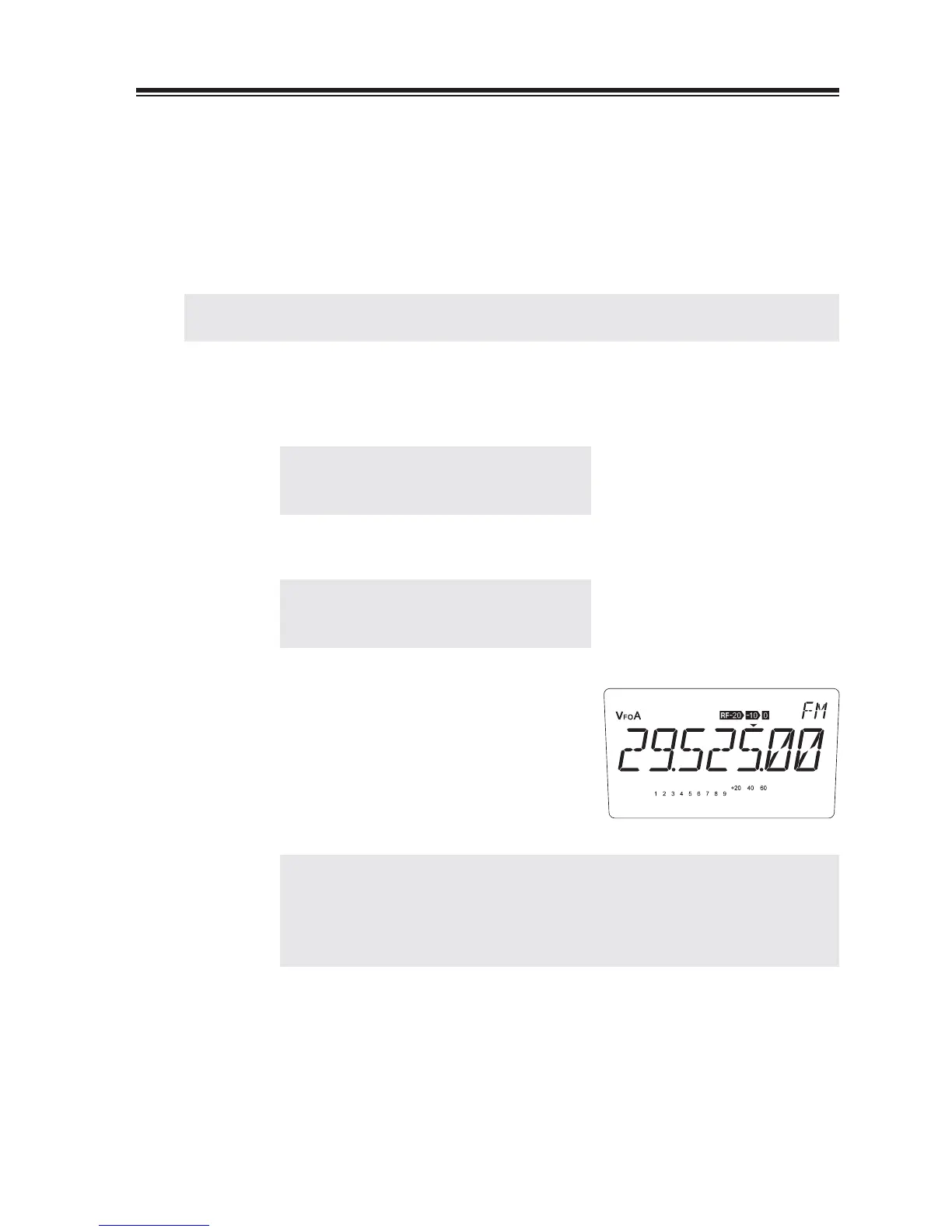
Press the [MODE] key to select the FM
mode.
Select the desired frequency.
5.
NOTE: • Check to see the frequency is not used by other stations before
transimitting.
• When tuning, the [Ÿ/ź] keys may be more useful than the main
tuning dial. Frequency step for the [Ÿ/ź] keys can be selected in the
Set mode (see page 72).
Press and hold the [PTT] key and speak into
6.
the microphone.
The red TX LED will be lit.
Release the [PTT] key to return to receive.
7.



 To Next Page