51
Chapter 3 Memory Features
3.5 Memory Mode Operation
Procedure
Accessing the Memory Mode
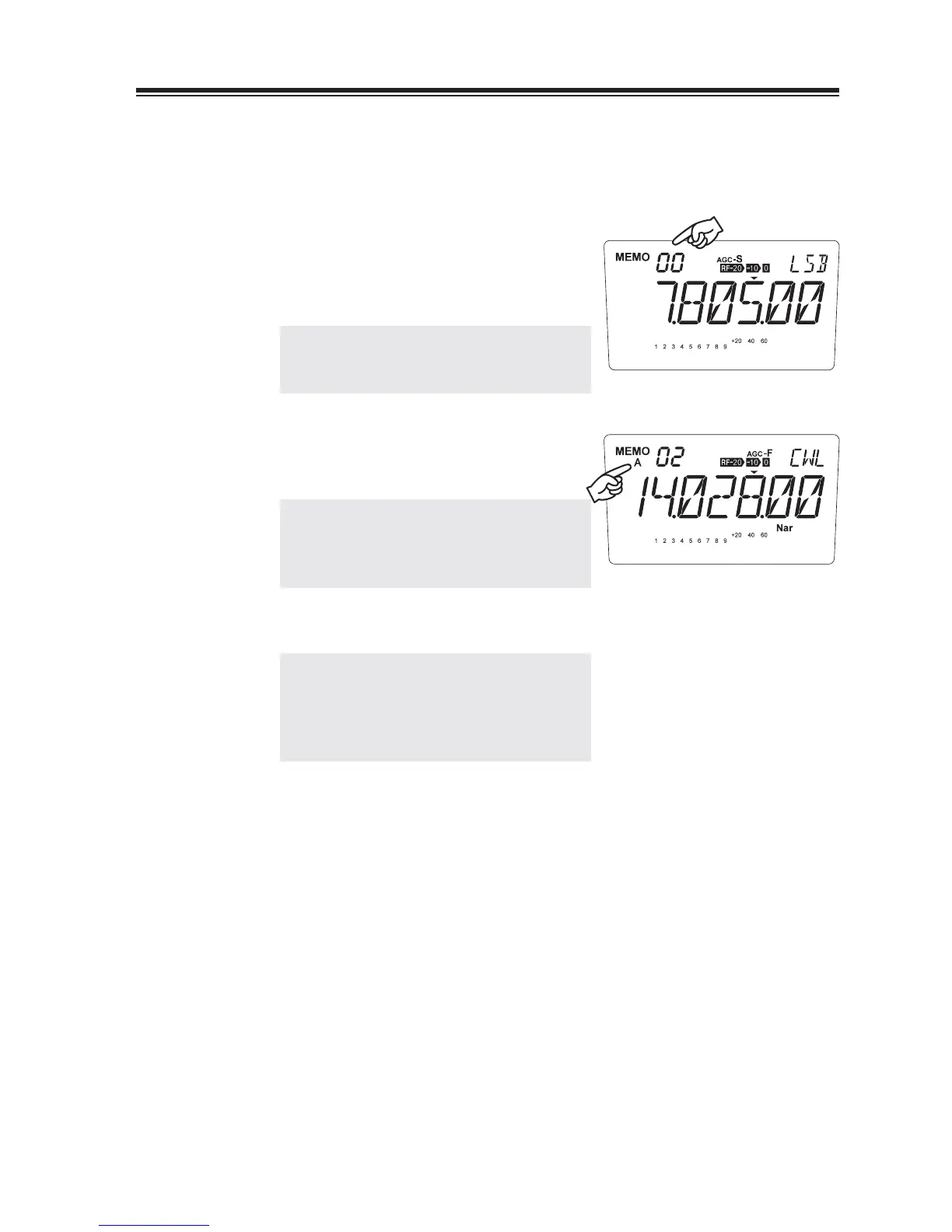
1.
Press the [V/M] key to display the channel
number and MEMO.
The last-used memory channel will be
recalled.
NOTE: Memory channel will not appear if
nothing has been programmed in the
memory.
2.
To select the bank, press [FUNC] then [1]
key. Repeating this will switch between
[Blank] ĺ [A] ĺ [B].
NOTE: Empty banks won't appear during
this operation. Program at least 1
memory channel in each bank before
performing this procedure.
Press the [Ÿ/ź] keys to select the desired
3.
memory channel.
NOTE: • Empty channels will be skipped.
• In the Set mode, you can select
either permitting the temporary
change of parameters like mode, RIT
etc. in memory or not. (page 73)



 To Next Page