74
Chapter 6 Parameter Setting Mode (Set mode)
(B)
B10S:
The scan stops regardless of a signal by all means, and will resume scanning after 10 seconds.
B20S:
The scan stops regardless of a signal by all means, and will resume scanning after 20 seconds.
B30S:
The scan stops regardless of a signal by all means, and will resume scanning after 30 seconds.
B1M:
The scan stops regardless of a signal by all means, and will resume scanning after 1 minute.
B2M:
The scan stops regardless of a signal by all means, and will resume scanning after 2 minutes.
B3M:
The scan stops regardless of a signal by all means, and will resume scanning after 3 minutes.
B5M:
The scan stops regardless of a signal by all means, and will resume scanning after 5 minutes.
B10M:
The scan stops regardless of a signal by all means, and will resume scanning after 10 minutes.
B20M:
The scan stops regardless of a signal by all means, and will resume scanning after 20 minutes.
B30M:
The scan stops regardless of a signal by all means, and will resume scanning after 30 minutes.
NOTE: • (A) conditions require the squelch to be muted during the scan. The B0 parameter does not
stop scanning automatically therefore you need to press one of the keys like [PTT] key to stop
it manually.
• (B) conditions does not require the squelch to be muted, as the scan resumes by elapsed time
regardless of the presence of the signal.
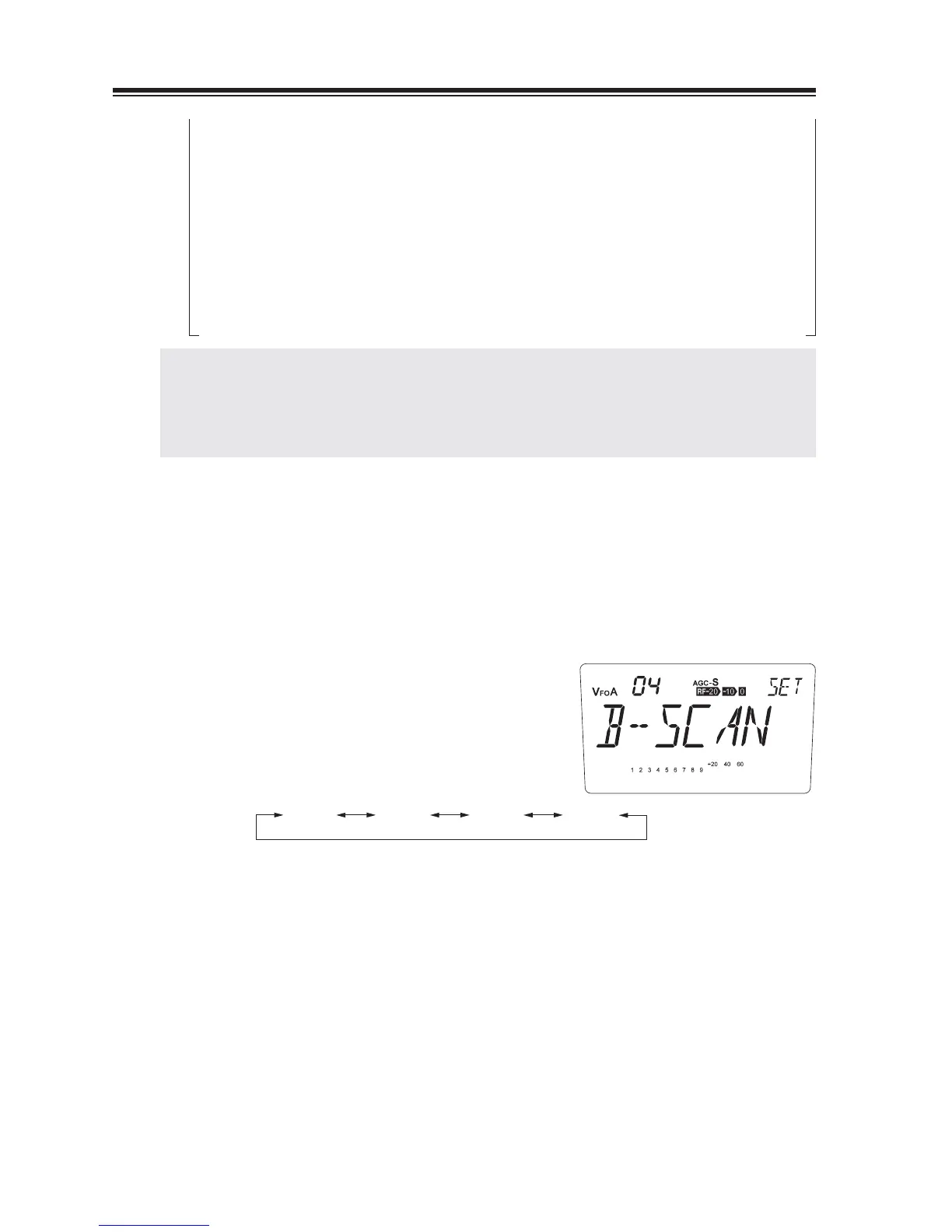
Menu 04. Select Scan types
3 scanning modes are available in VFO mode. Selected scanning will be performed in VFO
mode.
The default mode is [B-SCAN].
1.
2.
Rotate the main dial to select the scanning
mode.
B-SCAN S-SCAN SELECTP-SCAN
B-SCAN … band Scanning
P-SCAN … Programmed scanning
S-SCAN … Search scanning
SELECT … You can select the scan mode manually before start scanning.



 To Next Page