71
Chapter 6 Parameter Setting Mode (Set mode)
Press [Ÿ/ź] or [UP/DOWN] keys again to set the selected parameter and move
4.
to the next programming.
Press any key other than [Ÿ/ź] or [UP/DOWN] keys to set the selected parameter
5.
and exit from the Parameter setting mode. A beep sounds.
Menu 00. Frequency Step of the [c/d] Keys Setting
* You should select the modulation mode in advance then enter to the Set mode to change the
parameter in this menu.
• SSB and CW Modes
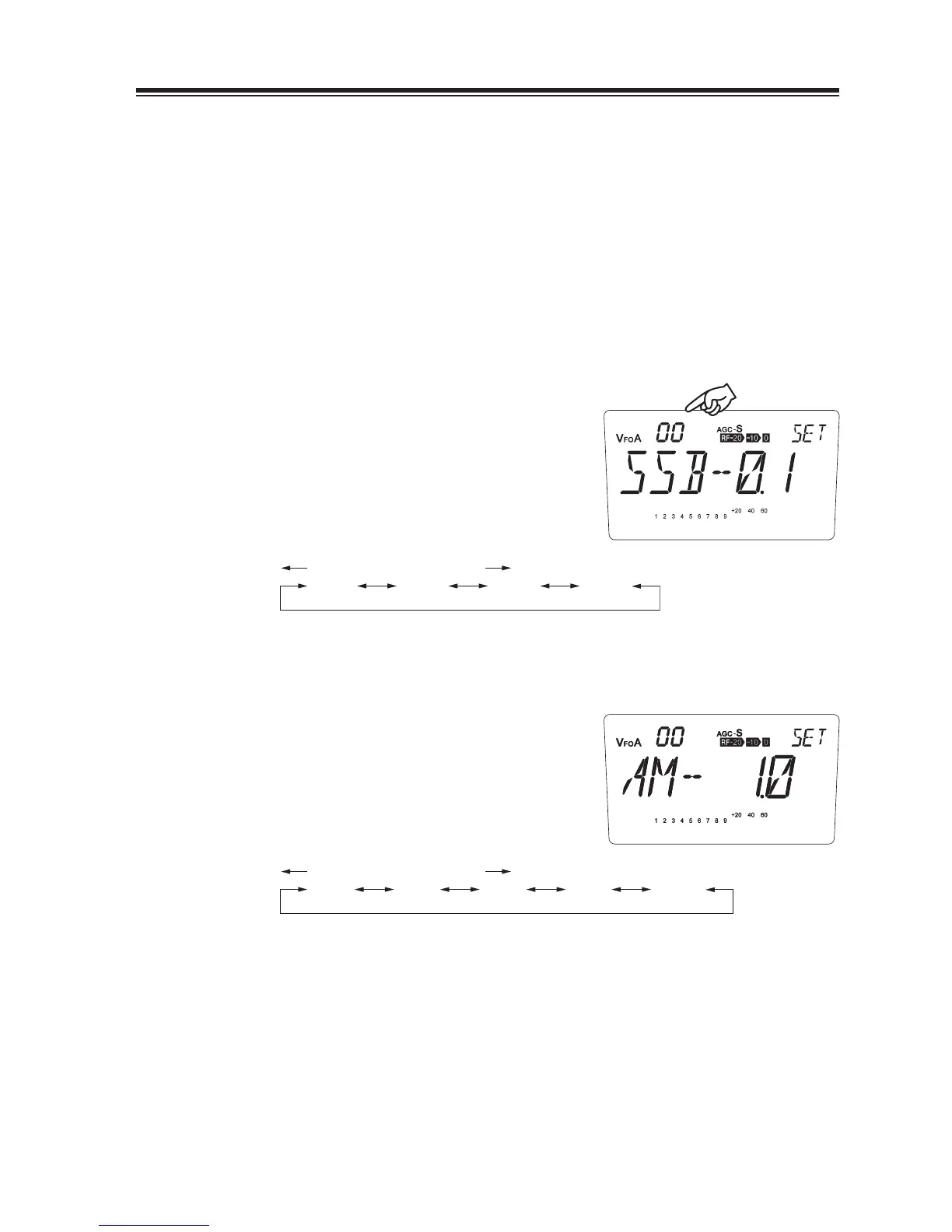
While the unit is in SSB or CW mode, enter
1.
into the Set mode and select menu 00.
The current frequency step will be displayed.
2.
3.
You can change the frequency step as below
by rotating the main dial.
SSB-0.1
(kHz)
DOWN direction UP direction
SSB-0.5 SSB-1.0 SSB-2.5
• AM Mode
While the unit is in AM mode, enter into the
1.
Set mode and select menu 00.
The current frequency step will be displayed.
2.
3.
You can change the frequency step as below
by rotating the main dial.
AM-1.0
(kHz)
DOWN direction UP direction
AM-2.5 AM-5.0 AM-9.0 AM-10.0
Menu number



 To Next Page