38
Chapter 2 Communications
2.5 AM Operation
Procedure
NOTE: Make sure that all antenna, power, and microphone connections are correct.
Turn the power on.
1.
Select the desired operating band (see page
2.
27).
3.
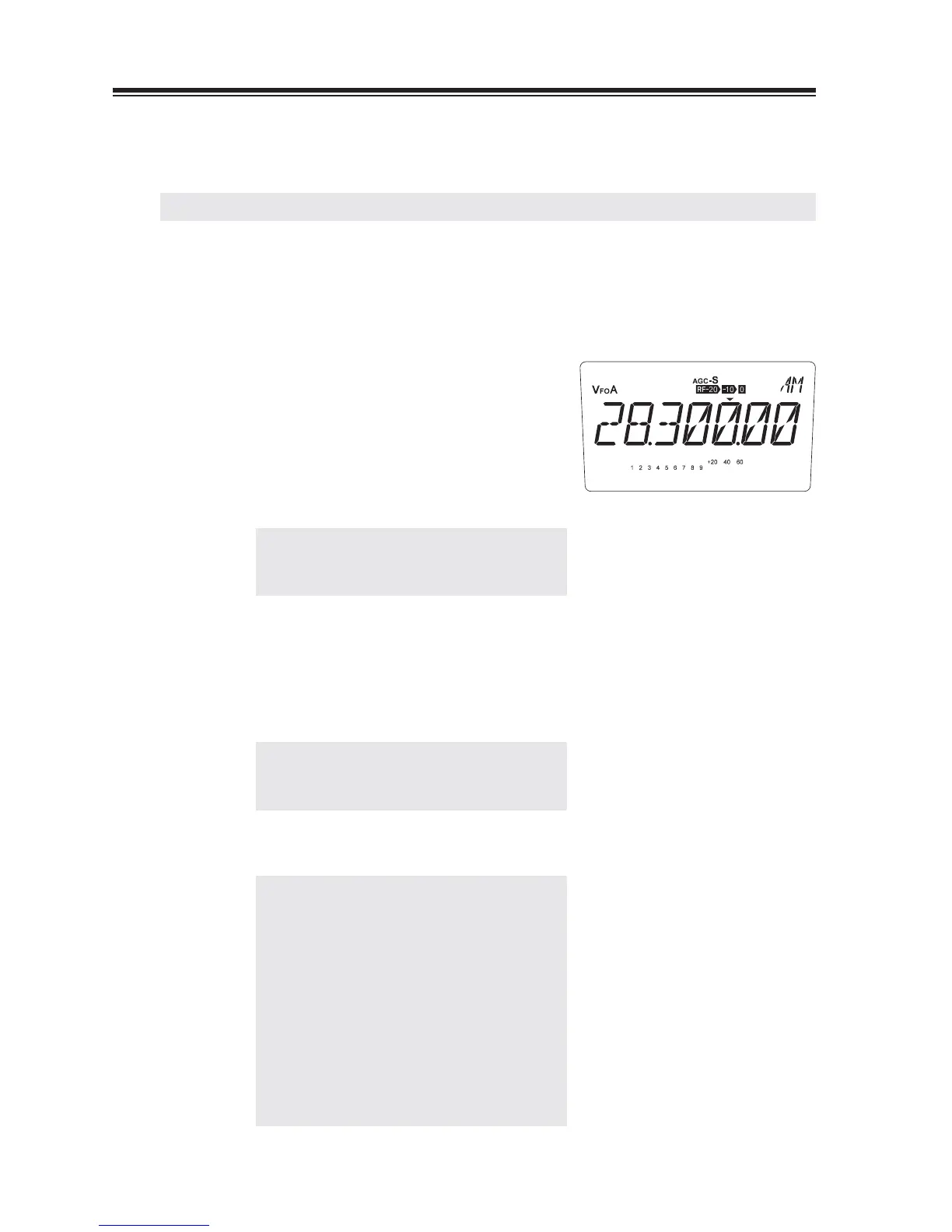
Press the [MODE] key to select the AM mode.
Tune in a station to communicate with.
4.
NOTE: Check to see the frequency is
not used by other stations before
transmitting.
Press and hold the [PTT] key and speak into
5.
the microphone.
The red TX LED will be lit. The reading of
the RF meter will change according to the
intensity of your voice.
NOTE: Speaking too close to the microphone
or too loudly may increase distortion
and reduce clarity.
Release the [PTT] key to return to receive.
6.
NOTE: • The output power level in the AM
mode is lower than in the other
modes (see page 34).
• Using the speech compressor
will increase the readability of
your transmit signal in poor
communicating conditions. (see page
81).
• Using the narrow fi lter in conjunction
with the IF SHIFT function will
effectively reduce interference (see
page 62).



 To Next Page