83
Chapter 6 Parameter Setting Mode (Set mode)
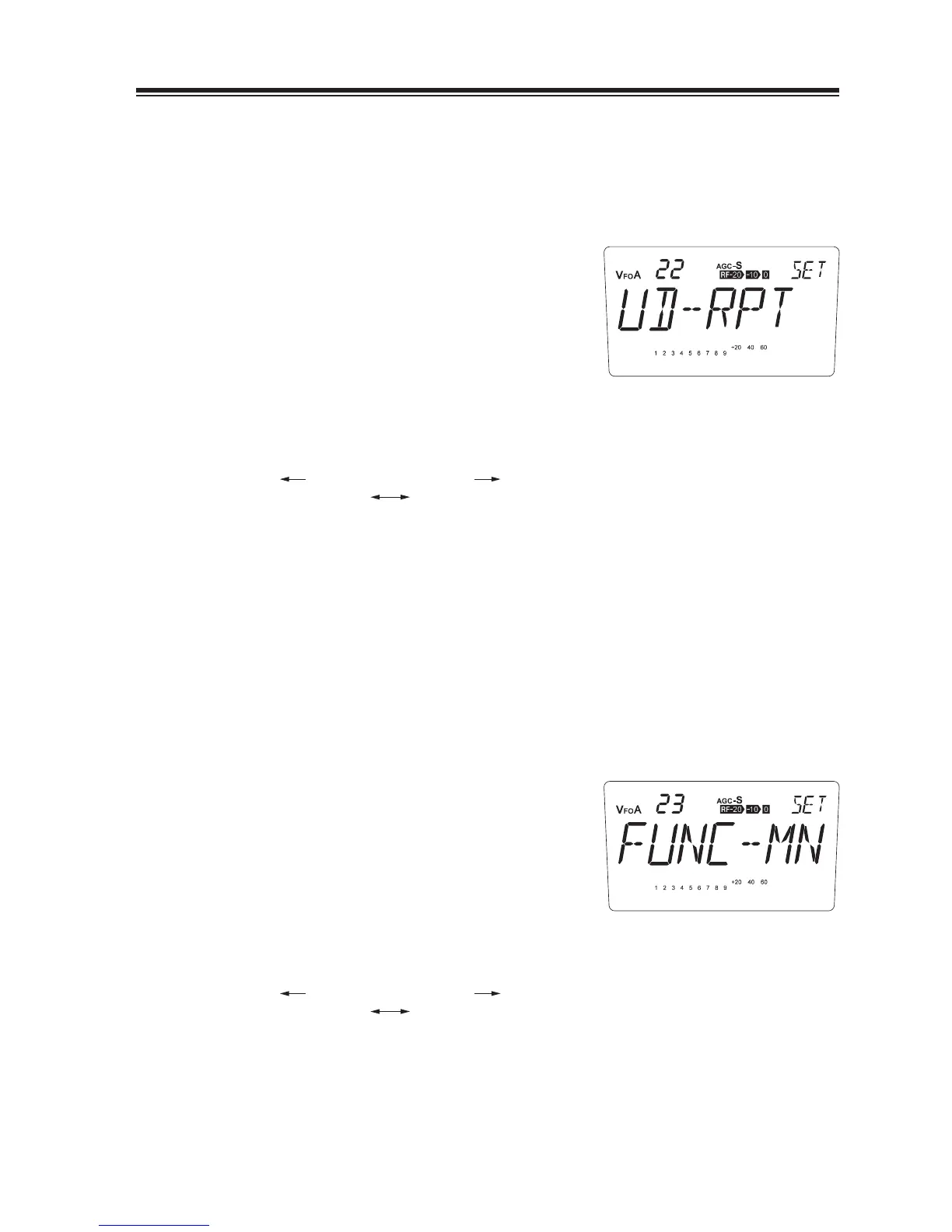
MENU 22. UP/DOWN keys function setting
Function for pressing [Ÿ/ź] and UP/DOWN keys on the microphone can be set to starting
scanning or a key-repeat to increase/decrease values continuously (and faster) while holding
down the key.
1.
The default is [UD-RPT] that is key-repeat
function.
Rotate the main dial clockwise to select [UD-
2.
SCN]. When SCN is selected, holding down
the key will start scanning according to the
current operation mode.
counterclockwise clockwise
UD-RPT UD-SCN
MENU 23. FUNC key resume timing setting
The FUNC key resume timing can be set to manual or auto as below:
FUNC-MN (manual resume) ...FUNC key operation remains until the next key is pressed.
FUNC-AT (Auto) ..................... FUNC key operation will be canceled automatically and FUNC
indication on the display turns off when no operation is performed
within 5 seconds.
1.
The default is [FUNC-MN].
Rotate the main dial clockwise to select
2.
[FUNC-AT]. Automatic FUNC operation is
activated.
counterclockwise clockwise
FUNC-MN FUNC-AT



 To Next Page