64
Chapter 5 Special Functions
CW BFO REVERSE
The CW mode has CWU (upper sideband) and CWL
(lower sideband) options. Selecting the CWU or
CWL can help reduce interference.
When your receive frequency is zeroed-in with
the other station's transmit frequency, this function
would not affect the receive tone or transmit
frequency.
Press the [MODE] key to select the CWU or
1.
CWL mode.
Or, press and hold the [MODE] key to fl ash
MODE. Select the mode using the [Ÿ/ź]
keys or the microphone [UP/DOWN] keys.
Any key operation stops fl ashing the mode
display.
NB (Noise Blanker)
The noise blanker suppresses pulse noise generated by car ignition etc to clarify the
receiving signal.
1.
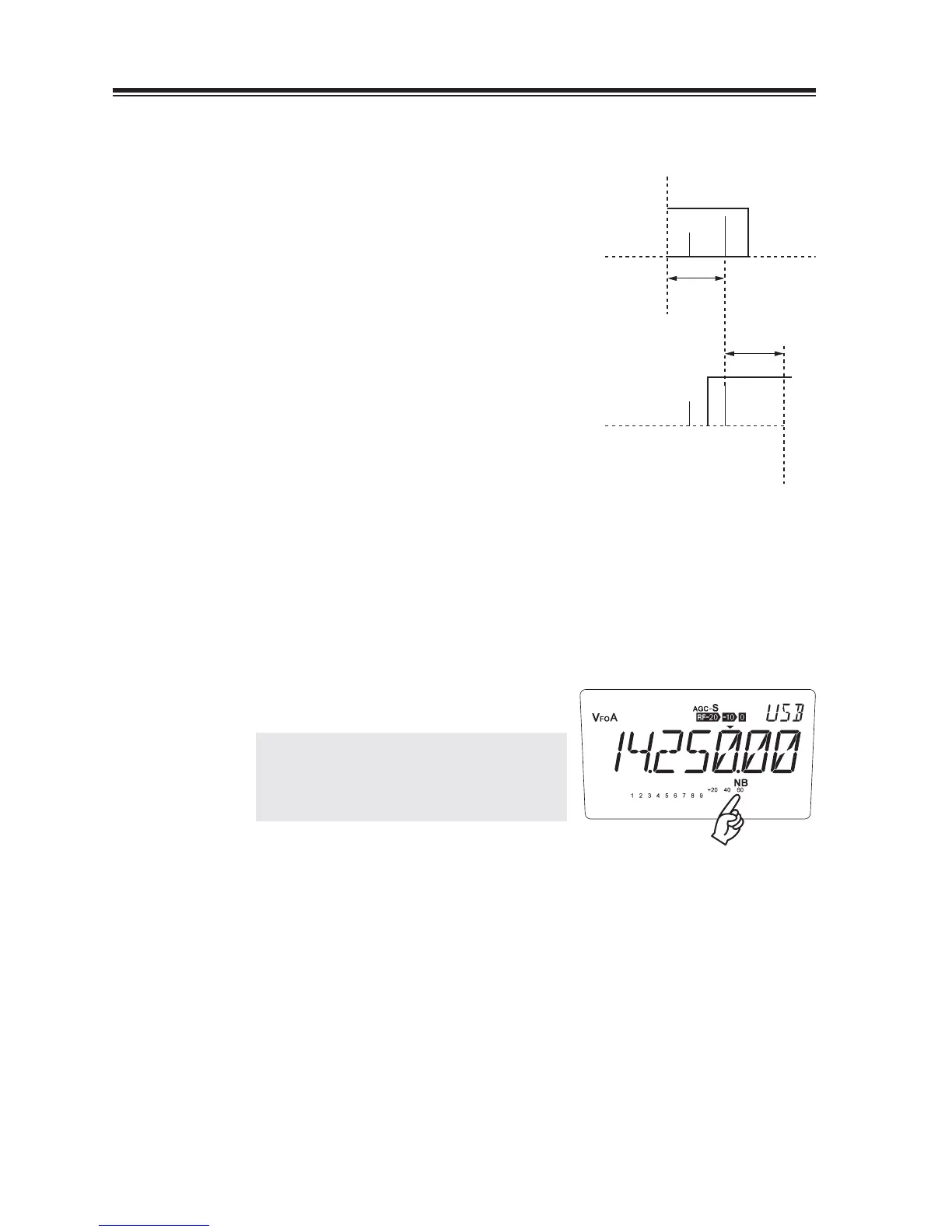
Press the [FUNC] key then press the [9] key.
The "NB" icon will be displayed.
NOTE: Do NOT leave this function activated
always. As a side-effect, adjacent
strong signals may cause interferences
to your receiving frequency.
fBFO
(B)
(A)
(C)
CWU
(C)
fBFO
(B)
(A)
CWL
(A) Desired signal
(B) Interference signal
(C) Reception pitch



 To Next Page