Publication 1756-UM523F-EN-P - December 2006
164 Convert an Existing System to Redundancy
Reconfigure the Local I/O Modules
1. If you have not already done so, add the CNB module of the
remote chassis to the I/O configuration of the controller. See the
ControlLogix System User Manual, publication 1756-UM001.
2. In the controller organizer, cut these modules from the local I/O
configuration and paste them into the remote CNB module:
• I/O
• 1756-DHRIO
• 1756-DNB
• 1756-ENET or -ENB
• 1756-MVI
Replace Local I/O Tags
1. Open a routine. If a routine is already open, click within the
routine to activate the window.
2. Press the Ctrl + H keys.
This dialog appears.
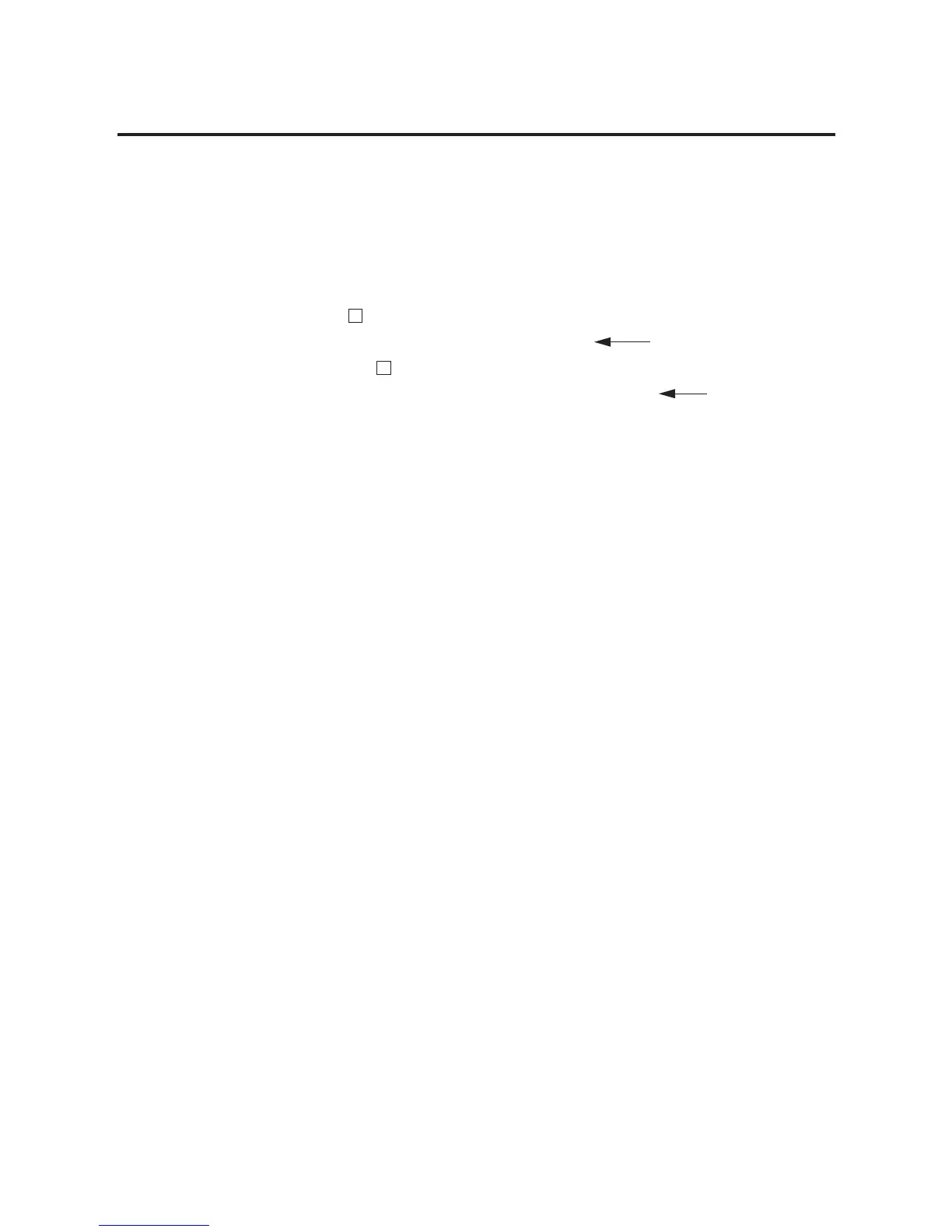
I/O Configuration
[x] 1756-xxx name_of_local_module Cut local I/O modules from here.
[x] 1756-CNB/x name_of_local_CNB
z [x] 1756-CNB/x name_of_remote_CNB Paste the I/O modules
here.
−
−



 To Next Page
 Loading...